Choosing the Right AI Model Setup with LibraOS: BYOK, Local & Hosted
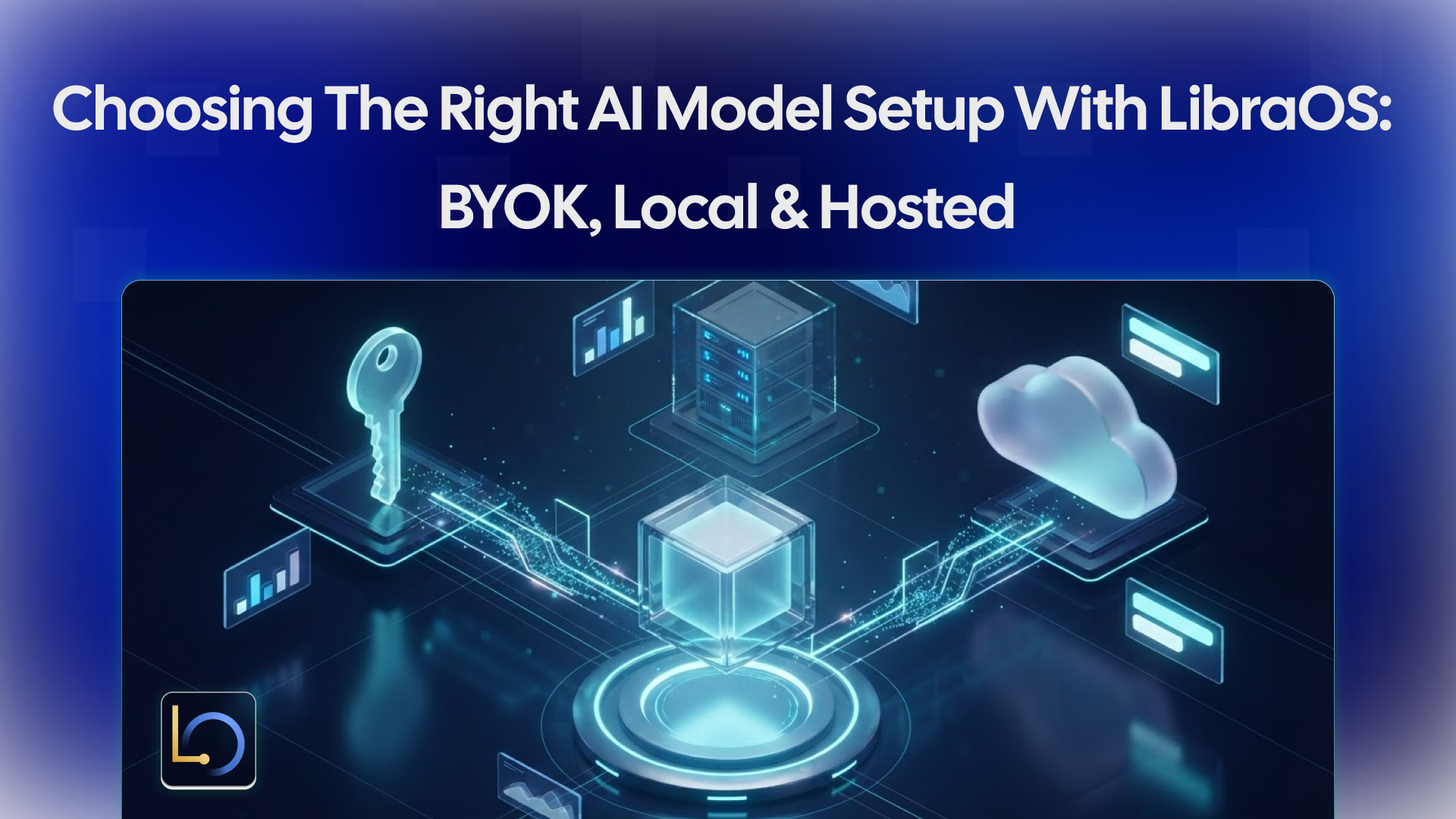
Every AI app has to answer one question early: where does the model run, and who provides it? The answer decides where your prompts go, who bills you for inference, and how much infrastructure you operate.
With LibraOS, the model is a choice you make separately from the rest of the stack. Your app handles the experience, the LibraOS Runtime handles the execution (agents, memory, knowledge and tools), and the model endpoint handles the inference. You can use the Runtime with your own model provider, a local model server, or hosted inference. This guide compares the three setups and shows how to choose.
The three setups
Two things to know about the hosted option. Gateway is MegaNova's model API, and its account, model access, usage billing and limits are separate from LibraOS Cloud and Runtime licensing. Check model availability and pricing in the Gateway documentation before you plan around a specific model.
Because the model sits behind its own endpoint, the first choice doesn't lock you in. You can start with a provider key during development, for example, and move to local inference when a customer requires it.
How to choose
Work through these questions in order. The first one that gives a hard answer usually decides the setup.
Whichever you pick, read the data terms of whoever runs the model: whether prompts are stored, for how long, and whether they're used for training. For local inference, select models that fit your hardware and validate network access and connectors.
Choose two models, not one
An app built on LibraOS usually needs two kinds of model:
- A chat model writes the responses your users see.
- An embedding model turns documents and questions into vectors, which is how knowledge retrieval finds the right passages.
With your own key, you configure both chat and embedding endpoints. Choose each for your workload rather than defaulting to the largest model available.
Then test compatibility with your real workflow before committing. Your chosen model powers the responses; LibraOS connects those responses to persistent context, knowledge and actions. A model that writes well can still struggle with the tool calls or structured output your app depends on, so run your actual tasks against it.
Start with the model card
If you run open-weight models, read the model card before choosing weights. Check the base model, the publisher, the license, any modifications, and the deployment requirements. LibraOS publishes its model repositories on Hugging Face.
The labels on a model tell you what was done to it:
The license matters as much as the benchmark. A model you can't use commercially, or whose terms don't fit your customer's contract, isn't an option however well it performs.
Checklist before you commit
- ☐ Placement. You know where prompts and data go for each setup you're considering.
- ☐ Terms. You've read the provider's data terms, or the Gateway terms if you use hosted inference.
- ☐ Billing. You know who bills you: your provider for your own key, MegaNova for Gateway, and your own infrastructure costs for local.
- ☐ Two models. A chat model and an embedding model, each chosen for the workload.
- ☐ Model card. For open weights: license, modifications and deployment requirements checked.
- ☐ Hardware. For local inference: models fit your hardware, and network access and connectors are validated.
- ☐ Compatibility. You've run your real tasks, including tool calls and structured output, against the model.
Conclusion
LibraOS keeps the model choice separate from the rest of your app. Bring your own key when you already trust a provider, keep inference local when data must stay inside your network, and use Gateway when you'd rather not run inference yourself. Choose a chat model and an embedding model for your workload, read the model card, and test with your real tasks before you commit.
Explore LibraOS: libraos.com
Sources
- Models & Inference
- Gateway documentation
- Gateway model availability and pricing
- LibraOS model repositories on Hugging Face
What’s Next?
Sign up and explore now.
🔍 Learn more: Visit our blog and documents for more insights or contact us for a demo of how MegaNova can power your AI products.
📬 Get in touch: Join our Discord community for help or Contact Us.
Stay Connected
💻 Website: meganova.ai
📖 Docs: docs.meganova.ai
🎮 Discord: Join our Discord
👽 Reddit: r/MegaNovaAI
𝕏 X: @meganovaai