Self-Hosted and Air-Gapped AI Agents with LibraOS
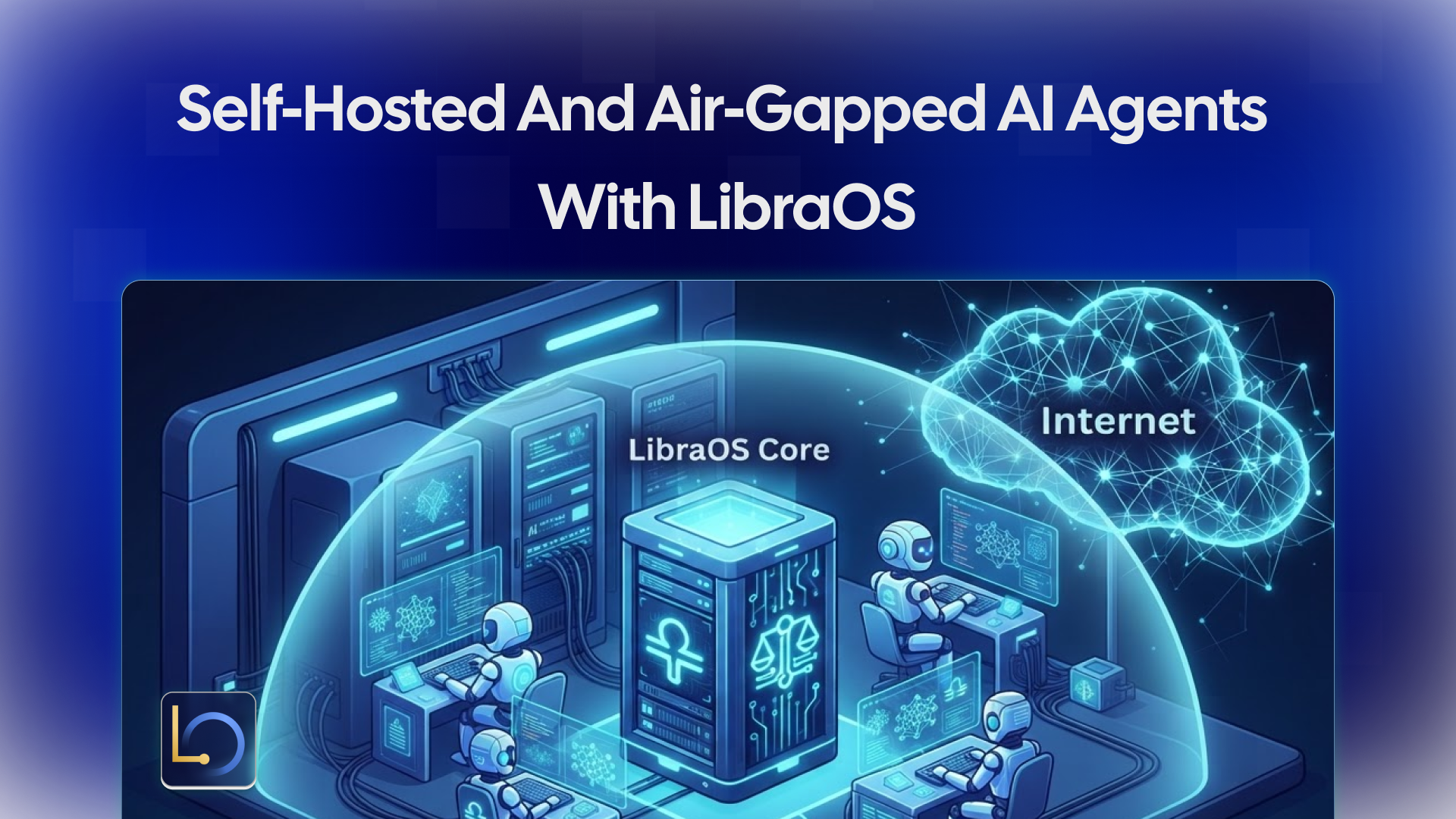
Some teams can't send their data to someone else's cloud. A law firm wants client files to stay on its own servers. A bank wants model traffic inside its network. An operator in a sensitive environment has no internet connection at all. For them, an AI agent is only usable if the whole stack, the agents, the knowledge, the logs and the model, runs where they control it.
LibraOS is built to run there. The Runtime can be self-hosted on your own servers or in a private cloud, run fully air-gapped with local models, or placed in Canadian jurisdiction. This guide covers the deployment options, what you actually run, a quick local evaluation, the steps for an air-gapped setup, and what to check before production.
Deployment options
Option | What you get | Status |
|---|---|---|
Self-hosted binary | One Runtime binary on your own servers, on-premise or in a private cloud, with a setup wizard for agents, knowledge and permissions | Linux (x86_64 and ARM64) available; macOS and Windows coming soon |
Containers | A public multi-arch server image ( | Available |
Air-gapped | Download and verify on a trusted machine, move into the isolated network, use local models and connectors | Available; validate every network dependency, log and update path |
Canadian deployment | Customer data, model traffic, logs and knowledge stores placed in Canadian jurisdiction | Available; confirm placement for your setup |
LibraOS Cloud | A hosted edition | Private beta, by request |
Enterprise and OEM | Private deployment, security review and OEM licensing | Through the LibraOS team |
Choose by two questions: who should operate the infrastructure, and where must the data sit?
What you actually run
A self-hosted LibraOS deployment has three pieces:
Piece | What it is | Notes |
|---|---|---|
LibraOS server | The Runtime: agents, memory, knowledge, tools and controls | Uses port 8900 in the documented setup; health check at |
Database | PostgreSQL for the server's state | The reference compose manifests also run SurrealDB alongside it |
Model endpoint | Any OpenAI-compatible endpoint | A local vLLM or Ollama server for full self-hosting, or a hosted provider |
The model connection is set with three environment variables: OPENAI_API_BASE, OPENAI_API_KEY and, optionally, OPENAI_MODEL. Point them at a model server inside your network and inference never leaves it.
Optional companion apps, such as a chat UI, a document parser or a self-hosted search engine, are available as separate stacks. You don't need any of them to run LibraOS; add only what your use case needs.
A quick local evaluation
The LibraOS SDK README documents the smallest practical local instance: the server plus a disposable PostgreSQL container. It is for evaluation only, not for production.
docker network create libraos-eval

docker run --rm -d --name libraos-pg --network libraos-eval \
  -e POSTGRES_USER=libraos \
  -e POSTGRES_PASSWORD=libraos \
  -e POSTGRES_DB=libraos \
  postgres:16

docker run --rm --network libraos-eval -p 8900:8900 \
  -e LIBRA_OS_PUBLIC_URL=http://localhost:8900 \
  -e LIBRA_OS_JWT_SECRET=$(openssl rand -hex 32) \
  -e LIBRA_OS_ADMIN_EMAIL=admin@example.com \
  -e LIBRA_OS_ADMIN_PASSWORD=$(openssl rand -hex 16) \
  -e LIBRA_OS_DATABASE_URL='postgres://libraos:libraos@libraos-pg:5432/libraos?sslmode=disable' \
  -e OPENAI_API_BASE=http://your-vllm-host:8000/v1 \
  -e OPENAI_API_KEY=local \
  ghcr.io/libraos/libraos:<version>
Replace <version> with a specific release tag rather than latest, and check the release notes for that version. OPENAI_API_BASE points at a local model server here, which is the fully self-hosted setup.
Check that it's up:
curl http://localhost:8900/api/healthThen send a first message with the Python SDK (pip install libraos-sdk), using an API key created on your server (see the install guide):
import asyncio
from libraos import Client

async def main() -> None:
    async with Client(base_url="http://localhost:8900", api_key="msk_...") as client:
        msg = await client.messages.create(
            "default",
            [{"role": "user", "content": "Hello, LibraOS!"}],
            max_tokens=256,
        )
        print(msg.text)

asyncio.run(main())
Going air-gapped
An air-gapped network has no path to the internet, so everything the Runtime needs must be brought in and verified first.
- Download on a trusted machine. Get the Runtime binary for your platform from the download page and verify it there.
- Move it into the isolated network. Transfer the verified binary through your approved process.
- Run a local model. Start an OpenAI-compatible model server inside the network, and point
OPENAI_API_BASEat it. Bring the model files in the same way you brought the Runtime. - Use local connectors. Connect knowledge sources and tools that live inside the network.
- Validate every outbound path. Check every network dependency, log destination and update path. Anything that expects the internet, such as a hosted model, web search or an update check, has to be replaced or switched off.
Before you pick open-weight models, read each model card: base model, publisher, license, modifications and hardware needs. LibraOS publishes its model repositories on Hugging Face.
Updates work the same way as the first install: download and verify outside, then bring the new version in. Plan that path before you need it.
Before production
The evaluation setup above proves the pieces work. Production needs more:
- A real database. Replace the disposable PostgreSQL container with a managed or properly backed-up instance.
- TLS and a reverse proxy. Don't expose port 8900 directly.
- Sign-in. Use OIDC for people who sign in to your apps.
- A pinned version. Run a specific release tag and read its release notes before upgrading.
- Controls configured. Set permissions, approval points and audit for the tasks your app runs through LibraOS.
- A commercial license. The Runtime is free for personal use; the server is licensed for evaluation and development under the Business Source License, and production deployments require a commercial license. The SDK (Python, CLI, OpenAPI) is MIT-licensed. See the pricing page.
For a full production layout with PostgreSQL, TLS and OIDC, follow the install guide linked from the SDK repository, and use the environment variables shown above.
Two limits to keep in mind:
- Controls apply where the work runs. Tasks that run inside the Runtime get its permissions, approvals and audit. Tools, shell commands and network activity outside the Runtime need their own enforcement, even on your own servers.
- Self-hosting doesn't make you compliant on its own. You still review data flows, access, model providers and every component outside the Runtime. For regulated use cases, confirm the agreements, responsibilities and technical controls you need with the LibraOS team before deployment.
Conclusion
LibraOS runs where your data has to stay: on your own servers, in containers, in Canadian jurisdiction, or fully air-gapped with a local model behind OPENAI_API_BASE. Start with the local evaluation, then move to a production setup with a real database, TLS, sign-in, a pinned version, configured controls and a commercial license. In an air-gapped network, verify every download outside and check every outbound path inside.
Explore LibraOS: libraos.com
Sources
- Security & Private Deployment
- Download
- Models & Inference
- LibraOS SDK repository: install, self-hosting and license
What’s Next?
Sign up and explore now.
🔍 Learn more: Visit our blog and documents for more insights or contact us for a demo of how MegaNova can power your AI products.
📬 Get in touch: Join our Discord community for help or Contact Us.
Stay Connected
💻 Website: meganova.ai
📖 Docs: docs.meganova.ai
🎮 Discord: Join our Discord
👽 Reddit: r/MegaNovaAI
𝕏 X: @meganovaai