How to Build Secure Private AI Applications with LibraOS
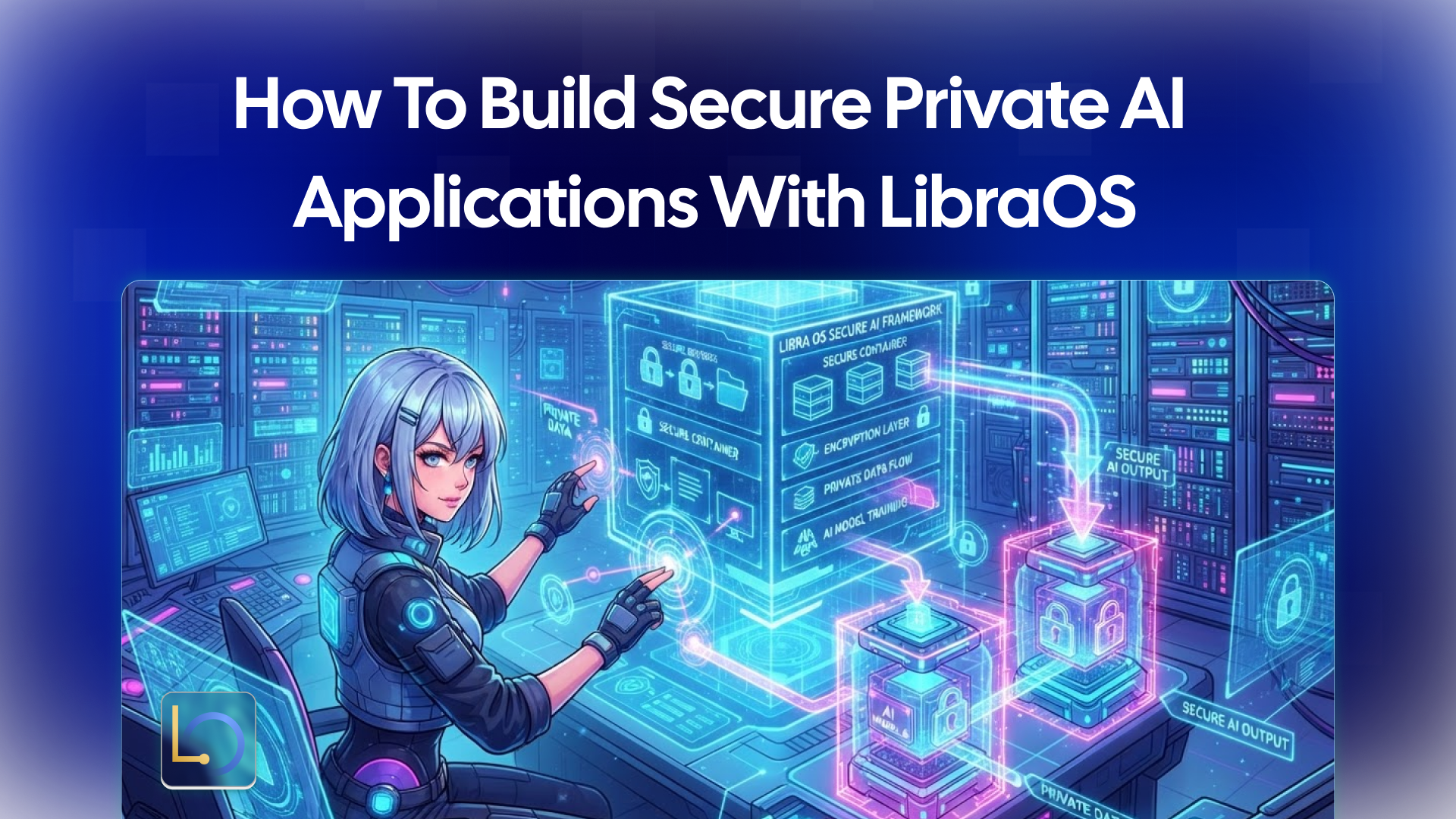
An AI application handles some of the most sensitive data a company has: customer records, contracts, internal documents, and the prompts people type about all of them. "Private" means that data stays where you decide. "Secure" means the AI can only do what you allow, and you can see what it did.
LibraOS frames this as three decisions you control: where your data lives, which models your app uses, and where actions need approval. This guide walks through each one at the level of architecture, then adds request screening and a checklist to review before launch. For installation steps, see the Download page.
Decision 1: Where your data lives
Start with the strictest requirement you have, then pick the deployment that meets it.
Placement covers more than the database. List everything the application stores or sends: customer data, knowledge stores, logs and model traffic. Each one should end up inside the boundary you chose.
Decision 2: Which models, and where inference runs
Every prompt your app sends goes to a model. Where that model runs decides where your prompts go.
If you use a provider, read its data terms: whether prompts are stored, for how long, and whether they are used for training. If you run open-weight models locally, read the model card first: base model, publisher, license, modifications and hardware needs.
Decision 3: What agents may do
Privacy protects data at rest and in transit. Security also means limiting what the AI can do with it. For the tasks your app runs through LibraOS, you configure three controls:
- Permissions: what the agent is allowed to do, and with which tools.
- Approval points: where a task stops for a person, such as before a refund, a message to a customer or a record change.
- Audit: a record of the task you can review later.
Before launch, review the execution path and test it against your app's real actions.
Where the controls apply. Tasks that run inside the Runtime get its permissions, approvals and audit. If you route only a model request through LibraOS, controls apply at that request. Tools, shell commands and network activity outside the Runtime need their own enforcement. In practice: map every tool that changes data or reaches the outside world, and make sure each one runs inside the Runtime or has its own check.
Screening requests and responses
Prompts and replies can carry risks of their own: an injection hidden in a document, or a reply that exposes sensitive data. LibraOS includes an AI firewall with three tiers of screening:
- Pattern screening: rules catch configured injection patterns and sensitive-data formats.
- Risk scoring: a classifier assesses requests and responses beyond the pattern checks.
- Model review: a judge model evaluates ambiguous cases against your policy.
Screening reduces risk; it does not guarantee that every harmful prompt or response will be detected. Configure it for your models and workflows, then test both sides: does it catch what it should, and does it leave normal tasks working? A filter that blocks legitimate work gets switched off.
Security checklist
Review these before your AI application handles real data:
- ☐ Data placement. Customer data, knowledge stores, logs and model traffic all sit inside the boundary you chose.
- ☐ Model terms. You know where prompts go, how long they're kept, and whether they're used for training.
- ☐ Open-weight models. Model cards checked for license, modifications and hardware needs.
- ☐ Permissions. Each agent can use only the tools it needs.
- ☐ Approval points. Every action that changes data, spends money or contacts a person stops for a decision.
- ☐ Audit. You can review what a task did after the fact.
- ☐ Tools outside the Runtime. Each one has its own enforcement.
- ☐ Screening. The firewall is configured and tested for detection and task quality.
- ☐ Air-gapped paths. If isolated, every network dependency, log and update path has been validated.
- ☐ Pre-launch test. The execution path has been reviewed and tested against your app's real actions.
What a runtime doesn't do for you
Using LibraOS doesn't make an application secure or compliant on its own. You still review data flows, configuration, access, model providers and every component outside the Runtime. For regulated use cases, confirm the agreements, responsibilities and technical controls you need with the LibraOS team before deployment.
Conclusion
A secure private AI application comes from three decisions made on purpose: keep data inside the boundary you choose, send prompts only to models you trust or run yourself, and limit what agents can do with permissions, approval points and audit. Add screening for requests and responses, check that every side effect runs where the controls apply, and test the whole path before real data arrives.
Explore LibraOS: libraos.com
Sources
What’s Next?
Sign up and explore now.
🔍 Learn more: Visit our blog and documents for more insights or contact us for a demo of how MegaNova can power your AI products.
📬 Get in touch: Join our Discord community for help or Contact Us.
Stay Connected
💻 Website: meganova.ai
📖 Docs: docs.meganova.ai
🎮 Discord: Join our Discord
👽 Reddit: r/MegaNovaAI
𝕏 X: @meganovaai