How to Deploy AI Agents in Production: Security, Permissions, and Execution Visibility
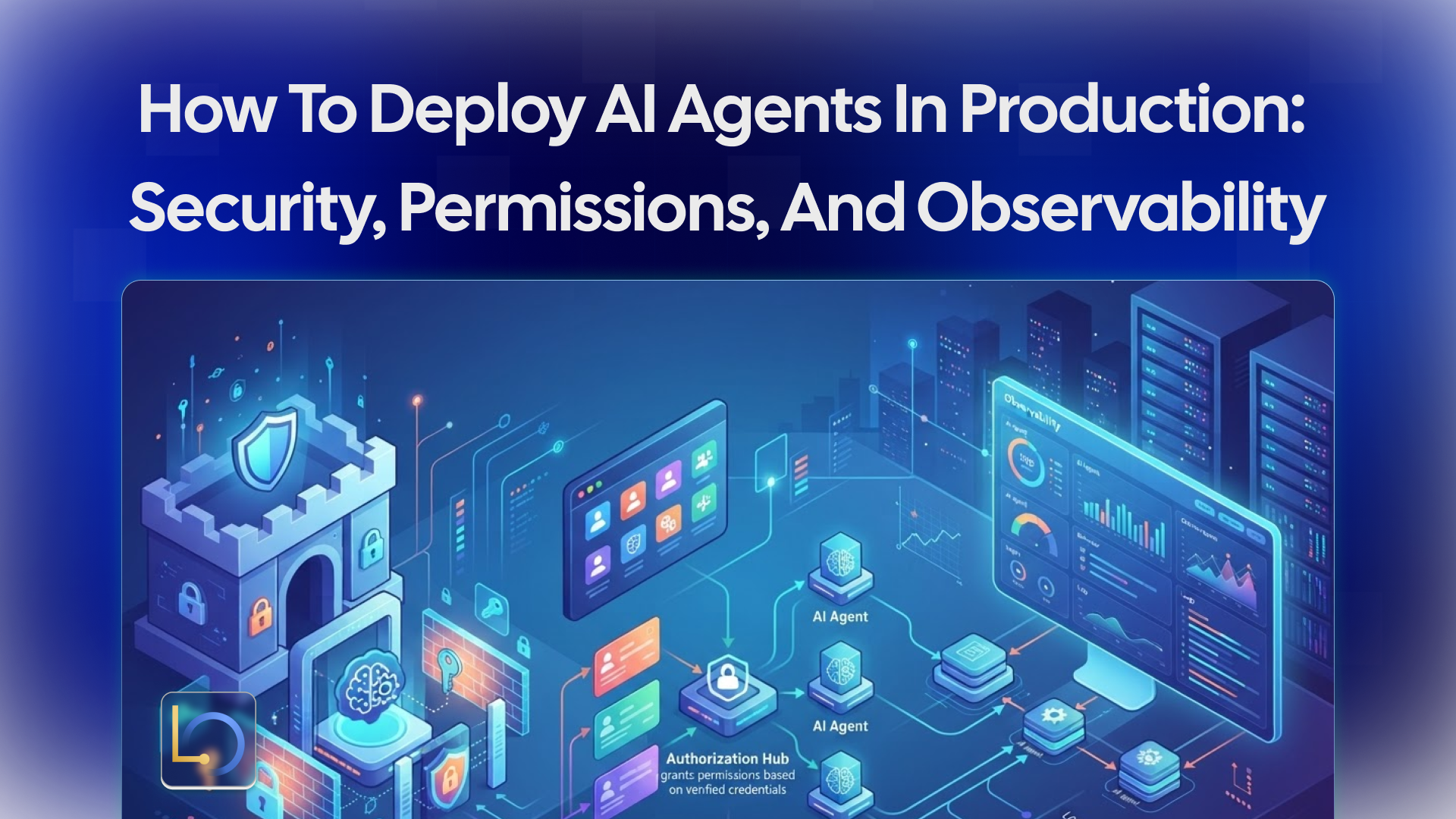
An agent that works in a demo has answered the easy question: can it do the task? Production asks harder ones. Where does the data go? What is the agent allowed to do on its own? Who approves the rest? When something goes wrong at 3 a.m., can anyone tell what happened?
This guide is a checklist for those questions. It covers security, permissions and approvals, and execution visibility, then the tests to run before launch and a final production checklist. It stays at the level of decisions and checks. For deployment options, see the Security & Private Deployment page; for installation, see the Download page.
Security: where it runs and what it talks to
Three decisions set the security baseline before any agent logic.
Where it runs. LibraOS can be self-hosted on your own servers or in a private cloud, run air-gapped with local models, placed in Canadian jurisdiction, or run on LibraOS Cloud (private beta). Choose by where your data must sit, then check that conversations, memory, knowledge stores, logs and model traffic all stay inside that boundary.
Which models. Prompts go wherever the model runs. Use your own OpenAI-compatible provider key, a local model server next to the Runtime, or hosted inference arranged with the LibraOS team. Read the provider's data terms, or the model card for open weights.
What gets screened. The AI firewall can screen requests and responses in three tiers: pattern rules for configured injection patterns and sensitive-data formats, a classifier for risk scoring, and a judge model for ambiguous cases against your policy. Screening reduces risk; it does not guarantee that every harmful prompt or response will be detected. Test it for detection and for task quality.
Permissions and approval points
In LibraOS, the Control part of the Runtime defines policies, approvals and audit. For the tasks your app runs through LibraOS, you configure permissions and approval points.
Permissions: the least the agent needs. List each agent's tools and give it only those. A support agent that reads orders doesn't need a tool that edits them. Fewer tools also means a shorter prompt and fewer wrong calls.
Approval points: on side effects only. Split tools into those that read and those that change something. Reading runs freely. Anything that sends a message, spends money or changes a record gets an approval point. Too many approvals and reviewers start clicking without reading; too few and the agent acts unchecked.
A quick test for each tool: could this action be hard to undo, or would a customer care who did it? If yes, it needs approval.
People, not shared accounts. Give each reviewer their own identity, and keep the person who asks for an action separate from the person who approves it.
Execution visibility and audit
An agent in production makes decisions while nobody is watching. Execution visibility is how you find out afterward what it did and why. In LibraOS, audit is part of Control, alongside permissions and approvals, for the tasks your app runs through the Runtime.
Decide up front what a useful record of a task contains. A good test: if this action were disputed next month, could you explain it from the record alone? That usually means capturing:
- The request: who or what started the task, and when.
- The context: which sources and records the agent used.
- The tool calls: what was called, with what input, and what came back.
- The decision: what was proposed, who approved or declined it, and when.
- The result: what actually changed, or the error.
Then decide who may read the record, how long to keep it, and what not to store in full, since prompts and tool results can contain personal data. Confirm what your deployment supports. And read it: spot-check tasks regularly, rather than opening the record only after something goes wrong.
Testing before launch, and handling failures
Before launch, review the execution path and test it against your app's real actions. Send real-looking requests and check knowledge access, tools and approval behavior for your workflow. Then test the paths that go wrong, not only the happy one:
For long-running work, plan recovery deliberately. Recovery after an interruption depends on the workflow; don't assume every agent or external action resumes on its own. Check the durable-run limits for your edition and version.
Production checklist
The LibraOS developer path ends with a ship step: review authorization, data boundaries, failure handling, operations and commercial licensing before rollout. In practice:
- ☐ Data boundaries. Conversations, memory, knowledge stores, logs and model traffic stay where they must.
- ☐ Models. Provider terms or model cards reviewed.
- ☐ Screening. Firewall configured and tested for detection and task quality.
- ☐ Authorization. Each agent has only the tools it needs; each person has their own identity.
- ☐ Approval points. On every action that sends, spends or changes something.
- ☐ Audit. You can rebuild a task from its record; access and retention decided.
- ☐ Tools outside the Runtime. Each has its own enforcement.
- ☐ Failure handling. Failure paths tested; long-running work designed around the durable-run limits.
- ☐ Operations. Who watches the agent, who answers approvals, and who is called when it breaks.
- ☐ Licensing. Business production use falls under the commercial terms on the pricing page.
Limits to plan around
- Controls apply where the work runs. Tasks that run inside the Runtime get its permissions, approvals and audit. If you route only a model request through LibraOS, controls apply at that request. Tools, shell commands and network activity outside the Runtime need their own enforcement.
- A runtime doesn't make you compliant. You still review data flows, configuration, access, model providers and every component outside the Runtime. For regulated use cases, confirm the agreements, responsibilities and technical controls you need with the LibraOS team before deployment.
Conclusion
Deploying an agent to production is mostly about the decisions around the model: where it runs and what it talks to, what it may do alone and what needs a person, and how you'll know afterward what it did. Configure permissions, approval points and audit for the tasks your app runs through LibraOS, test the failure paths before users find them, and keep every side effect inside the Runtime where those controls apply.
Explore LibraOS: libraos.com
Sources
- Security & Private Deployment
- Download
- Developers
- Models & Inference
- Durable-run limits
- LibraOS homepage: Runtime
What’s Next?
Sign up and explore now.
🔍 Learn more: Visit our blog and documents for more insights or contact us for a demo of how MegaNova can power your AI products.
📬 Get in touch: Join our Discord community for help or Contact Us.
Stay Connected
💻 Website: meganova.ai
📖 Docs: docs.meganova.ai
🎮 Discord: Join our Discord
👽 Reddit: r/MegaNovaAI
𝕏 X: @meganovaai