How to Make Your AI Assistant Cite Its Sources with LibraOS
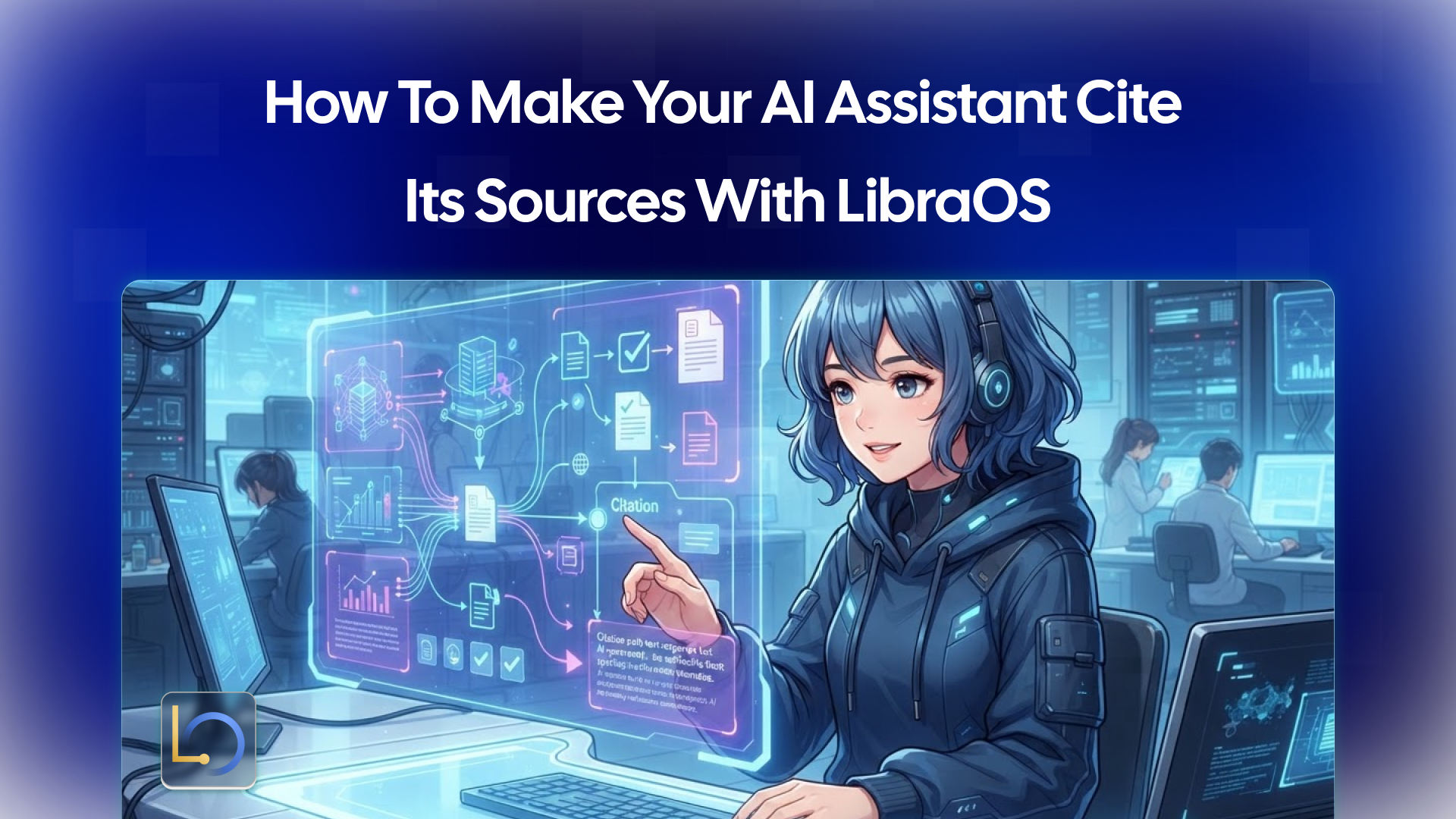
An assistant that answers from your documents is only useful if people can trust the answer. Citations are how they check. When a reply points to the policy, the ticket or the contract it came from, a person can open the source and confirm in seconds. When it doesn't, they have to take the assistant's word for it.
LibraOS Runtime includes Knowledge, which retrieves from your connected sources. This guide covers what a good citation is, how to get your assistant to produce them, and the limits to plan around, including the most important one: a citation shows where an answer came from, not that the answer is right.
What makes a good citation
A citation is a pointer a reader can follow. The difference between a useful one and a decorative one comes down to a few properties.
When in doubt, ask one question: could a busy reviewer verify this claim in under a minute using only the citation? If yes, it is doing its job.
What it looks like in practice
Take a support assistant in the style of the Customer Desk concept on the LibraOS homepage, a CRM and ticket demo built on sample data. A customer asks when a replacement will arrive and whether they qualify for a credit.
The assistant does the following:
- It retrieves the relevant order record and the shipping policy from the connected sources.
- It drafts a reply using only what it retrieved.
- It attaches a reference to each claim, for example the order snapshot for the delivery status and the shipping policy for the credit rule.
- If the policy doesn't cover the situation, it says so instead of filling the gap with a guess.
The reviewer sees the draft and the sources side by side. The assistant did the reading and the drafting, and the person can confirm the evidence before anything is sent or approved.
Setting it up with LibraOS
In LibraOS, Knowledge retrieves from your connected sources, and Control defines policies, approvals and audit. For the tasks your app runs through LibraOS, a reliable citation setup has five parts:
- Connect the right sources. Start with the few documents that actually answer your users' questions. A small, clean set of sources beats a large, messy one.
- Scope access. Set what the agent is allowed to read, and make sure the people asking can see the sources being cited. An assistant that cites a document the user isn't allowed to open is a permissions problem.
- Instruct the assistant. Tell it to answer only from retrieved material, to attach a reference to each factual claim, and to say plainly when the sources don't contain the answer.
- Show the citations in your app. A reference the user can't see or click does nothing. Link to the document, and to the section where you can.
- Keep a record. se audit to review the task behind an answer, and log the sources your app displayed, so you can investigate when a reply is questioned.
Before launch, test with real-looking questions, including ones your sources can't answer. Check knowledge access, tools and behavior for your workflow: does every answer cite something real, and does the assistant admit when it has nothing?
Where the limits are
Two limits matter here.
A citation is not proof. It shows what the assistant retrieved and claims to have used. The model can still summarize a source inaccurately, or attach a reference to a claim the source doesn't support. For high-stakes answers, a person should open the source, which is the same human-in-the-loop principle behind approval points.
Controls apply where the work runs. Tasks that run inside the Runtime get its permissions, approvals and audit. If you route only a model request through LibraOS, controls apply at that request. Retrieval your own code performs outside the Runtime, and tools or network calls outside it, need their own enforcement, including their own citation handling.
Source quality also sets a ceiling. If a document is outdated, contradictory or wrong, the assistant can cite it faithfully and still mislead. Citations make errors easier to trace; they don’t make them impossible.
Common mistakes
- Citing at the bottom only. One list of sources for a five-claim answer doesn't tell the reader which source backs which claim. Place references next to the statements they support.
- Allowing invented references. If the assistant can cite anything it likes, it will sometimes cite something that doesn't exist. Only show references your app can match to a real document in your connected sources, and check them during testing.
- No "I don't know." If the assistant must always answer, it will fill gaps with guesses. Make "the sources don't say" an acceptable reply.
- Vague source names. "Policy doc" or "internal wiki" can't be checked. Use titles, sections and links.
- Ignoring freshness. Show the date or version of each source, and retire outdated documents from the connected set.
- Citing sources the user can't open. Match what is cited to what the asker is permitted to see.
- Trusting citations blindly. For important decisions, review the evidence before acting. A citation tells you where to look, not that the answer is correct.
- Skipping the pre-launch test. Ask questions with known answers and questions with none, and read the results.
Conclusion
Make the assistant answer from retrieved sources, attach a specific, checkable reference to each claim, and let it say "I don't know" when the sources run out. Then keep a person in the loop for answers that matter, because a citation shows where an answer came from, not that it's correct. With LibraOS, you connect sources through Knowledge and configure permissions, approvals and audit for the tasks your app runs through the Runtime.
Explore LibraOS: libraos.com
What’s Next?
Sign up and explore now.
🔍 Learn more: Visit our blog and documents for more insights or contact us for a demo of how MegaNova can power your AI products.
📬 Get in touch: Join our Discord community for help or Contact Us.
Stay Connected
💻 Website: meganova.ai
📖 Docs: docs.meganova.ai
🎮 Discord: Join our Discord
👽 Reddit: r/MegaNovaAI
𝕏 X: @meganovaai