How to Build an AI Agent Audit Trail with LibraOS
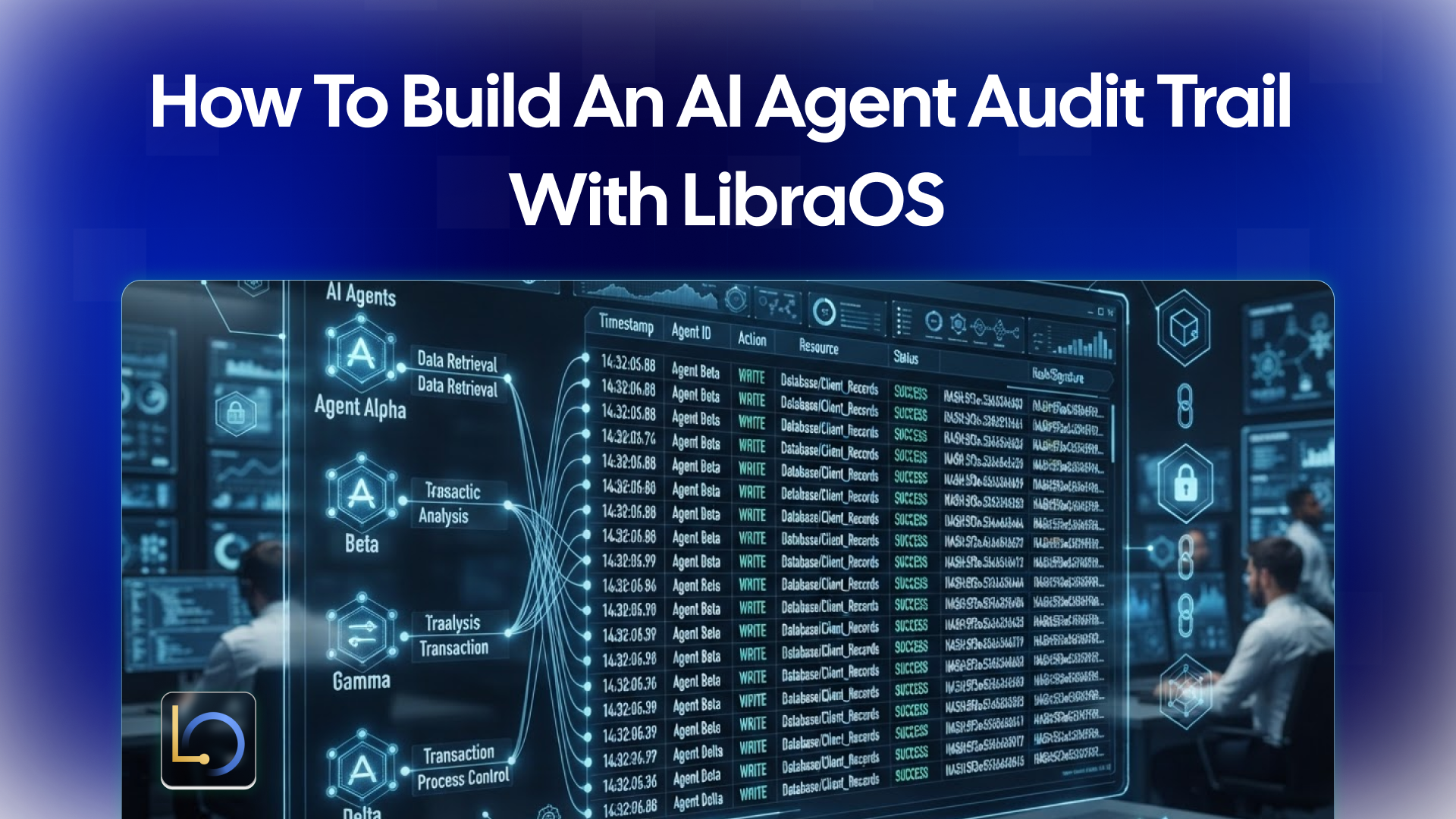
An audit trail is the record that lets you answer one question after the fact: what did the agent do, and why? When an agent reads customer data, drafts a reply or proposes a refund, someone will eventually ask who approved it, what it was based on and what actually happened. If you can't answer from a record, you are relying on memory and guesswork.
LibraOS lets you define policies, approvals and audit in the Control part of the Runtime. For the tasks your app runs through LibraOS, you decide what the agent may do, where it stops for a person, and what gets recorded. This guide covers what an agent audit trail should contain, what it looks like in practice, and the limits to plan around.
What an audit trail should record
A useful audit trail is not a pile of chat logs. It is a structured record of a task from request to result, detailed enough that someone who wasn't there can reconstruct what happened.
When in doubt, ask one question: if this action were disputed next month, would the record let you explain it without asking anyone? If not, something is missing.
What it looks like in practice
Take a task in the style of the Customer Desk concept on the LibraOS homepage, a CRM and ticket-management demo built on sample data: a customer writes in about a replacement shipment that hasn’t arrived. The assistant reads the ticket, gathers the shipment context and drafts a reply, but any credit or refund stays behind approval until a person reviews the evidence.
Here is what a record of that task could look like. The format below is illustrative, not LibraOS's actual output.
10:02 Request ticket #TK-2041 opened by customer email
10:02 Context read: order snapshot, shipping policy
10:03 Tool call lookup_shipment(order=DM-1042) -> "in transit, delayed"
10:03 Draft reply drafted, not sent
10:04 Proposal credit proposed; reason: delivery past promised date
10:04 Approval waiting for reviewer
10:11 Decision approved by reviewer_a, note: "confirmed delay"
10:11 Result credit issued; ticket status updated
Read top to bottom, this answers the questions a manager, a customer or a compliance reviewer would ask. Read the same task without the context and approval lines and you can see what is lost: the outcome with no reasoning and no accountability.
Setting it up with LibraOS
In LibraOS, the Control part of the Runtime defines policies, approvals and audit. For the tasks your app runs through LibraOS, you work through four decisions:
- Permissions. What the agent is allowed to do, and with which tools. An audit trail is only as meaningful as the boundaries it records against.
- Approval points. Where a task stops for a person, such as before a credit, refund or order change.
- Audit. A record of the task that you can review later. Decide who should be able to read it and how long you need to keep it, and confirm what your deployment supports.
- Identity. In your app, give each person who uses or reviews it their own identity, and check during testing that each decision in the record shows who made it.
Before launch, run the check that matters most: take a real-looking task, let it finish, and try to reconstruct what happened using only the record. Check knowledge access, tools and approval behavior for your workflow. If you have to ask a colleague "what did it do here?", the trail is incomplete.
Where the controls apply
Tasks that run inside the Runtime get its permissions, approvals and audit. If you route only a model request through LibraOS, controls apply at that request. Tools, shell commands and network activity outside the Runtime need their own enforcement.
For audit, this means the record has the same boundaries. If your app calls a payment or email API directly from its own code, that call will not appear in the Runtime's record of the task. Map every tool with side effects, and make sure each one either runs inside the Runtime or writes its own entry to your own log.
Common mistakes
- Recording only the final output. A reply or a changed status tells you what happened, not why. Capture the context, the tool calls and the decision.
- Running side effects outside the Runtime. If your own code carries out the step after approval, the audit trail has a gap exactly where the money or data moved. Keep side effects inside the Runtime, or log them separately.
- No identity on decisions. If everyone signs in as one shared user, the record says "approved" with no one behind it. Give each reviewer their own identity.
- Editable records. A trail that people can change after the fact is a record of what someone wants you to believe. Restrict who can edit or delete entries.
- Storing more than you need. Prompts and tool results can contain personal or sensitive data. Decide what to record in full, what to summarize and what to leave out, and set a retention period.
- Never reading it. A log nobody reviews only helps after something goes wrong. Spot-check the trail regularly, and look for approvals that happen suspiciously fast.
- Skipping the pre-launch test. Reconstruct a real task from the record before users depend on it.
Conclusion
An audit trail turns an agent from a black box into something you can explain. Record the request, the context, the tool calls, the proposal and the human decision, tie each decision to a named person, and test that you can rebuild a task from the record alone. With LibraOS, you configure permissions, approval points and audit for the tasks your app runs through the Runtime, then make sure every side effect actually runs there.
Explore LibraOS: libraos.com
What’s Next?
Sign up and explore now.
🔍 Learn more: Visit our blog and documents for more insights or contact us for a demo of how MegaNova can power your AI products.
📬 Get in touch: Join our Discord community for help or Contact Us.
Stay Connected
💻 Website: meganova.ai
📖 Docs: docs.meganova.ai
🎮 Discord: Join our Discord
👽 Reddit: r/MegaNovaAI
𝕏 X: @meganovaai