Tool Calling Explained: How AI Agents Use APIs Safely
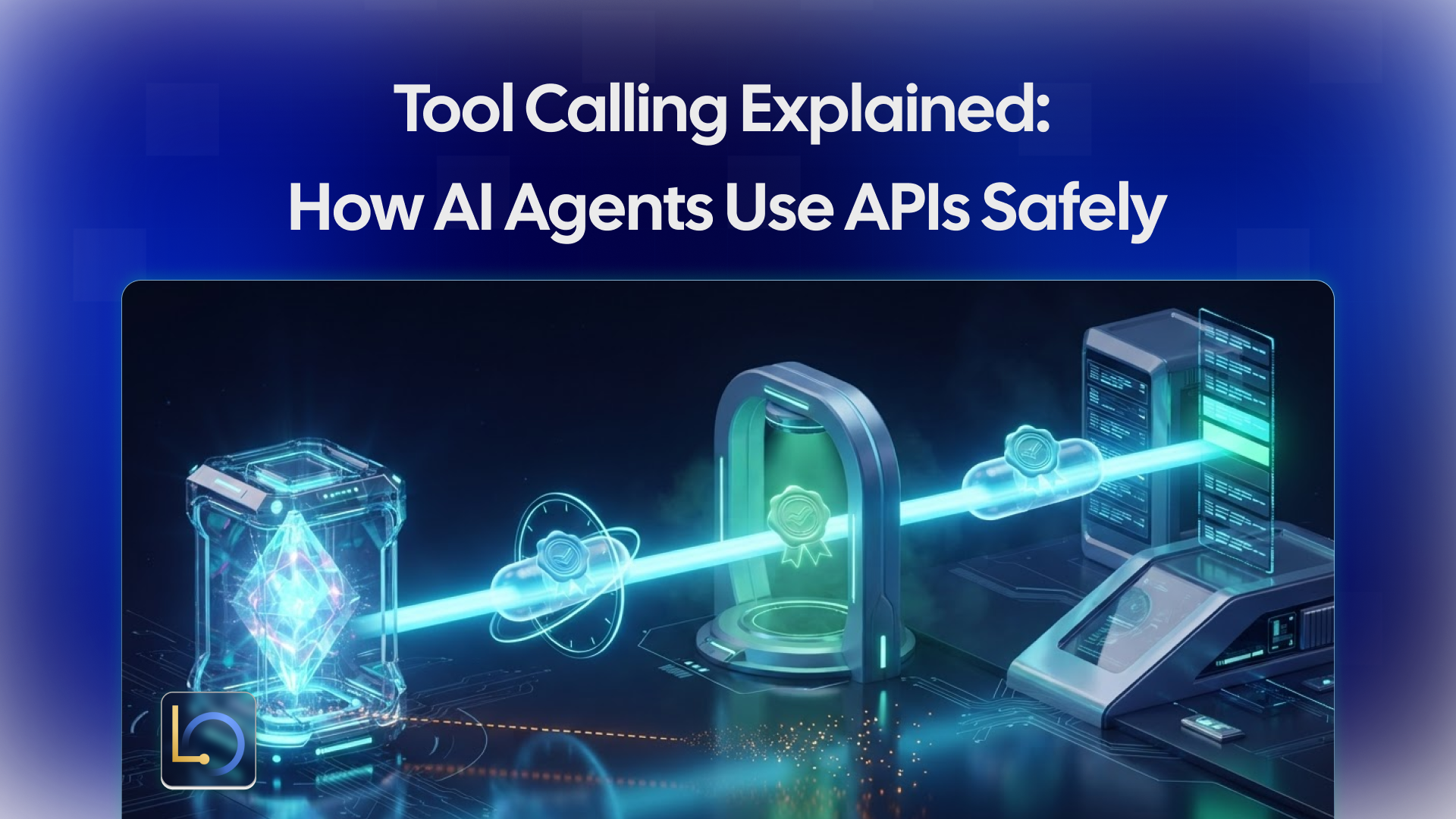
A language model on its own can only produce text. Tool calling is what lets an AI agent act: look up an order, search a database, send an email, issue a refund. It's the bridge between what the model says and what actually happens in your systems.
It's also where the most dangerous agent bugs live, because they fail quietly. The reply says "I've checked your order," but no request ever reached your order system. This guide explains how tool calling works, where it goes wrong, and the practices that keep it safe.
How tool calling works
The model never runs code or calls your API itself. It asks, and your system does the work:
- You describe the tools. Each tool has a name, a description of when to use it, and a schema for its inputs, such as lookup_order taking an order_id.
- The model decides to call one. Instead of a final answer, it returns a structured request: which tool, with which arguments.
- Your system runs it. The runtime or your code checks the request, calls the real API, and gets a result.
- The result goes back to the model. It reads the order status, the search results or the error.
- The model continues. It answers, or calls another tool, until the task is done.
Step 3 is where all the safety lives. The model only proposes a call; whatever executes it decides what is allowed, what gets checked, and what gets recorded.
Where tool calling fails quietly
None of these shows up as an error in the chat. The conversation reads fine. You only find them by checking what actually happened on the other side.
Practices that keep tool calls safe
Keep tools narrow. A lookup_order tool that returns one order is safer than a run_query tool that can read anything. Give each agent only the tools its job needs.
Validate arguments where the tool runs. Don't trust the model to pass a valid, permitted order ID or amount. Check types, ranges and ownership in the tool itself, and reject what doesn't fit.
Authenticate every request. Your tool endpoint should accept calls only from your runtime. Signed requests, where the sender adds a signature made with a shared secret and the receiver verifies it, let your service reject anything forged. A short time window on each signature stops old requests from being replayed.
Make retries safe. Networks fail and calls get retried. Give each call a unique ID and have the tool skip IDs it has already handled, so a retry never sends a second email or a second refund.
Report failures as failures. When a tool errors or times out, the agent should say it couldn't check, not guess. Say so in the system prompt, and test it.
Put side effects behind approval points. Reads can run freely. Anything that sends, spends or changes data should stop for a person's decision.
Verify on your side. The proof that a tool ran is in your own service's logs, not in the agent's reply. During testing, confirm every call there.
How LibraOS runs custom tools
In LibraOS, custom tools run over signed webhooks. When an agent calls a tool, the Runtime sends a signed JSON request to an endpoint you control; your service runs the tool and returns the result in the HTTP response. Your systems stay behind your own service, so LibraOS never needs direct access to them.
The SDK's documentation describes three protections on the receiving side:
- Signature check: requests are signed with HMAC-SHA256 using a shared secret, and the SDK's webhook router verifies the signature.
- Replay window: requests outside a five-minute window are rejected.
- Duplicate protection: because the Runtime retries on transient failures, the router skips repeat deliveries of the same tool call ID.
The same boundary applies as with any LibraOS control: tasks that run inside the Runtime get its permissions, approval points and audit, while tools, shell commands and network activity outside it need their own enforcement. If your own code calls an API directly, outside the Runtime, none of the above covers that call. See the custom tools documentation for the details of your version.
Checklist
- ☐ Each agent has only the tools its job needs, and each tool is narrow.
- ☐ Arguments are validated where the tool runs: types, ranges and ownership.
- ☐ Tool endpoints accept only signed requests within a short time window.
- ☐ Each call has a unique ID, and repeats are skipped.
- ☐ Tool failures are reported as failures, never guessed.
- ☐ Every side effect stops at an approval point.
- ☐ During testing, every call is confirmed in your own service's logs.
- ☐ Tools called outside the runtime have their own enforcement.
Conclusion
Tool calling is how agents act, and it fails in ways a chat transcript won't show: calls that never happened, calls with the wrong arguments, failures dressed up as answers, and retries that repeat side effects. Keep tools narrow, validate and authenticate every request where it runs, make retries safe, put side effects behind approvals, and trust your own logs over the agent's reply.
Explore LibraOS: libraos.com
Sources
- LibraOS SDK: custom tools
- LibraOS Security & Private Deployment
- OWASP Top 10 for LLM Applications 2025
What’s Next?
Sign up and explore now.
🔍 Learn more: Visit our blog and documents for more insights or contact us for a demo of how MegaNova can power your AI products.
📬 Get in touch: Join our Discord community for help or Contact Us.
Stay Connected
💻 Website: meganova.ai
📖 Docs: docs.meganova.ai
🎮 Discord: Join our Discord
👽 Reddit: r/MegaNovaAI
𝕏 X: @meganovaai