The AI Agent Compliance Checklist Every Regulated Enterprise Needs Before Deployment
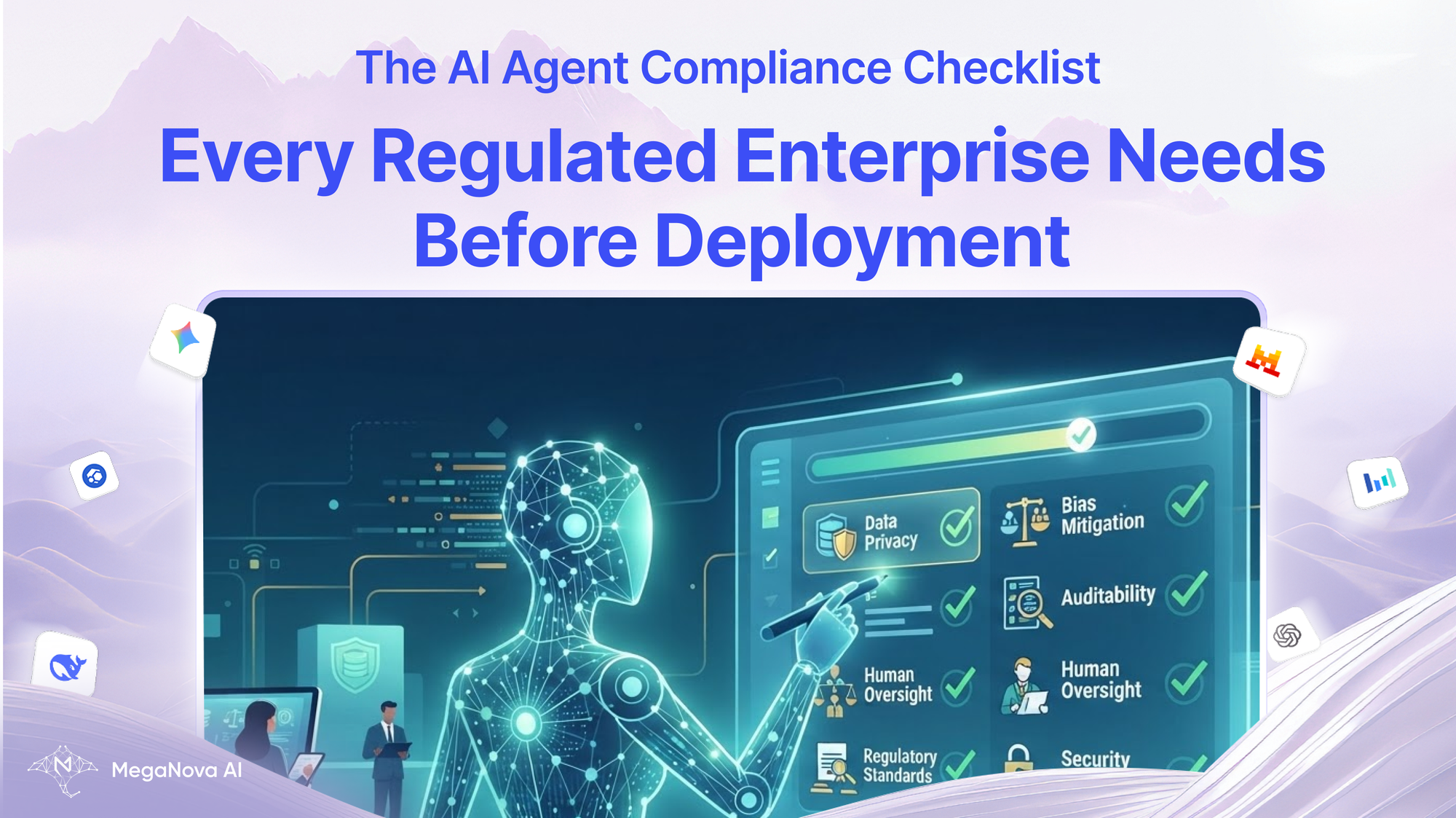
AI agents are moving beyond simple chat interfaces.
They can retrieve documents, call APIs, write code, process transactions, and perform multi-step tasks.
This creates new opportunities for enterprise automation. It also creates new operational and compliance requirements. A traditional chatbot may generate a response.
An AI agent may generate a response, call a tool, modify a record, and trigger another workflow. The more actions an agent can take, the more important it becomes to understand how it operates.
Before deploying an AI agent in a regulated enterprise, teams should evaluate not only the model but also the surrounding infrastructure.
This includes GPU serving, inference routing, data handling, access controls, logging, and human oversight. This guide provides a practical checklist for evaluating an AI agent before production deployment.
1. Define the Agent's Responsibilities
The first step is to clearly define what the agent is allowed to do.
Avoid deploying an agent with broad permissions before understanding its actual requirements.
Document:
- The agent's purpose.
- The tasks it performs.
- The data it can access.
- The tools it can call.
- The systems it can modify.
- The users it serves.
- The decisions it is allowed to make.
For example, an internal document assistant may only need read access to a document repository. A financial operations agent may need access to transaction systems. These are different risk profiles. The infrastructure and permission model should reflect the actual task.
2. Evaluate the Model and Inference Provider
An AI agent depends on its model infrastructure.
The model may be hosted:
- On a private GPU cluster.
- In a cloud inference environment.
- Through a managed API.
- Across multiple model providers.
The team should document where inference occurs and which systems process the data.
Important questions include:
- Which model is being used?
- Where is the model hosted?
- Which provider operates the infrastructure?
- What data is sent to the model?
- Is the model version documented?
- Can the model be changed without approval?
- What happens if the model becomes unavailable?
Provider-agnostic architecture can help teams change models more easily, but model changes should still be controlled.
A new model may produce different outputs, use different context handling, or behave differently when calling tools.
3. Check Data Handling and Privacy
Regulated enterprises must understand how data moves through the AI system.
An agent may process:
- Customer information.
- Employee records.
- Financial documents.
- Internal business data.
- Confidential communications.
- Personal information.
The team should define which data the agent is allowed to access and whether that data can be sent to external inference providers.
A practical data governance checklist includes:
- Data classification.
- Access permissions.
- Data minimization.
- Retention rules.
- Encryption.
- Provider data-handling terms.
- Sensitive data redaction.
- Data residency requirements.
- Deletion procedures.
Self-hosted inference may provide greater control over the serving environment. Cloud inference may reduce the operational burden of running GPUs. Neither option automatically satisfies every compliance requirement. The actual data flow must be reviewed.
4. Review GPU Infrastructure and Inference Serving
AI agent performance depends on more than the model. The inference stack also affects reliability.
A production deployment should document:
- GPU hardware.
- Model weights.
- Inference engine.
- API gateway.
- Model routing.
- Monitoring.
- Capacity management.
For self-hosted systems, the team should evaluate GPU memory, model loading, concurrent requests, and failure handling.
For cloud inference, the team should evaluate provider reliability, usage limits, data handling, and service availability. The infrastructure should be able to handle realistic workloads. An agent may generate multiple model requests during a single task. This can create more traffic than a simple chatbot.
5. Establish Model Access Controls
Not every user should have access to every model or tool.
The system should enforce permissions based on:
- User identity.
- Organization.
- Application.
- Role.
- Data sensitivity.
- Task type.
For example, an internal assistant may access a smaller model for general questions, while a private model handles sensitive documents. An inference gateway can provide a central point for model access and routing. This is useful when applications use multiple cloud or self-hosted inference backends. The access policy should be explicit. Avoid relying on the model to decide whether a user is authorized. Authorization should be enforced by the application and infrastructure.
6. Control Tool Use and Agent Actions
Tool calling is one of the most important differences between a chatbot and an AI agent.
An agent may be able to:
- Read files.
- Query databases.
- Call APIs.
- Send messages.
- Create records.
- Execute code.
- Trigger workflows.
Each tool should have a defined permission boundary. A practical approach is to use allowlists. For example, an agent may be allowed to read a customer record but not delete it. It may be allowed to draft an email but not send it automatically. It may be allowed to generate a transaction request but require human approval before execution.
The principle is simple:
The model should not receive more authority than the task requires.
7. Add Human Oversight
Not every AI-generated decision should be executed automatically.
Human review may be appropriate when:
- The action affects a customer.
- The action involves financial consequences.
- The output contains sensitive information.
- The model is uncertain.
- The agent wants to perform a high-impact action.
- The workflow cannot be easily reversed.
Human oversight does not need to mean reviewing every response.
It can be applied selectively to high-risk actions.
For example:
- The agent drafts a response.
- The system checks the output.
- A human approves the final action.
- The system executes the approved request.
This creates a more controlled workflow.
8. Implement Logging and Audit Trails
A regulated enterprise needs to understand what happened during an AI workflow. An agent may make several decisions and tool calls before completing a task. Logging should capture enough information to reconstruct the workflow.
Useful audit fields include:
- Request ID.
- User or service identity.
- Model identifier.
- Model version.
- Timestamp.
- Tool calls.
- Tool results.
- Policy decisions.
- Errors.
- Approval events.
- Final action.
The logging system should be designed with privacy requirements in mind. Do not automatically store sensitive prompts and responses without reviewing the data retention policy. Logs should be protected and accessible only to authorized personnel.
9. Monitor Inference Performance
AI agent workloads can be unpredictable. A single user request may generate multiple inference calls. Performance monitoring should include:
- Time to First Token.
- Output token throughput.
- Total latency.
- Request volume.
- Error rate.
- GPU utilization.
- GPU memory usage.
- Queue time.
- Tool execution time.
TTFT and token throughput are useful metrics for evaluating interactive inference performance. For agents, total workflow latency is also important. A fast model may still produce a slow workflow if it makes too many sequential calls. The team should monitor both model-level and workflow-level performance.
10. Test Before Production
A production deployment should include realistic testing.
Test the agent with:
- Normal user requests.
- Unexpected inputs.
- Sensitive data.
- Prompt injection attempts.
- Invalid tool responses.
- Model errors.
- Long contexts.
- High concurrency.
- Provider outages.
- Permission violations.
Also test model changes.
A new model may change the agent's behavior even when the API integration remains identical.
Use representative tasks and compare:
- Output quality.
- Tool selection.
- Error handling.
- Latency.
- Cost.
- Policy compliance.
Do not approve a model update based only on a general benchmark.
11. Define Incident Response
Every production AI system needs a plan for failure.
Document what happens if:
- The model produces unsafe output.
- A tool executes the wrong action.
- Sensitive data is exposed.
- The inference provider becomes unavailable.
- GPU capacity is exhausted.
- The agent enters a repeated loop.
- A model update changes behavior.
The response plan should define:
- Who is notified.
- How the agent is disabled.
- How access is revoked.
- How logs are preserved.
- How the issue is investigated.
- How the system is restored.
A kill switch or emergency disable mechanism can be valuable for agents with external side effects.
12. Final Deployment Checklist
Before production approval, confirm:
- Agent purpose is documented.
- Model and provider are documented.
- Data flow is reviewed.
- GPU/inference infrastructure is evaluated.
- Access controls are enforced.
- Tool permissions are restricted.
- Human approval is defined for high-risk actions.
- Audit logging is implemented.
- Model and workflow performance is monitored.
- Security testing is complete.
- Incident response is documented.
- Model updates follow a review process.
Conclusion
Deploying an AI agent in a regulated enterprise requires more than choosing a capable model. The surrounding infrastructure determines how the agent accesses data, calls tools, handles failures, and produces auditable results. GPU infrastructure and inference serving are part of that foundation.
Cloud inference can simplify access to model capacity. Self-hosted inference can provide greater control over the serving environment. The correct approach depends on the workload and the organization's requirements.
A well-designed AI agent should be useful, observable, controllable, and reviewable. Before deployment, make sure the system is ready for more than successful responses.
It must also be ready for failures, unexpected inputs, model changes, and operational incidents. That is the foundation of responsible enterprise AI deployment.
What’s Next?
Sign up and explore now.
🔍 Learn more: Visit our blog and documents for more insights or schedule a demo to optimize your enterprise AI context management.
📬 Get in touch: Join our Discord community for help or Contact Us.
Stay Connected
💻 Website: meganova.ai
🎮 Discord: Join our Discord
👽 Reddit: r/MegaNovaAI
🐦 Twitter: @meganovaai