Human-in-the-Loop AI: Approve Agent Actions with LibraOS
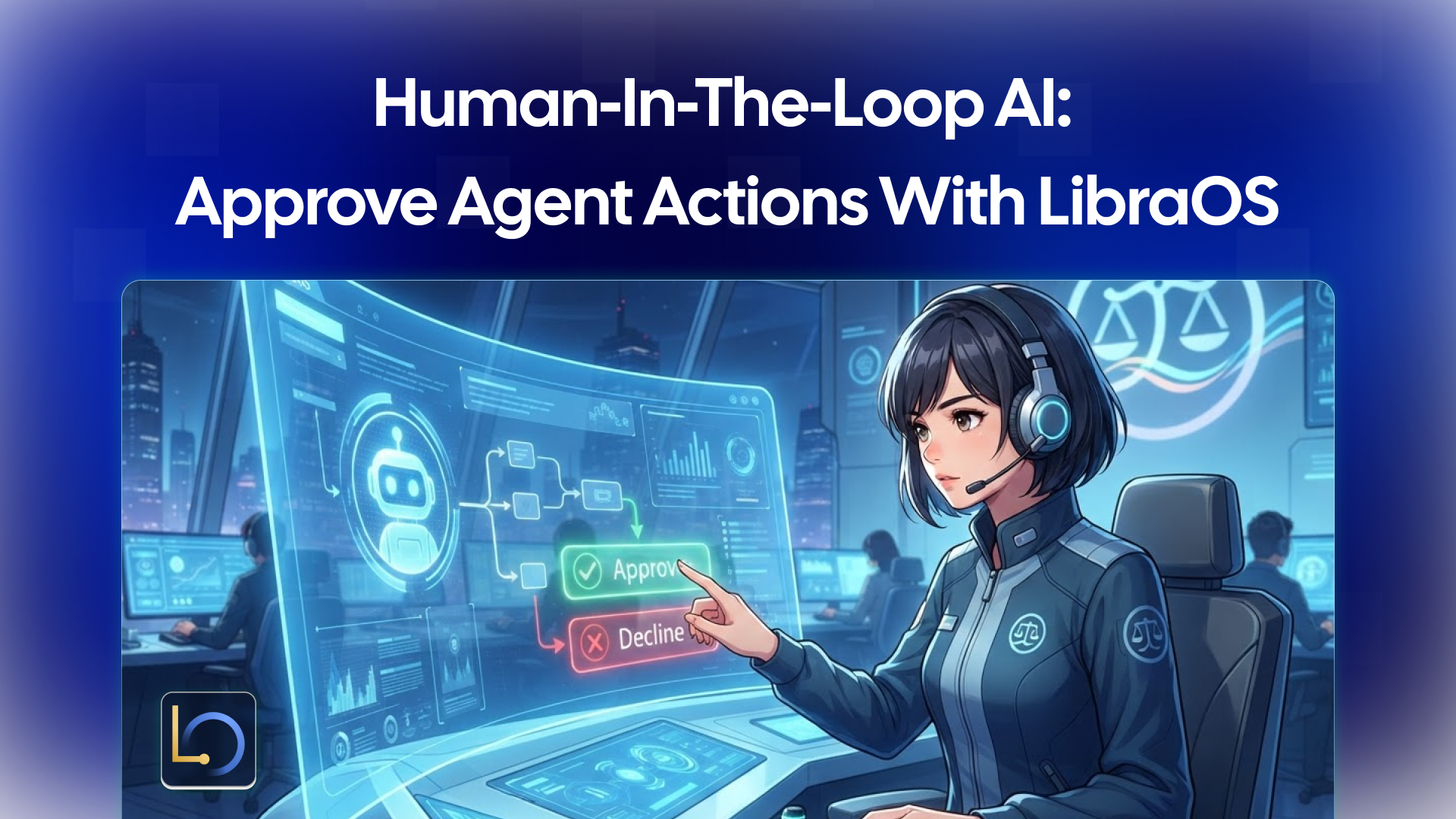
Human-in-the-loop AI means the agent drafts, and a person decides. The agent can read, search and suggest on its own, but actions that change data or reach the outside world wait for a human to approve them.
LibraOS lets you choose where actions need approval. For the tasks your app runs through LibraOS, you configure permissions, approval points and audit. This guide covers which actions deserve an approval point, what that looks like in practice, and the limits to plan around.
Which actions need approval
Split your agent's tools into two kinds. Tools that only read can run freely. Tools with side effects, meaning they change data, spend money or send something to a person, get an approval point.
Tool | Kind | Approval? |
|---|---|---|
Search the knowledge base | Read | No |
Look up a customer record | Read | No |
Draft a reply | Draft (nothing sent) | No, until it's sent |
Send an email or message | Side effect | Yes |
Issue a refund or credit | Side effect | Yes |
Change a ticket or order status | Side effect | Yes |
Update a client record | Side effect | Yes |
When in doubt, ask one question: could this action be hard to undo, or would a customer care who did it? If yes, it needs approval.
What it looks like in practice
The LibraOS homepage shows this pattern in its Customer Desk concept, a CRM and ticket-management demo built on sample data. A customer writes in about an order:
- The assistant reads the ticket and gathers the context it needs.
- It drafts a reply for the customer.
- It keeps any credit or refund behind approval instead of issuing it.
- A person reviews the evidence before approving a refund or changing the order.
The split is the point. The assistant does the reading and the drafting, which saves time. The decision that moves money or changes the order stays with a person.
Setting it up with LibraOS
In LibraOS, the Control part of the Runtime defines policies, approvals and audit. For the tasks your app runs through LibraOS, you set three things:
- Permissions: what the agent is allowed to do, and with which tools.
- Approval points: where a task stops for a person's decision, such as before a refund or an order change.
- Audit: a record of the task you can review later.
Before launch, review the execution path and test it against your app's real actions. In practice that means sending real-looking requests and checking knowledge access, tools and approval behavior for your workflow: does every side effect stop where you expect, and does the record show what happened?
Where the controls apply
This is the limit that matters most for approvals. Tasks that run inside the Runtime get its permissions, approvals and audit. If you route only a model request through LibraOS, controls apply at that request. Tools, shell commands and network activity outside the Runtime need their own enforcement.
So an approval point only protects the actions that actually run through LibraOS. If your app calls a payment or email API directly from its own code, LibraOS can't stop that call. Map every tool with side effects, and make sure each one runs inside the Runtime or has its own check.
Common mistakes
- Running the approved action outside the Runtime. If your app's own code carries out the action after approval, LibraOS's controls don't cover that step. Keep side effects inside the Runtime, or give them their own enforcement.
- Gating too much. If every search needs a click, reviewers start approving without reading. Put approval points on side effects only.
- The requester approving their own action. An approval only protects you if the person deciding is not the person asking. Decide who can approve, and keep that role separate, the same "four-eyes" rule many finance teams use for payments.
- One shared account. If everyone signs in as the same user, "who approved it" has no answer. Give each reviewer their own identity.
- Approvals with no context. Show what the action will change and why the agent proposed it, so the reviewer can review the evidence before deciding.
- Skipping the pre-launch test. Review the execution path and test approval behavior against your app's real actions before users depend on it.
Conclusion
Let the agent read and draft freely, and put every action with side effects behind a human decision. With LibraOS, you configure permissions, approval points and audit for the tasks your app runs through the Runtime, then make sure every side effect actually runs there.
Explore LibraOS: libraos.com
What’s Next?
Sign up and explore now.
🔍 Learn more: Visit our blog and documents for more insights or contact us for a demo of how MegaNova can power your AI products.
📬 Get in touch: Join our Discord community for help or Contact Us.
Stay Connected
💻 Website: meganova.ai
📖 Docs: docs.meganova.ai
🎮 Discord: Join our Discord
👽 Reddit: r/MegaNovaAI
𝕏 X: @meganovaai