GPT-5.5 Proxy Setup Guide for Janitor AI via MegaNova
GPT-5.5 represents the gold standard in strict instruction-following and multi-character (Multi-Agent) tracking. If you run complex group chats or require characters to adhere precisely to intricate lorebooks, setting up GPT-5.5 Proxy via MegaNova provides the ultimate stability.
Why Use GPT-5.5 for Janitor AI?
- Flawless Instruction Following: Rarely breaks character or confuses User and Character dialogues.
- Smooth Multi-Agent Handling: Seamlessly tracks multiple characters in a single scene without persona bleed.
- Massive Context Memory: Easily handles long scenario descriptions without forgetting context.
Step-by-Step Setup
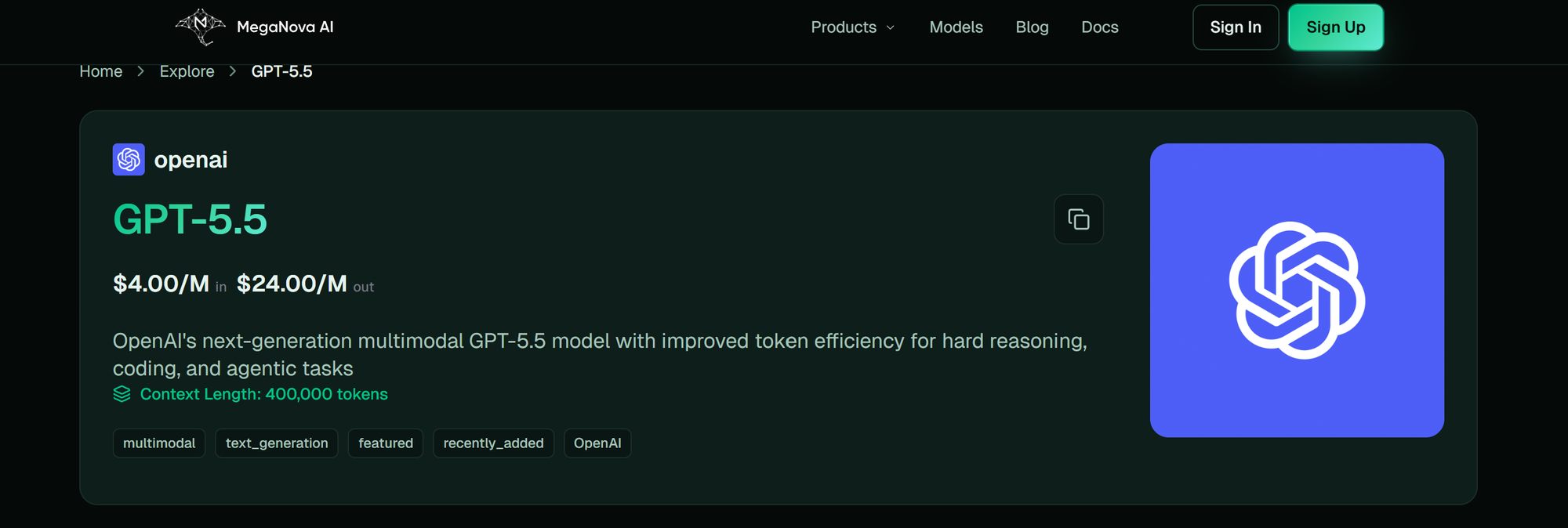
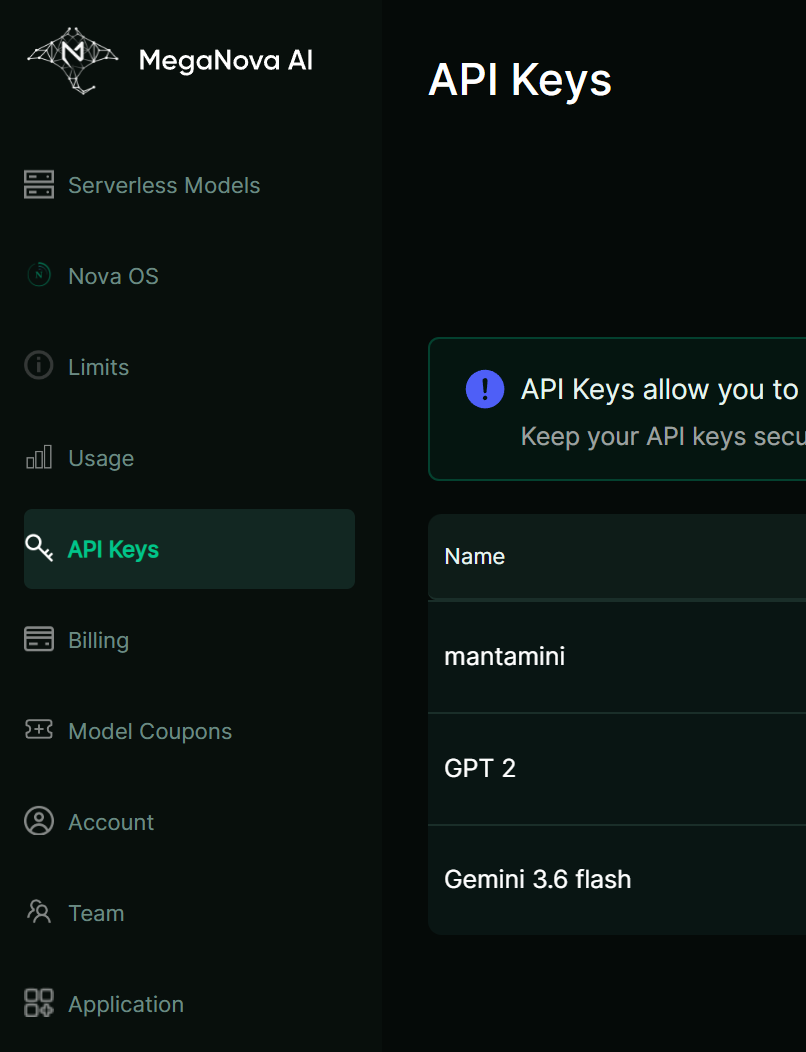
- Step 1: Get MegaNova API Key: Generate an API token from your account dashboard.
- Log in to your MegaNova account.
- Navigate to API Keys and click create new key.
- Step 2: Enter GPT-5.5 Configuration: Declare proxy endpoint parameters inside Janitor AI.
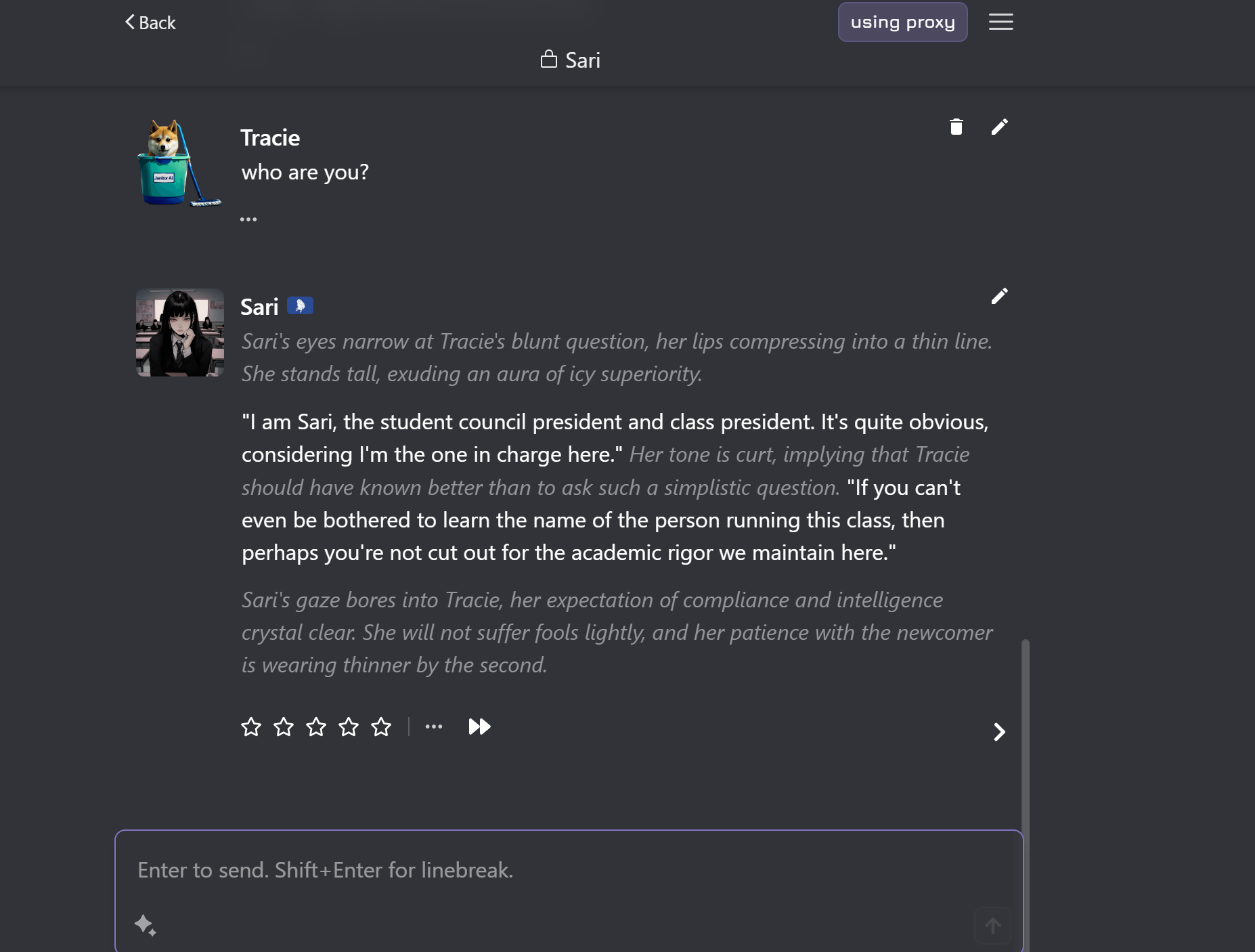
Under API Settings > Proxy in Janitor AI, fill in the following:
- Proxy URL: [https://inference.meganova.ai/v1/chat/completions](https://inference.meganova.ai/v1/chat/completions)
- API Key: Paste your MegaNova API Key.
- Model Name: openai/gpt-5.5
- Step 3: Save & Test: Activate your new proxy session.
- Save your settings.
- Reload the chat page and begin interacting.
Advanced Parameter Settings
- Temperature: 0.85
- Frequency Penalty: 0.2 (Prevents repetitive phrases and dialogue loops).
- Presence Penalty: 0.3 (Encourages introducing fresh narrative hooks).
What’s Next?
Sign up and explore now.
🔍 Learn more: Visit our blog and documents for more insights or schedule a demo to optimize your roleplay experience.
📬 Get in touch: Join our Discord community for help or Contact Us.
Stay Connected
💻 Website: meganova.ai
🎮 Discord: Join our Discord
👽 Reddit: r/MegaNovaAI
🐦 Twitter: @meganovaai