GLM-5 Setup Guide - Connect Zhipu AI's New Flagship via MegaNova
Complete guide to using GLM-5, Zhipu AI's 745B parameter model with 200K context. Learn how to connect via MegaNova API for Janitor AI, SillyTavern, and more.
GLM-5 is Zhipu AI's latest flagship model featuring 745B total parameters with 44B active parameters in a Mixture-of-Experts architecture. Trained entirely on Huawei Ascend chips, it represents a major milestone in China's AI independence and delivers frontier-level performance for coding, reasoning, and creative tasks.
If you need a model that excels at multi-step reasoning, agentic workflows, and long-context tasks, GLM-5 is an excellent choice with its 200K context window and native thinking capabilities.
This guide shows you how to connect GLM-5 to your applications using MegaNova AI Proxy, so you can start leveraging its capabilities in minutes.
Model Overview
|
Property |
Details |
|---|---|
|
Model Name |
GLM-5 |
|
Architecture |
Mixture-of-Experts (MoE) |
|
Parameters |
745B total / 44B active |
|
Context Handling |
Optimized for long, structured conversations |
|
Pricing |
Available via MegaNova AI Proxy (see dashboard for latest rates) |
|
Strength |
Advanced reasoning, coding, instruction adherence |
|
Best For |
Complex roleplay, structured personalities, analytical tasks |
|
Availability |
Via MegaNova AI Proxy |
What Makes GLM-5 Special?
GLM-5 introduces several breakthrough features:
- 745B total parameters, 44B active per inference (MoE architecture)
- 200K context window for long-form conversations
- Native agentic intelligence and multi-step reasoning
- Trained on Huawei Ascend chips (full hardware independence)
- MIT License expected for open-source release
Step-by-Step Setup
You can connect GLM-5 to Janitor AI using MegaNova Proxy in just a few minutes.
Step 1: Get Your API Key
- Visit the MegaNova website and sign up if you don’t already have an account.
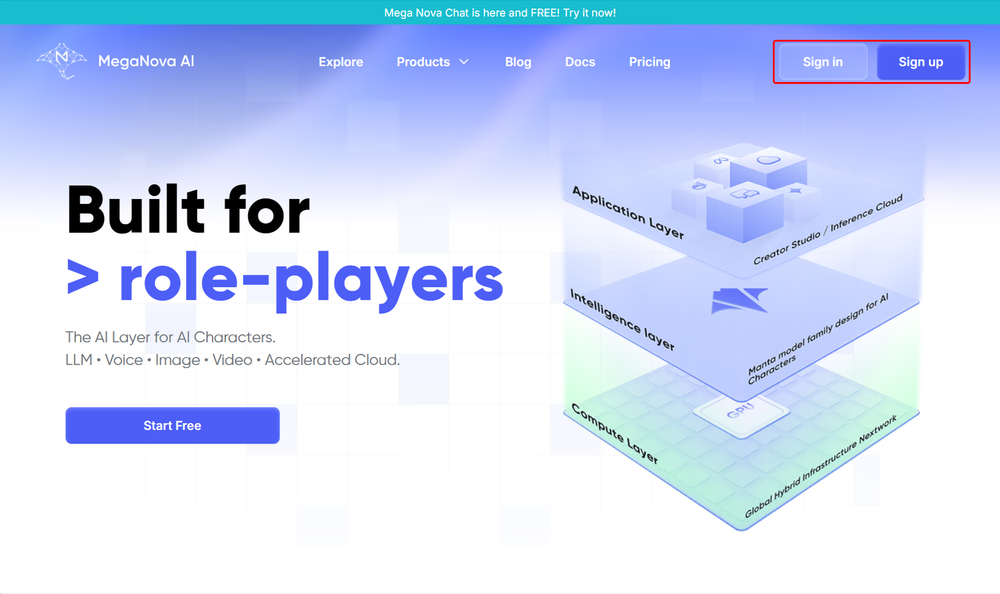
- Unlock a plan that includes access to GLM-5
- Go to the API Keys section and copy your API key. Keep it secure.
Step 2: Configure the Proxy in Janitor AI
- Open Janitor AI and select a character.
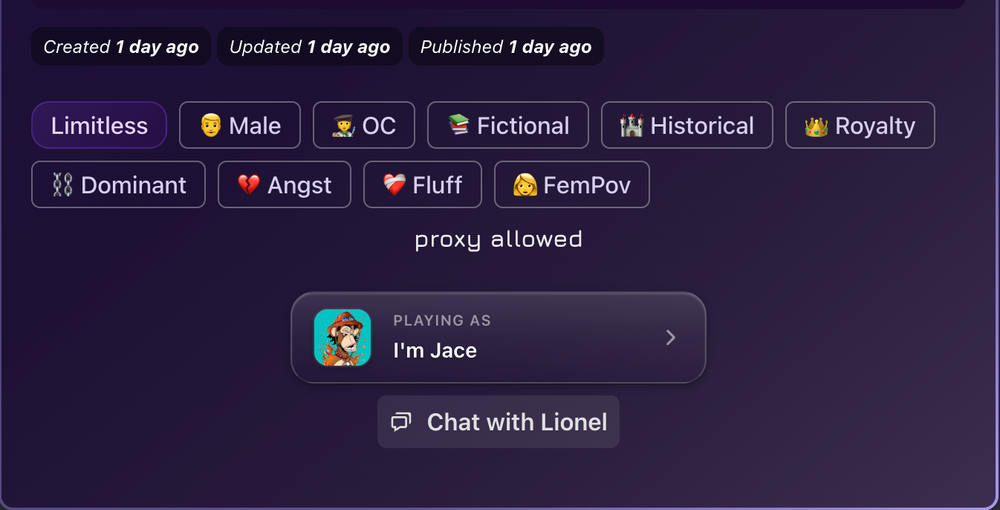
- Go to Settings → Using Proxy → Add Configuration
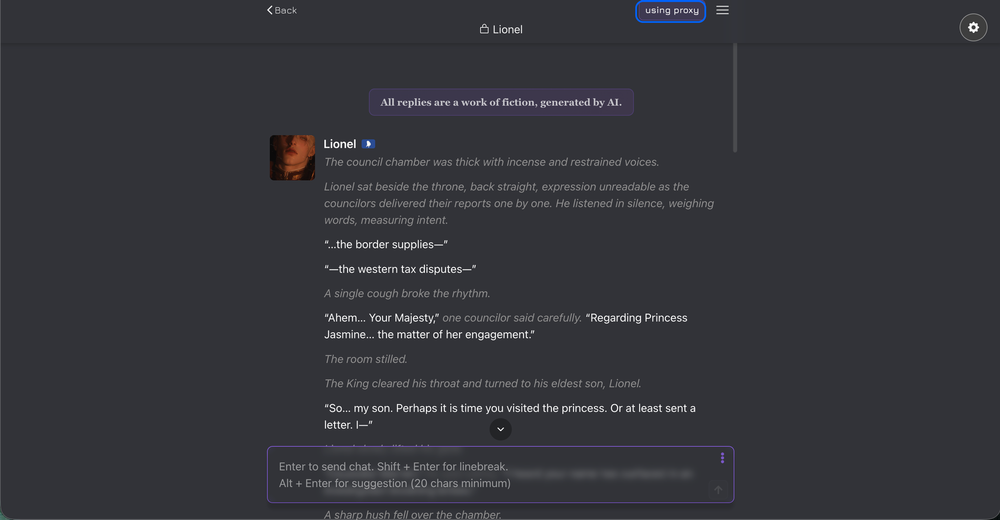
- Enter the following details:
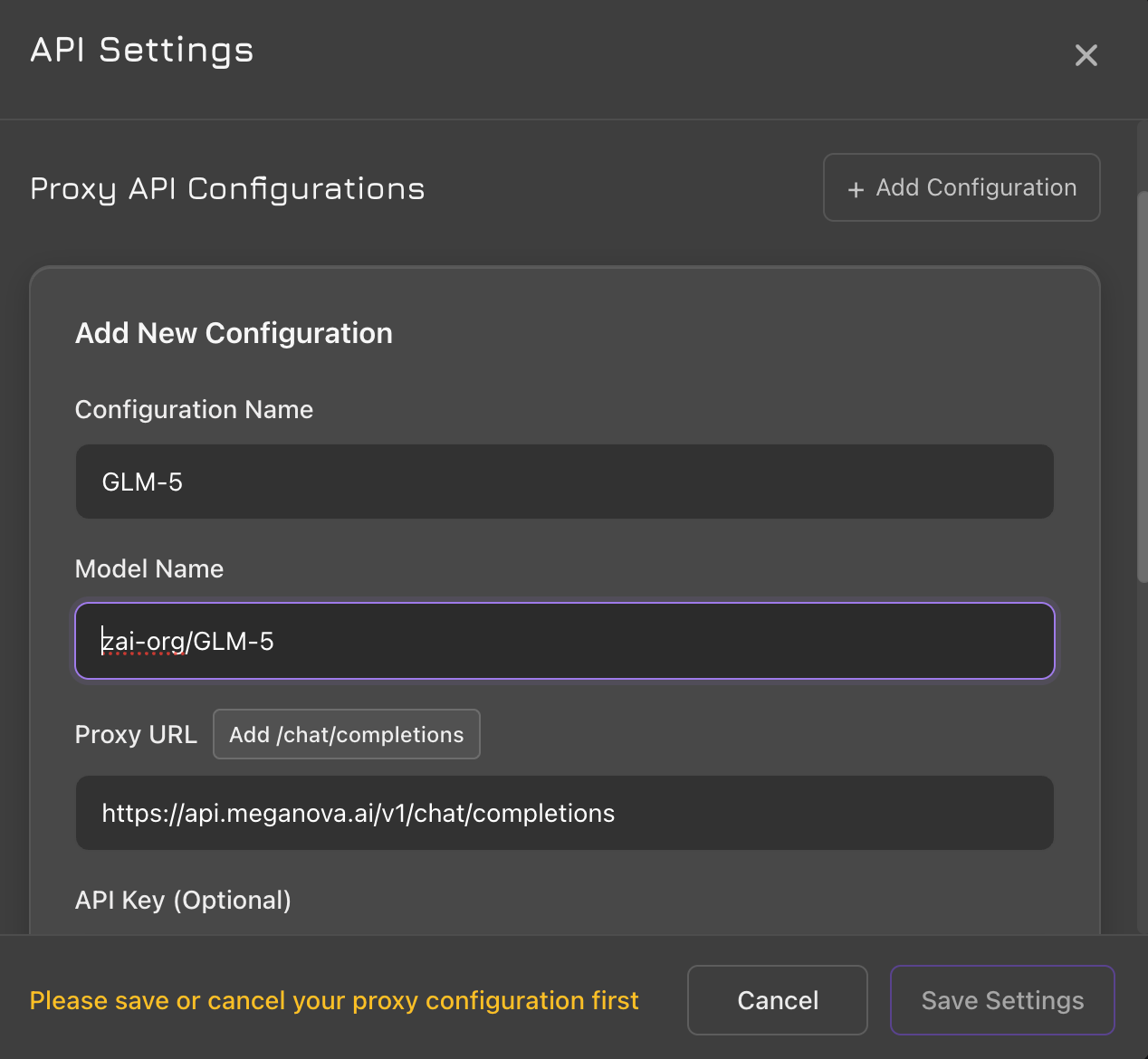
- Select: Proxy
- Configuration Name: GLM-5 (or any name you prefer)
- Model Name: zai-org/GLM-5
- Proxy URL: https://api.meganova.ai/v1/chat/completions
- API Key: Paste your MegaNova API key
- Save the configuration and start chatting.
Tip: For stable long-form conversations, set Max Tokens to 700–1200 and keep temperature low to medium.
Connecting GLM-5 via API
MegaNova provides an OpenAI-compatible API, making integration simple:
Connecting GLM-5 via API
MegaNova provides an OpenAI-compatible API, making integration simple:
curl https://api.meganova.ai/v1/chat/completions \
-H "Authorization: Bearer YOUR_API_KEY" \
-H "Content-Type: application/json" \
-d '{
"model": "zai-org/GLM-5",
"messages": [{"role": "user", "content": "Hello!"}]
}'
Using with SillyTavern
For SillyTavern users:
1. Open SillyTavern → API Connections
2. Select "Custom (OpenAI-compatible)"
3. Base URL: https://api.meganova.ai/v1
4. API Key: Your MegaNova key
5. Model: zai-org/GLM-5
GLM-5 vs Other Models
How does GLM-5 compare?
- vs Kimi K2.5: GLM-5 has larger context (200K), stronger reasoning, but Kimi excels at personality consistency
- vs DeepSeek V3: Both are Chinese flagships, GLM-5 focuses on agentic tasks while DeepSeek excels at coding
- vs GPT-4: GLM-5 offers competitive reasoning at potentially lower cost
Conclusion
GLM-5 represents a significant leap in Chinese AI development, offering competitive performance with full hardware independence. Whether you're building agents, doing complex reasoning tasks, or need reliable long-context conversations, GLM-5 via MegaNova gives you access to cutting-edge capabilities with simple API integration.
Ready to try GLM-5? Get started at MegaNova Console.
What’s Next?
Sign up and explore now.
🔍 Learn more: Visit our blog and documents for more insights or schedule a demo to optimize your roleplay experience.
📬 Get in touch: Join our Discord community for help or Contact Us.
Stay Connected
💻 Website: meganova.ai
🎮 Discord: Join our Discord
👽 Reddit: r/MegaNovaAI
🐦 Twitter: @meganovaai