Qwen3.8-Max-Preview Proxy for Janitor AI with MegaNova Setup Guide
When it comes to raw flexibility, deep logic, and high resistance to over-filtering, Qwen3.8-Max-Preview is one of the most capable models available for interactive fiction. Known for its strong narrative drive and ability to handle unpredictable, action-packed roleplay, Qwen3.8-Max-Preview gives Janitor AI users a refreshing level of creative freedom.
With MegaNova Proxy, you can easily connect Qwen 3.8-Max to Janitor AI in less than two minutes.
Why Roleplay with Qwen3.8-Max-Preview?
- Uncensored & Unrestricted: Follows complex, dark, romantic, or high-stakes action prompts without falling into preachy refusals.
- Logical Consistency: Great at tactical battles, puzzle solving, and cause-and-effect storytelling.
- Expressive Dialogue: Character voices feel distinct, passionate, and grounded in their specified personalities.
- High Adaptability: Reacts fluidly to wild user inputs and unexpected plot twists.
Prerequisites: Get Your MegaNova Key
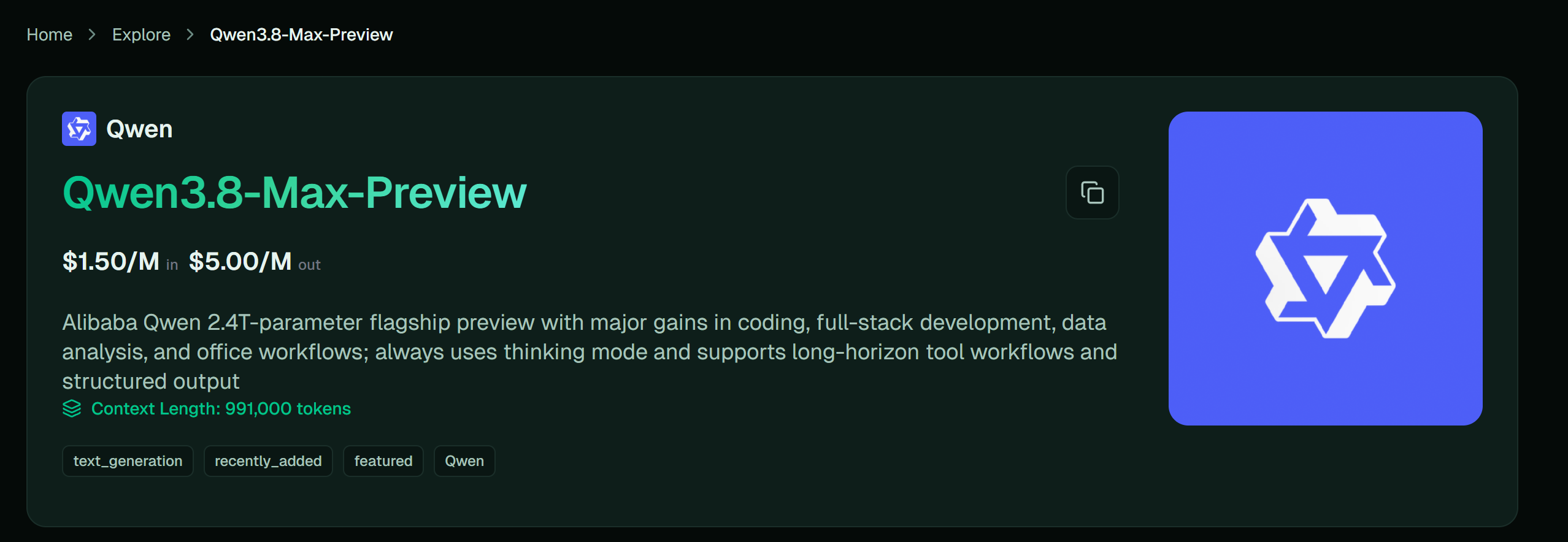
- Log into your MegaNova Console dashboard.
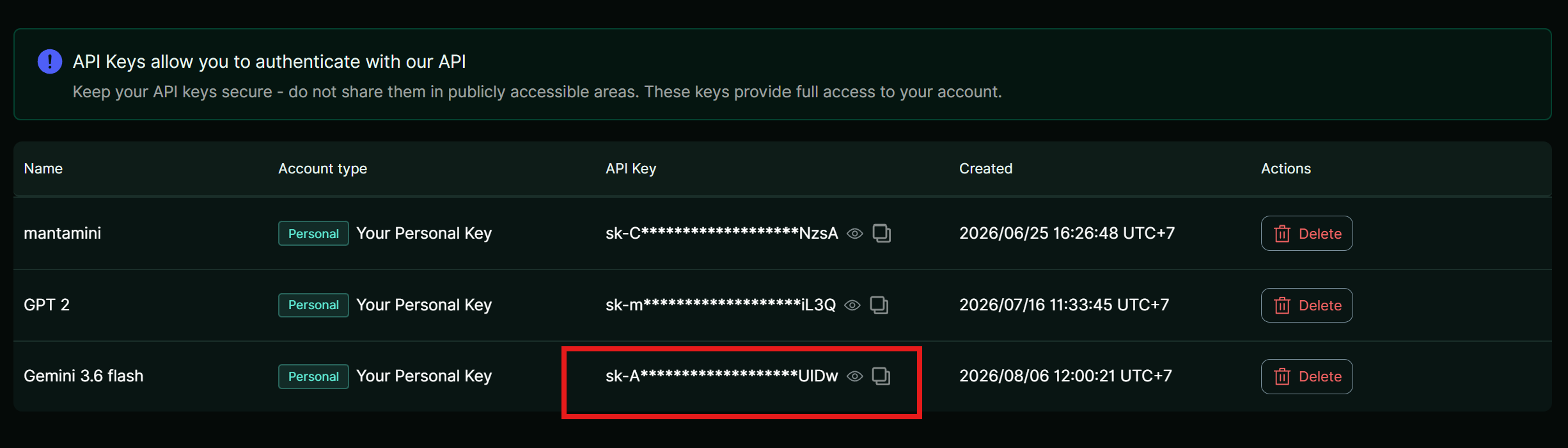
- Select API Keys from the navigation sidebar.
- Click Create New Key, tag it Janitor-QwenMax, and copy your secret key (sk-...).
Step-by-Step Setup Guide
- Open Janitor AI Settings: Locate the connection panel.
Open Janitor AI, enter a chat with your target bot, tap the top-right menu (☰), and click API Settings.
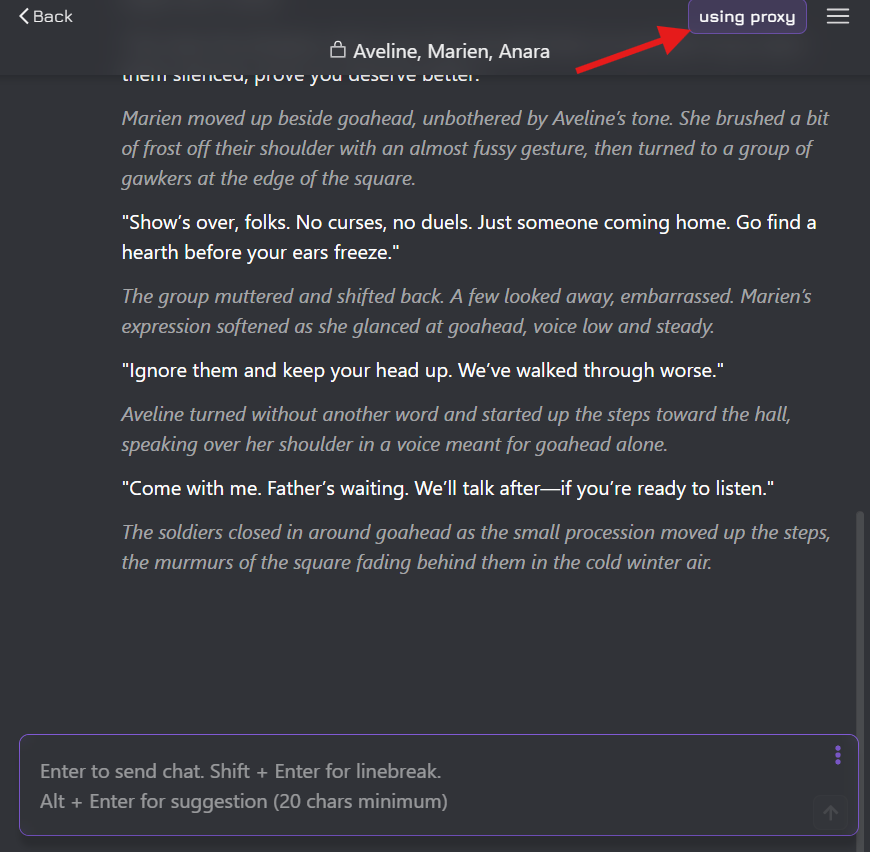
- Select Proxy & Add Config: Prepare new endpoint connection.
Click on the Proxy tab, then tap + Add Configuration.
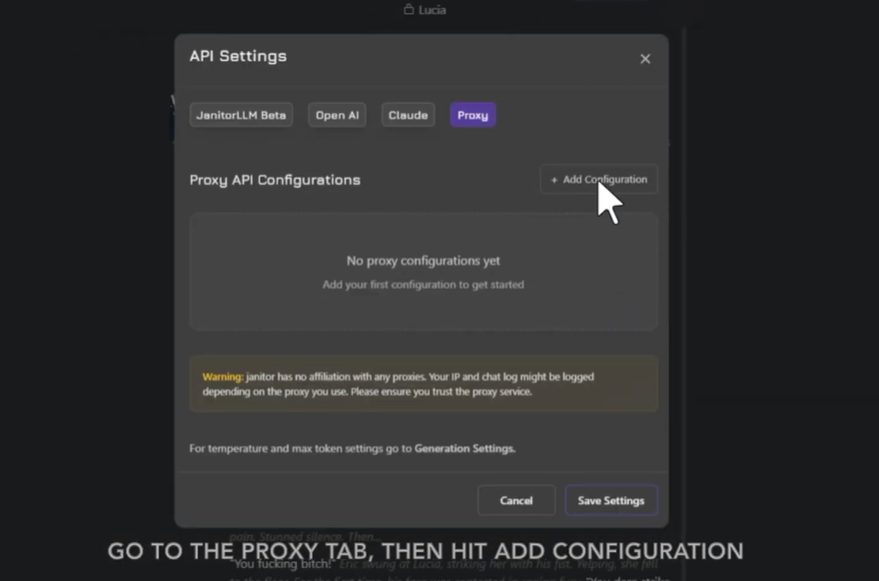
- Fill in Model Credentials: Enter model connection details.
Input the following settings:
- Configuration Name: MegaNova - Qwen 3.8-Max
- Proxy URL: [https://inference.meganova.ai/v1/chat/completions](https://inference.meganova.ai/v1/chat/completions)
- Model Name: Qwen/Qwen3.8-Max-Preview
- API Key: Paste your MegaNova secret key (sk-...)
- Test, Save & Start Chatting: Finalize registration.
Press Test Configuration to verify the response. Hit Save Settings, refresh your browser page (F5), and send your first message!
Recommended Generation Settings
Quick Troubleshooting Cheat Sheet
- Endpoint Error: Ensure your Proxy URL ends in /v1/chat/completions with no trailing spaces.
- Model Not Found: Verify the exact string meganova-ai/Qwen/Qwen3.8-Max-Preview.
- Stuck Output: If a message stops mid-sentence, increase your Max Tokens setting under Generation Settings.
What’s Next?
Sign up and explore now.
🔍 Learn more: Visit our blog and documents for more insights or schedule a demo to optimize your roleplay experience.
📬 Get in touch: Join our Discord community for help or Contact Us.
Stay Connected
💻 Website: meganova.ai
🎮 Discord: Join our Discord
👽 Reddit: r/MegaNovaAI
🐦 Twitter: @meganovaai