Import CharacterAI Characters to MegaNova Chat: Quick Guide
Want to bring your favorite CharacterAI personalities into a more stable platform with no waiting room — plus multiple free, high-quality models to choose from? You can—and it only takes a few minutes. MegaNova Chat lets you import any CharacterAI bot with full personality, backstory, and dialogue style intact.
In this step-by-step guide, you’ll learn exactly how to export a CharacterAI card (using the famous Gojo Satoru as an example) and import it into MegaNova Chat for instant, seamless roleplay.
Step-by-Step Guide
Step 1: Download the CAI Tools Extension
To export characters from CharacterAI, install the CAI Tools browser extension.
- Open Microsoft Edge or Safari or Chrome or Firefox.
- Search “CAI Tools” in the browser’s extension store.
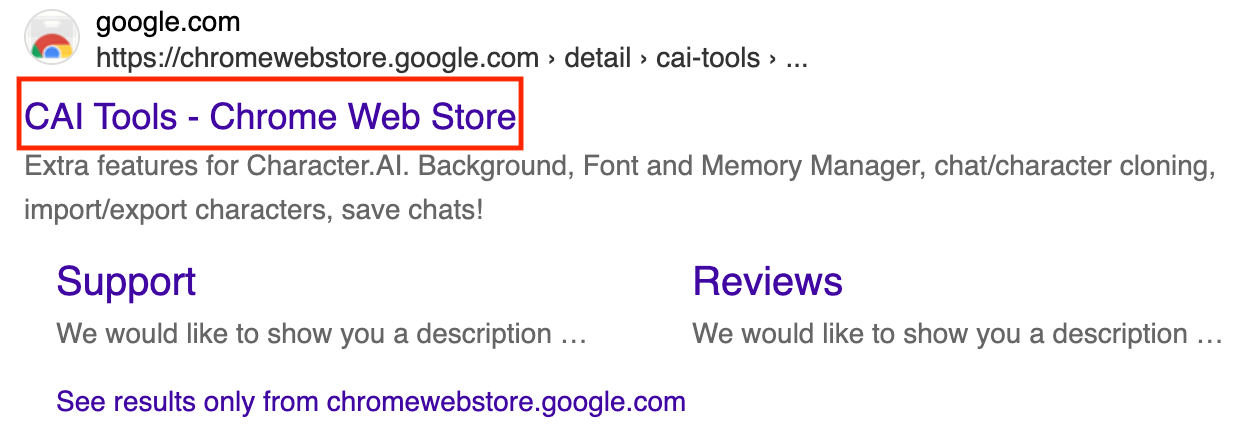
3. Install CAI Tools
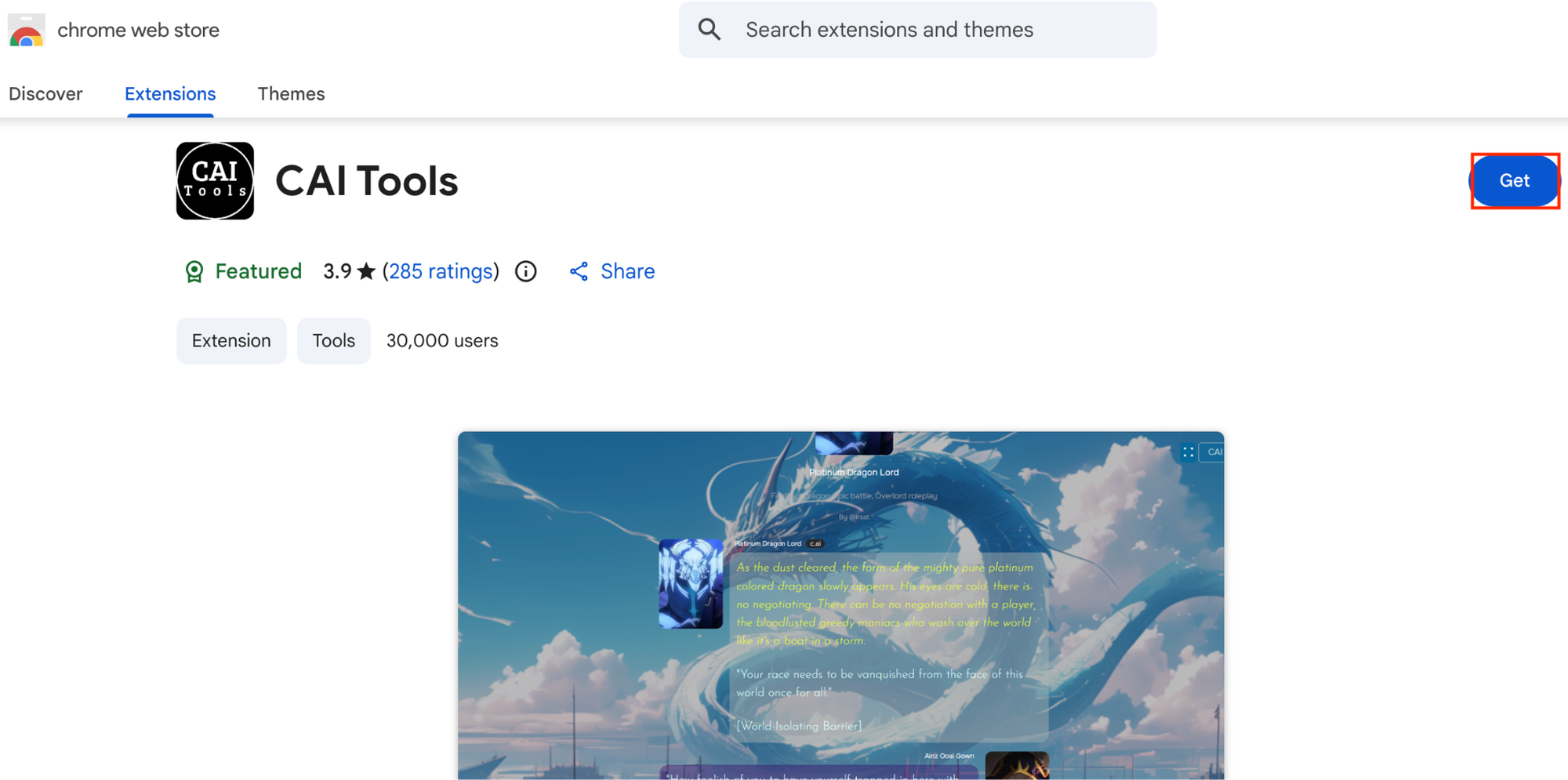
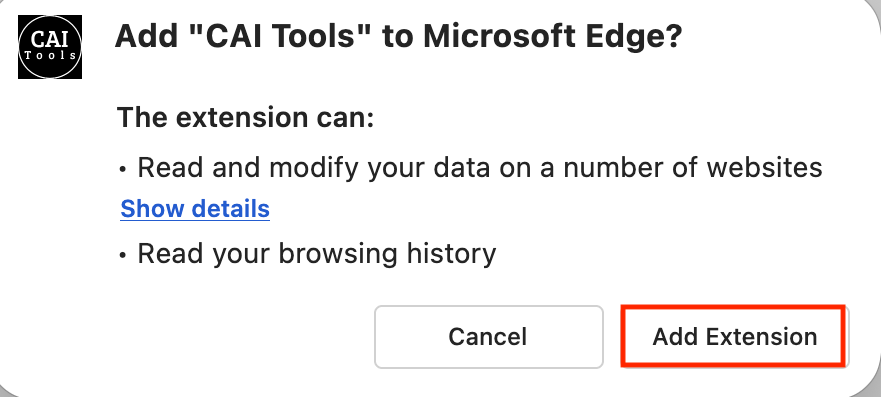

Step 2: Download Your Character Card from CharacterAI
- Go to the CharacterAI website and sign in/up.
- Search for any character you want to import.
- Open the character’s profile (Example: Gojo Satoru).

- Click on the CAI Tools symbol to download the character card
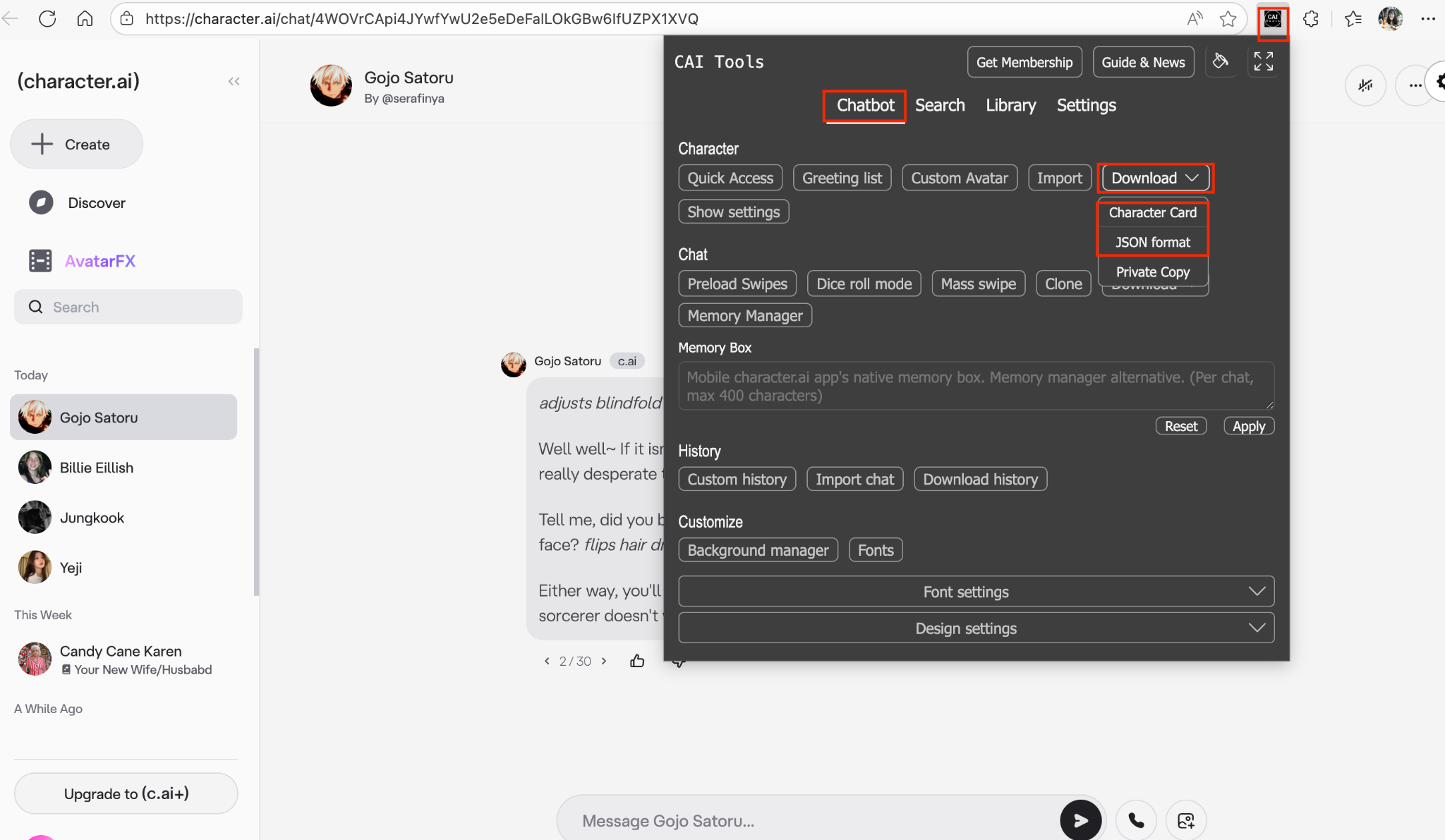
We recommend downloading PNG since PNG character cards include both the avatar and the character data. You won’t need to generate or import character image yourself
Step 3: Import the Character into MegaNova Chat
- Open MegaNova Chat.
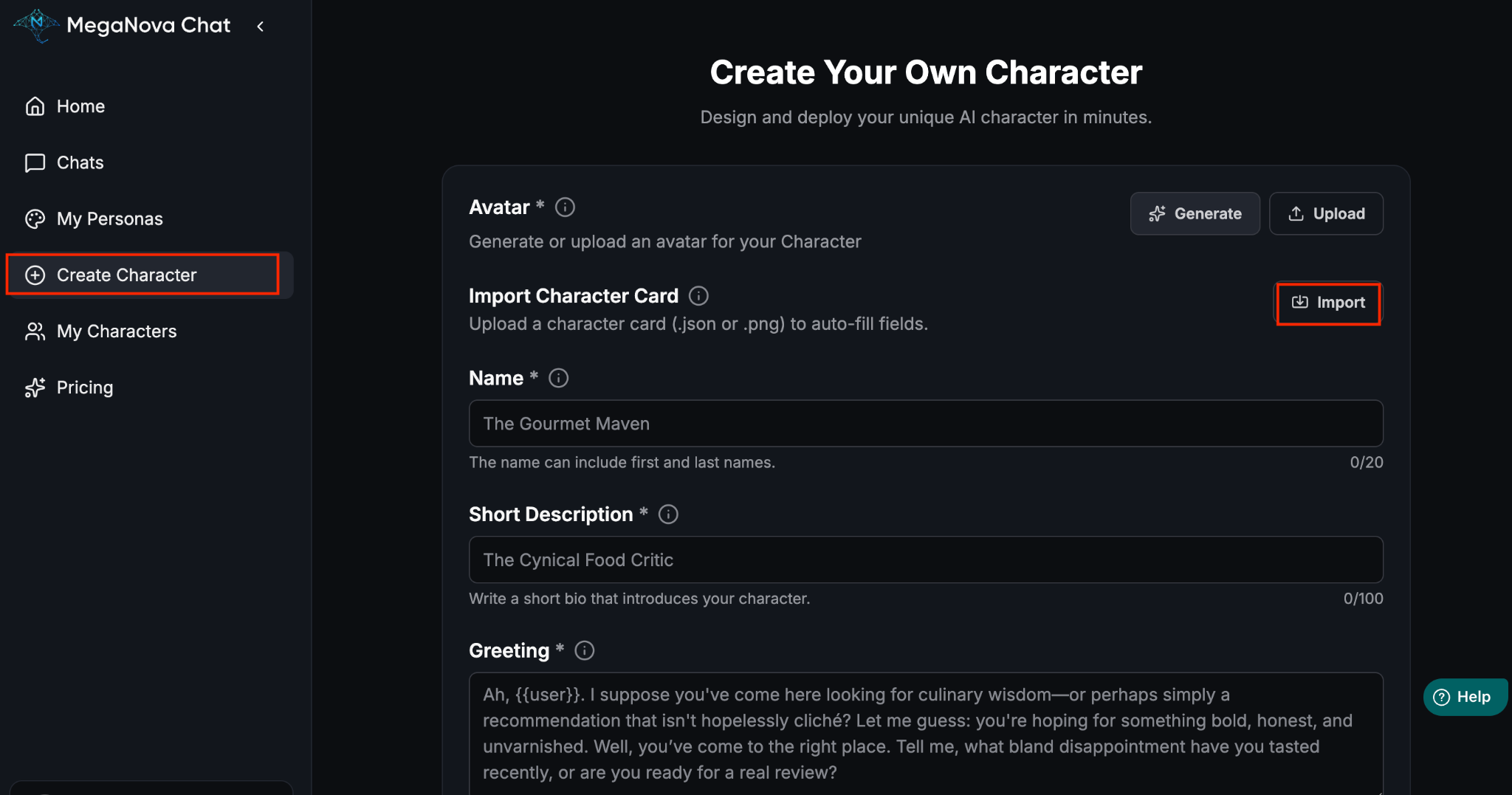
- In the left sidebar, click Create Character, click Import.
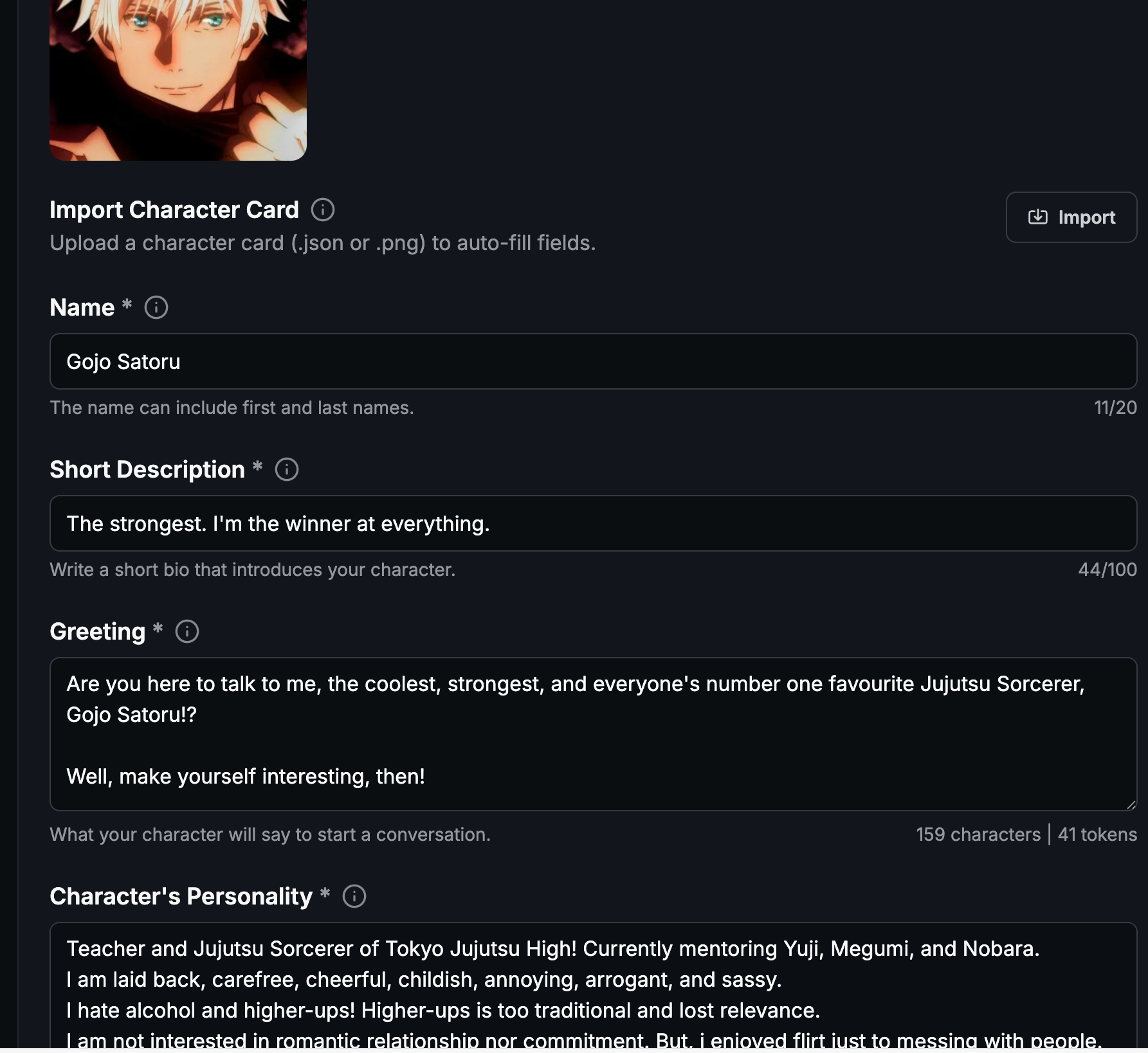
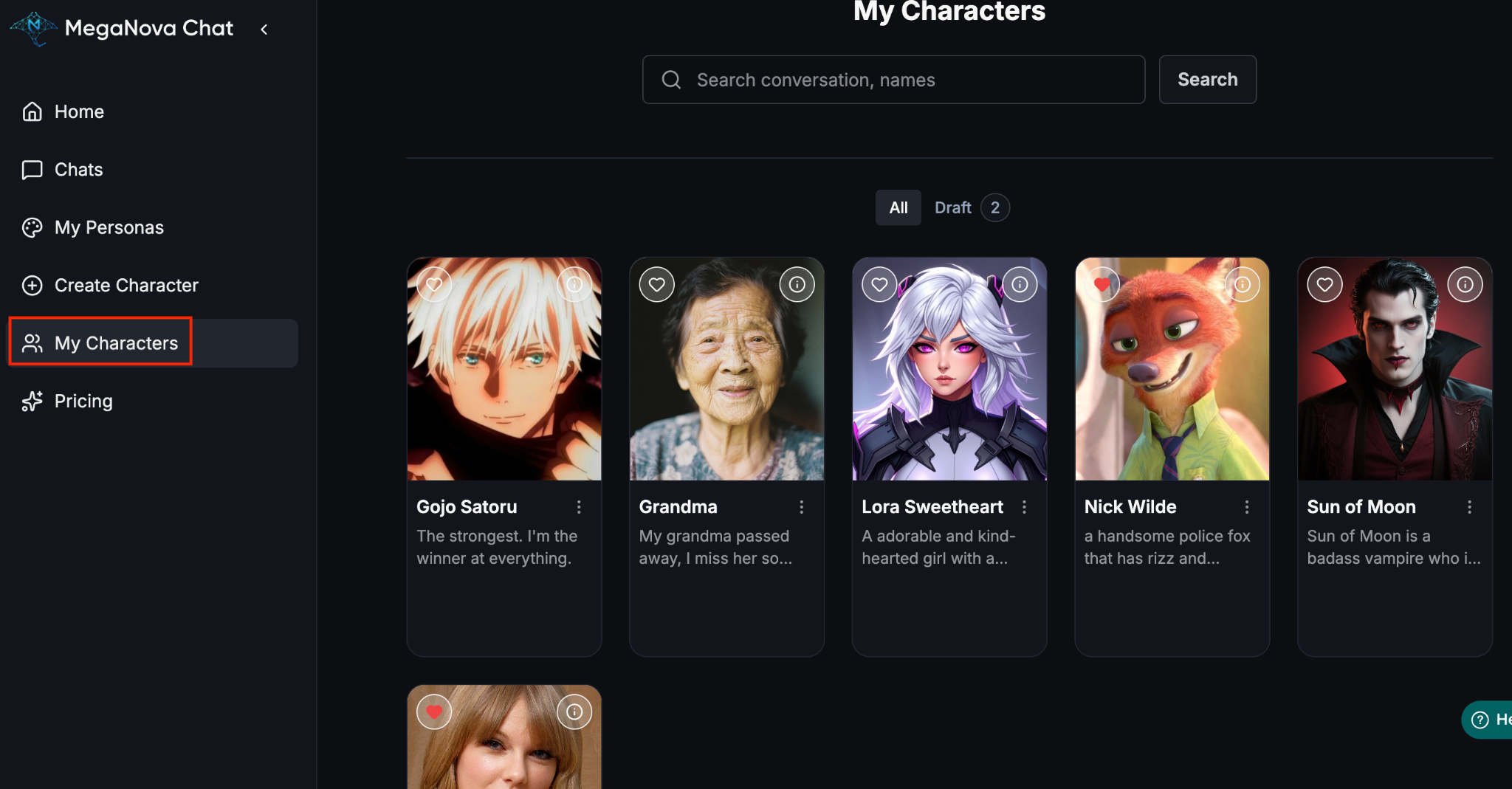
MegaNova Chat will automatically fill in most of the character details—name, greeting, description, personality, and more.

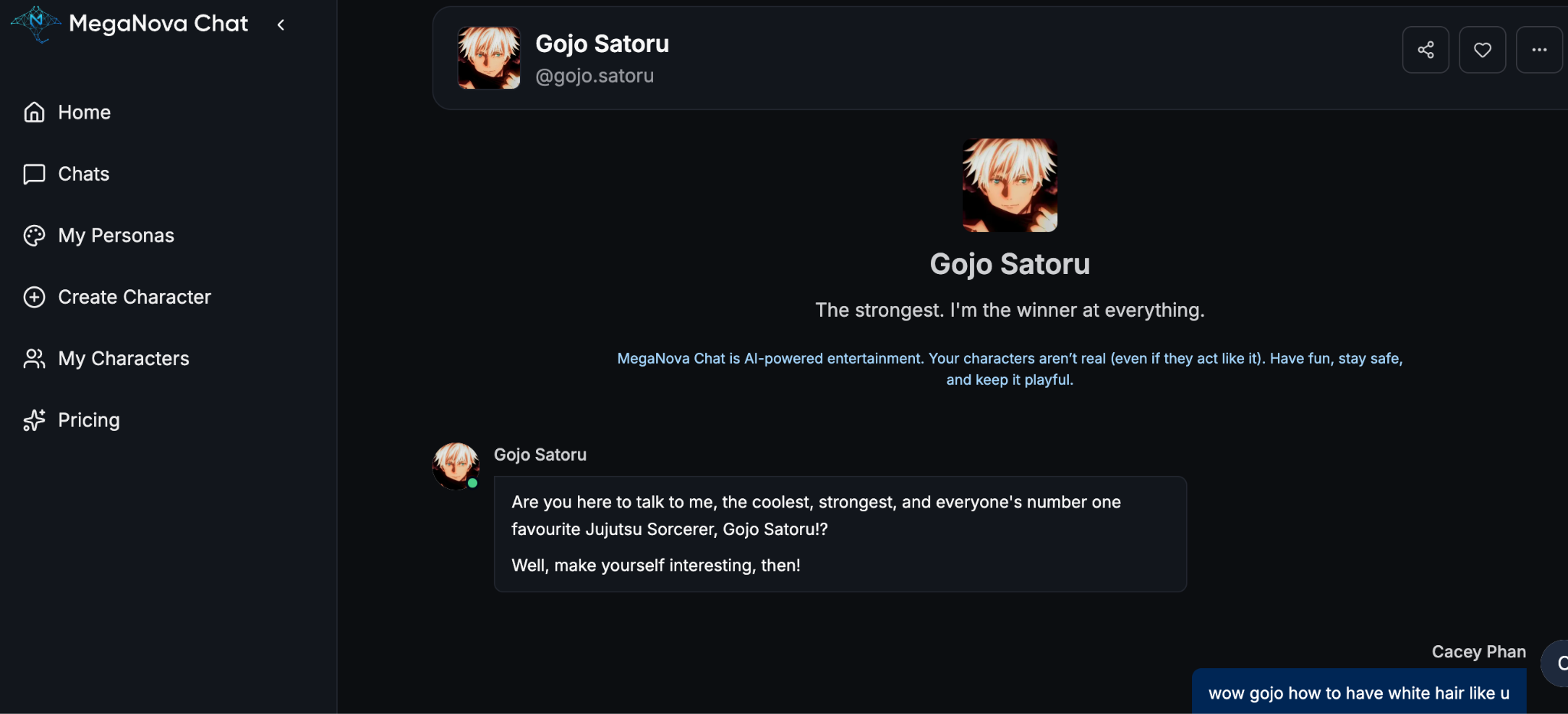
Step 4: Start Chatting
Final Thoughts
And that’s it—your CharacterAI favorite is now fully alive and ready to chat with you 24/7 inside MegaNova Chat. No slowdowns, no waiting room, no limits, just smoother roleplay and better customization. Whether you're migrating a single companion or building your whole character lineup, this import method works every time.
Ready to level up your RP? MegaNova Chat has everything you need to take your characters further.
What's Next
Sign up and explore now.
🔍 Learn more: Visit our blog and documents for more insights or schedule a demo to optimize your roleplay experience.
📬 Get in touch: Join our Discord community for help or Contact Us.
🔗Join now to get first access to MN Chat’s free launch — including free DeepSeek model — and secure your limited-time welcome reward.
You’re not just a normal user — you’re part of our AI Roleplay evolution.
Stay Connected
💻 Website: meganova.ai
🎮 Discord: Join our Discord
👽 Reddit: r/MegaNovaAI
🐦 Twitter: @meganovaai