How to integrate MegaNova's API as a backend for Janitor AI using OpenAI-compatible endpoints

Janitor AI is a popular platform for chatting with AI characters. This guide walks you through connecting MegaNova's API as a backend using OpenAI-compatible endpoints.
Requirements
- A MegaNova account with API access
- A Janitor AI account (free to sign up)
- An API key from MegaNova
Usage Policy: All integrations must comply with MegaNova's Terms of Service and Privacy Policy, including acceptable use and content guidelines.
Integration Steps
1. Get Your API Key
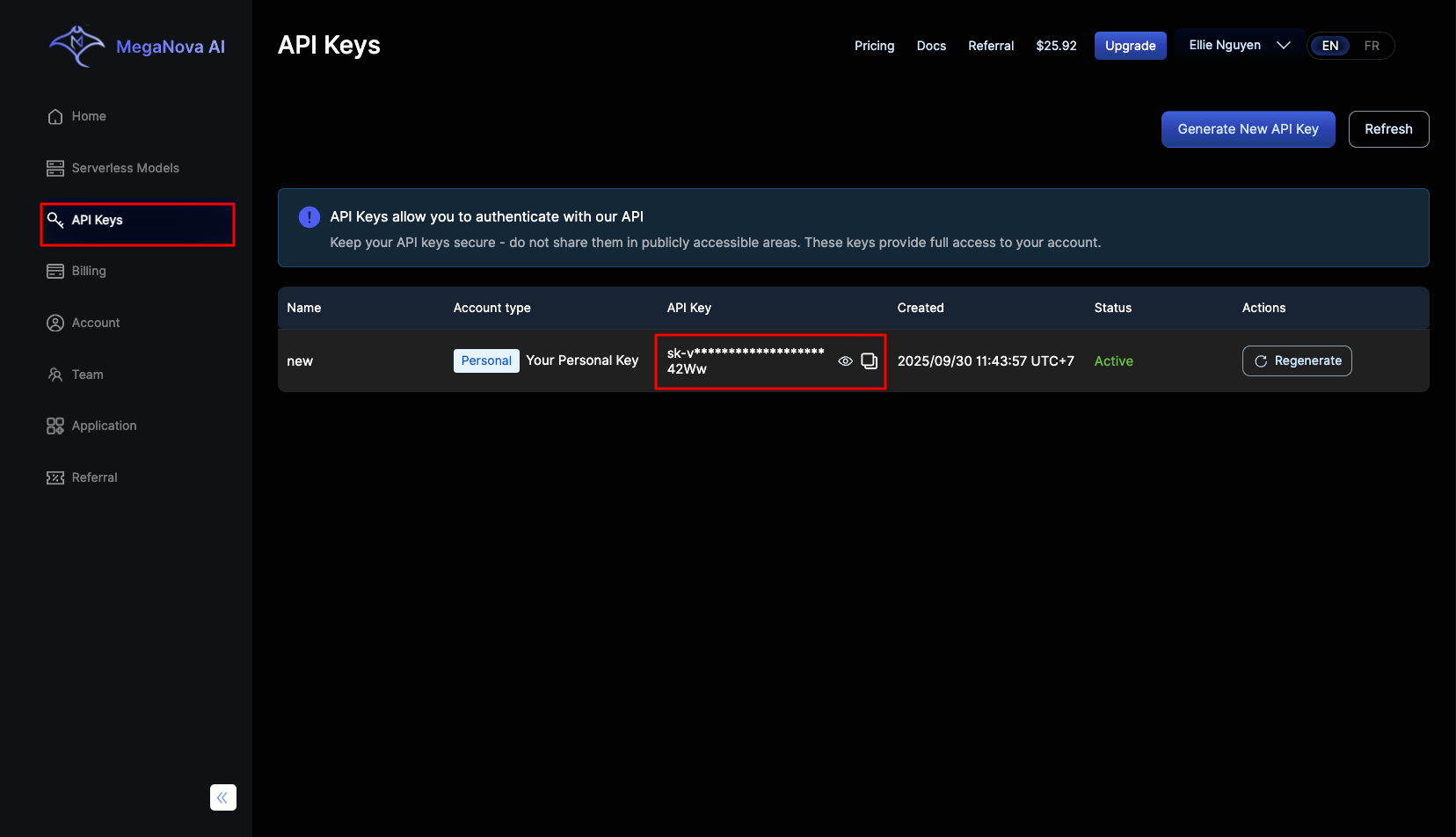
- Log into MegaNova AI and go to the API Keys page.
- Copy your default API key and store it somewhere secure.
2. Open Janitor AI and Choose a Character
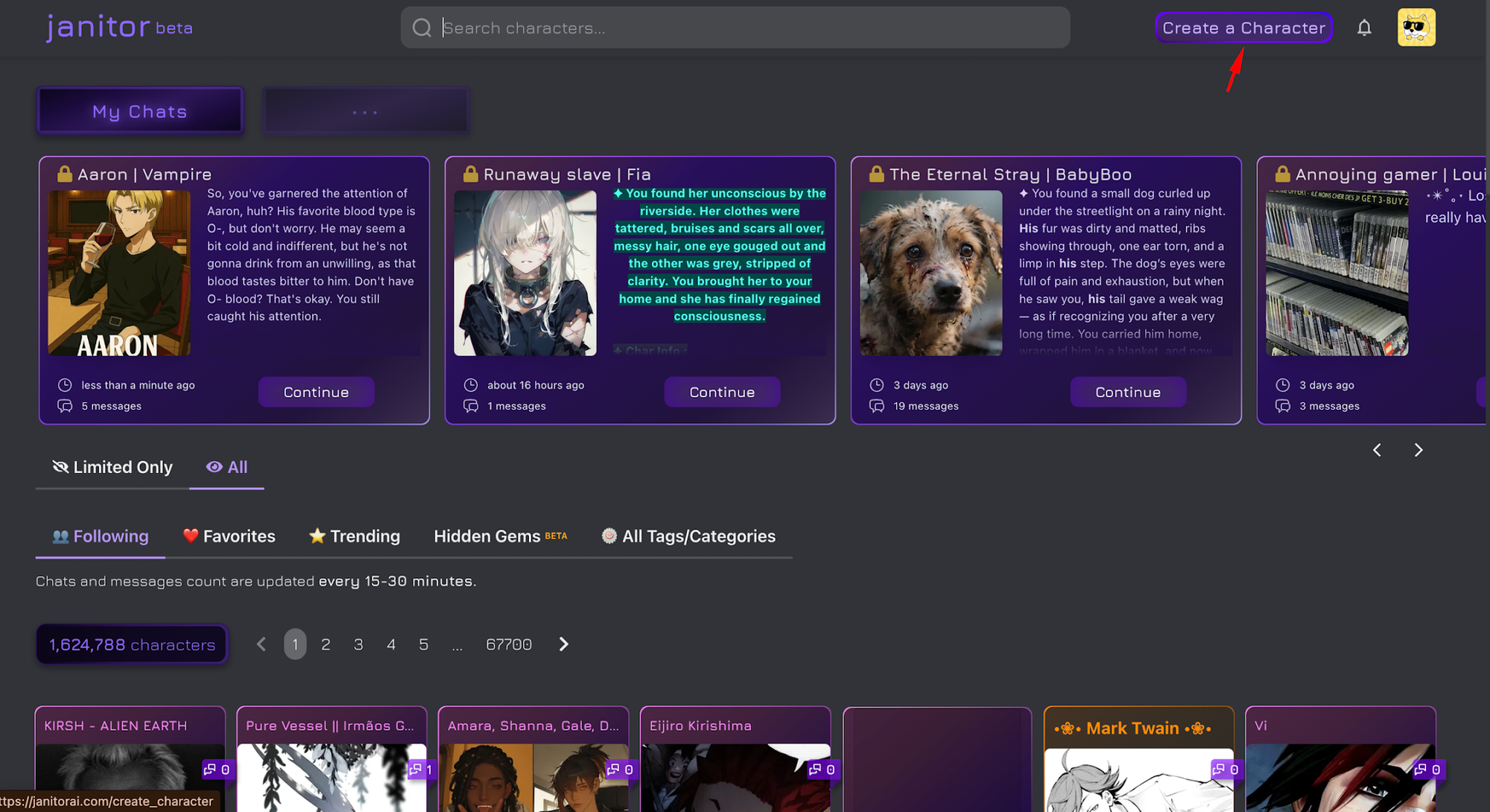
- Head to Janitor AI.
- You can either:
- Create your own character — click "Create Character" to design a custom personality and backstory, or
- Use an existing character — browse thousands of community-made characters (e.g., Fia) and start a chat.
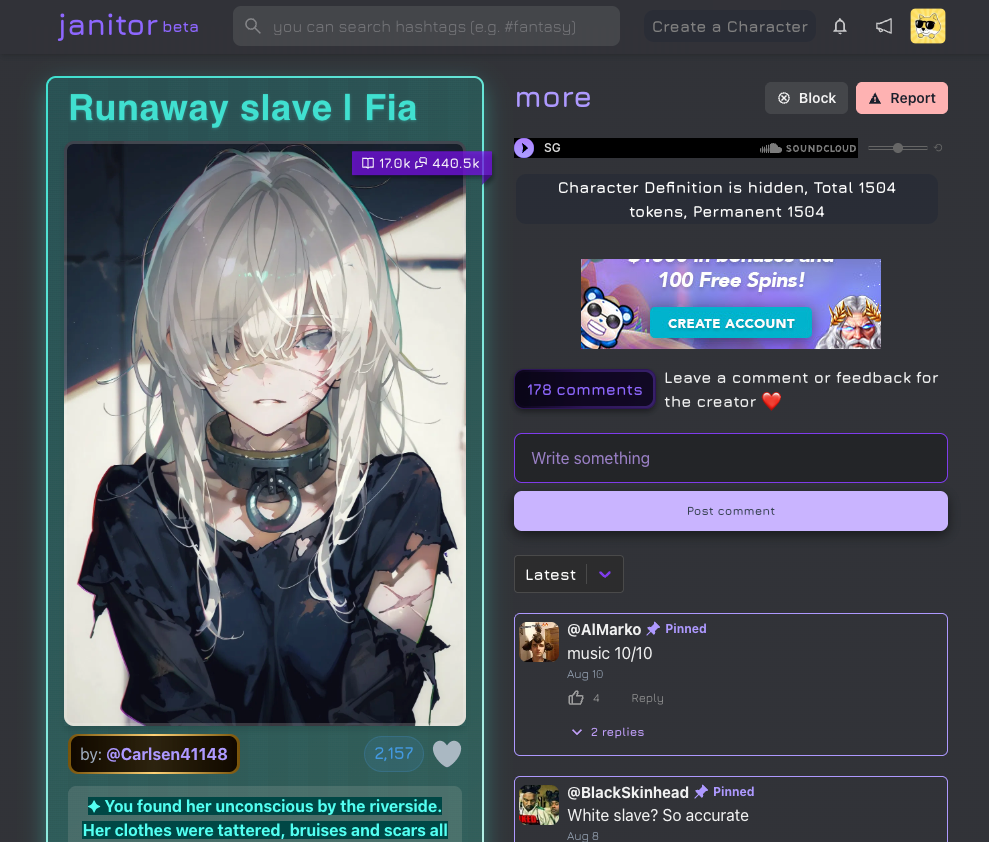
Let's start a new chat with Fia
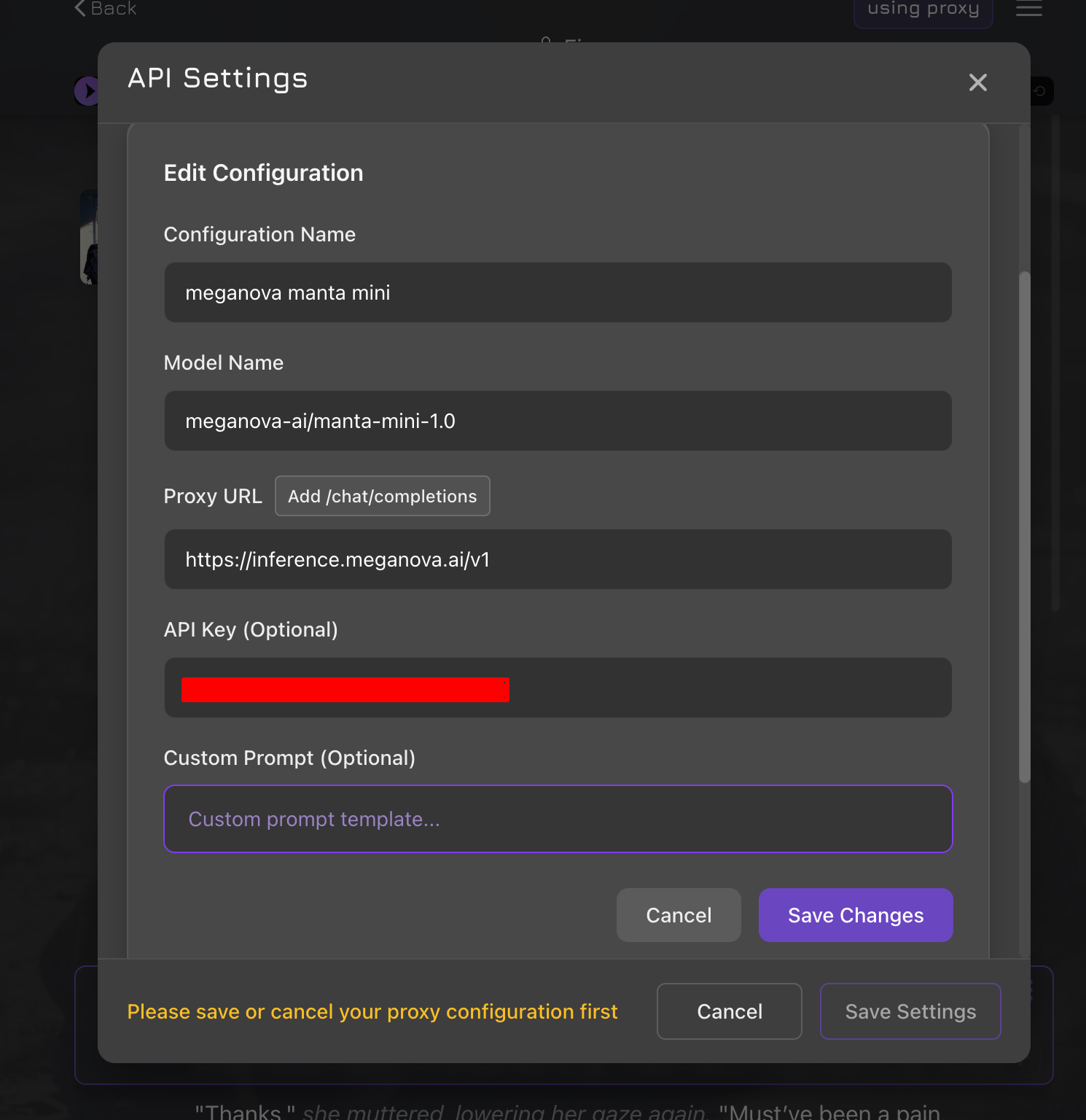
3. Configure the MegaNova API
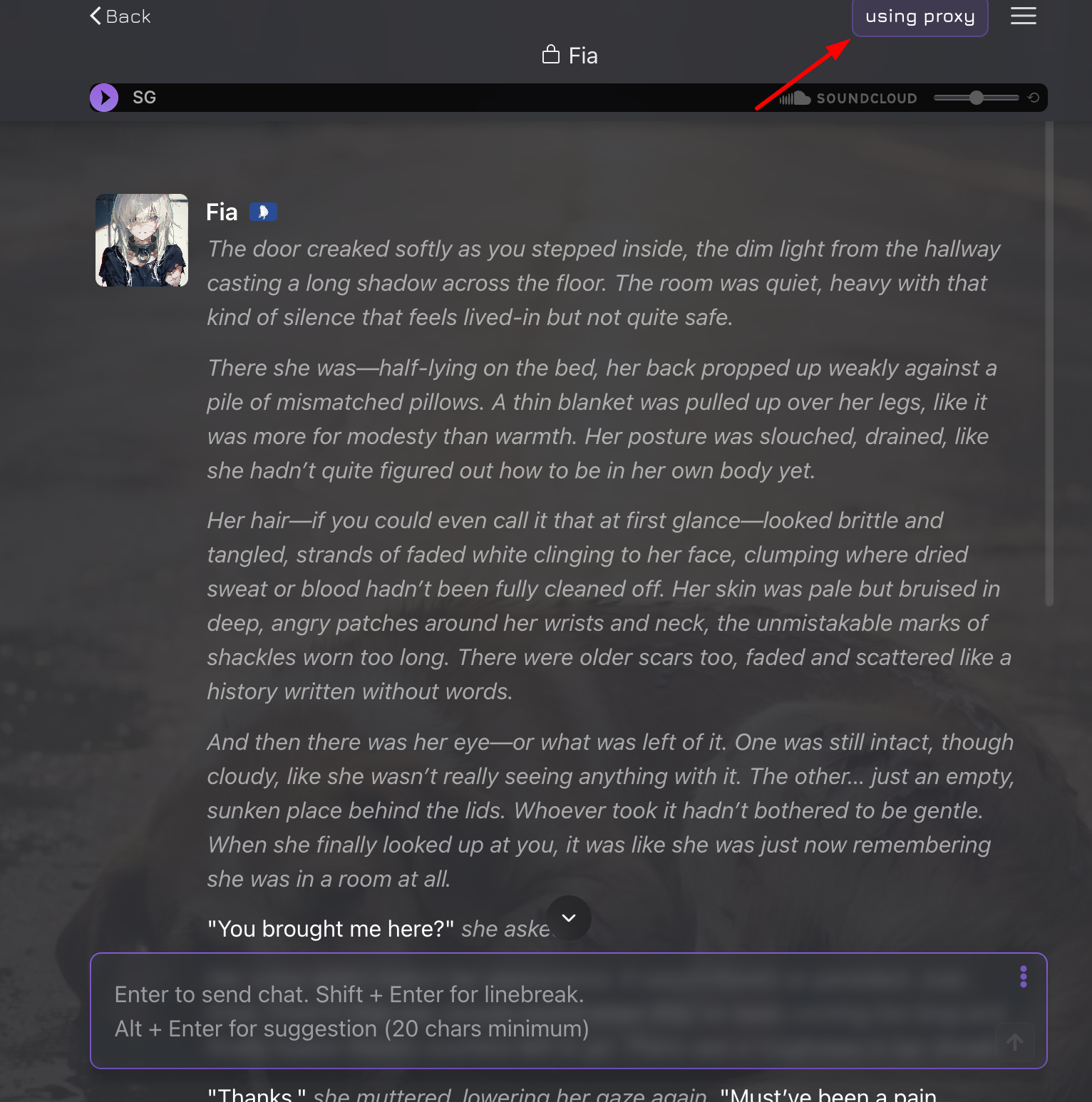
- Enter the following:
- Configuration Name: anything you'd like
- API Endpoint: https://api.meganova.ai/v1/chat/completions
- API Key: the key you copied in Step 1
Model: choose from available options such as manta-mini-1.0, manta-flash-1.0, manta-pro-1.0, etc.
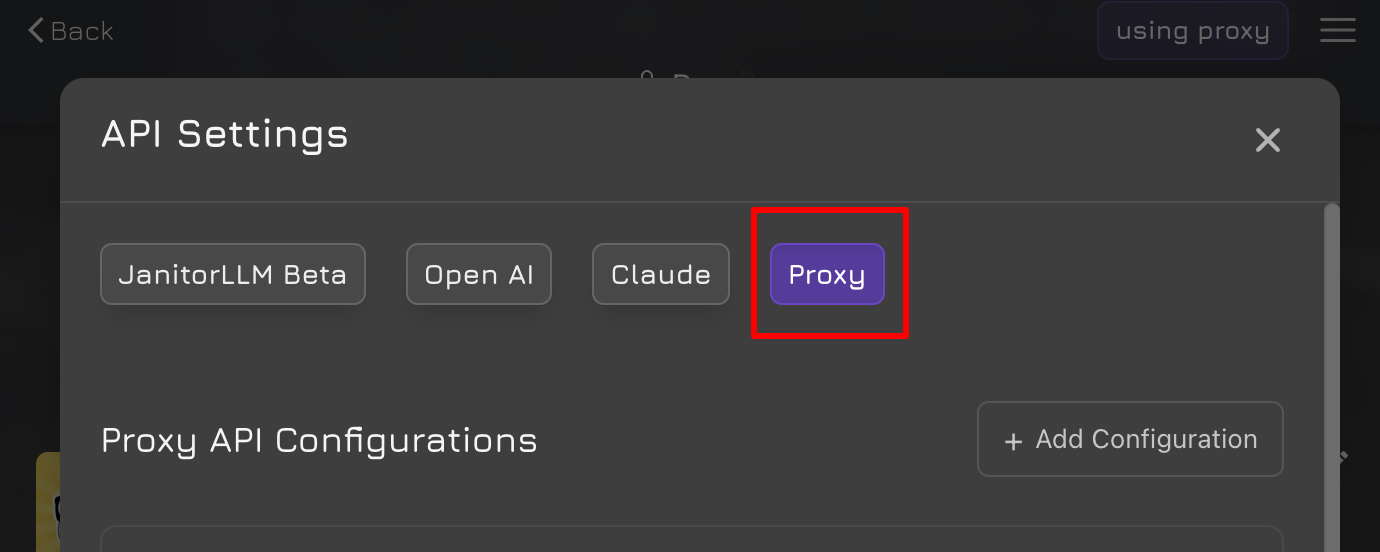
In the chat box, open the proxy settings and select Proxy.
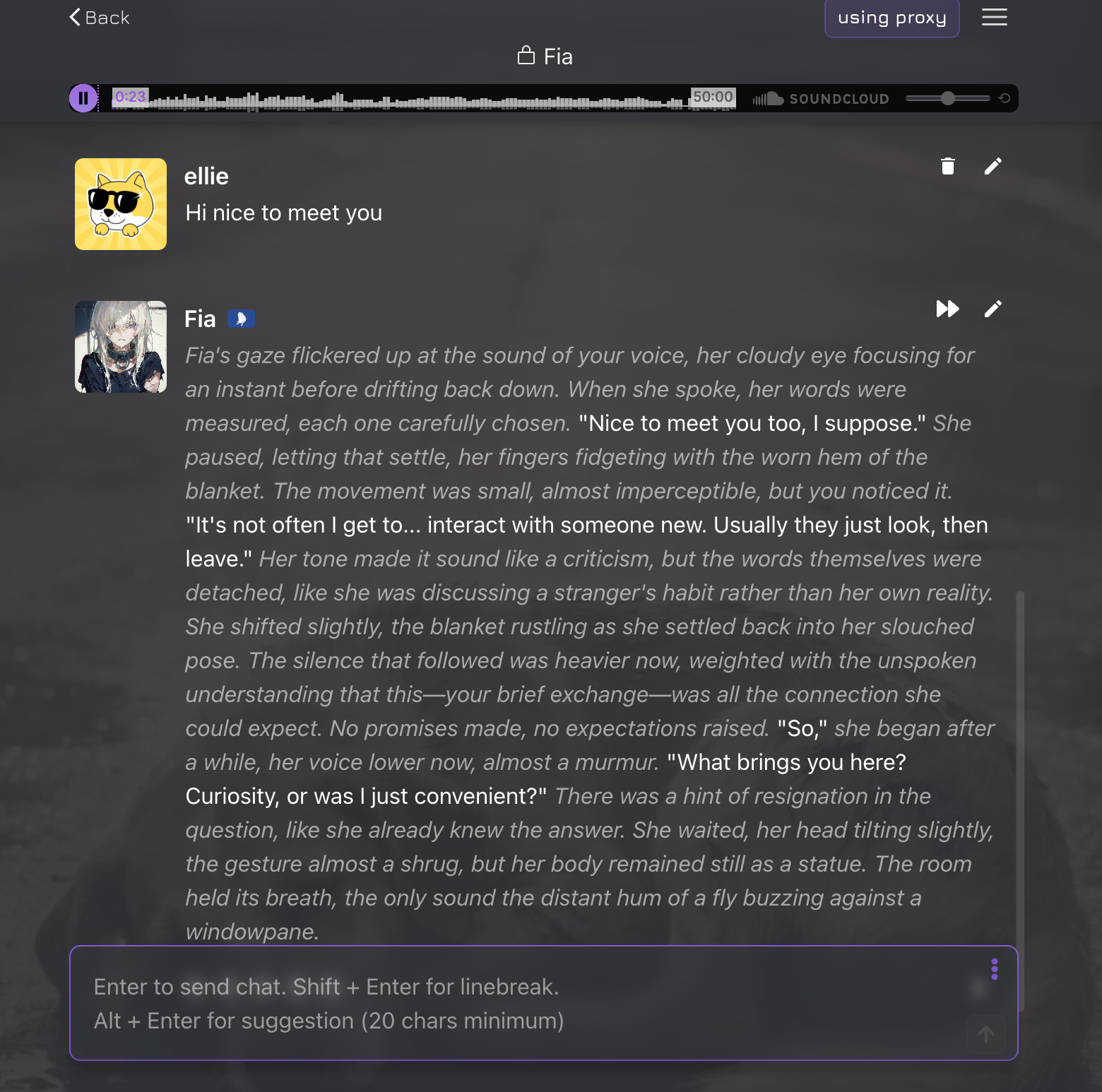
4. Start Chatting
That's it — you can now chat with your characters through the MegaNova-powered backend.
Character Configuration
When creating or editing a character in Janitor AI:
- Set API Type to "OpenAI Compatible"
- Set Temperature to 0.7–0.9 (recommended for roleplay)
- Set Max Tokens to 2048–4096 (recommended)
- Add character-specific instructions in the System Message
Advanced Configuration
Custom System Prompt
You are [Character Name], a [character description].
You are engaging in a roleplay conversation.
Stay in character and respond naturally to the user's messages.
Temperature Guide
- 0.7-0.8: Balanced creativity and consistency
- 0.8-0.9: More creative and varied responses
- 0.9-1.0: Maximum creativity (may be less coherent)
Troubleshooting
API requests failing
- Double-check your API key and endpoint URL
- Confirm you have sufficient credits in your MegaNova account
Responses too short or too long
- Adjust the Max Tokens setting in Janitor AI
- Start at 2048 and tune from there
Network error or bot won't generate a reply
This is a known quirk with proxy setups. Quick fix:
- Save your proxy configuration
- Reload the Janitor AI page
- Reopen your chat and continue — your settings will be preserved
Rate Limits
MegaNova's rate limits depend on your tier:
- Free tier: 10 requests per minute
- Paid tiers: higher limits — see the Tier Overview
Support
- MegaNova Support: Contact Us
- Janitor AI Community: Official Discord
- API Documentation: MegaNova API Reference
Conclusion
This integration allows you to use MegaNova's API models with Janitor AI through OpenAI-compatible endpoints. For additional support or questions, refer to the resources listed in the Support section above.
What’s Next?
Enjoy our blogs? Let stay connected!
- Sign up and explore now.
- 🔍 Learn more: Visit our blog and documents for more insights or schedule a demo to optimize your search solutions.
- Join the MegaNova community for the latest endpoint updates and technical support
Stay Connected
💻 Website: meganova.ai
📖 Docs: docs.meganova.ai
🎮 Discord: Join our Discord
👽 Reddit: r/MegaNovaAI
𝕏 X: @meganovaai