How to Create a Character with Agent Mode in MegaNova Studio
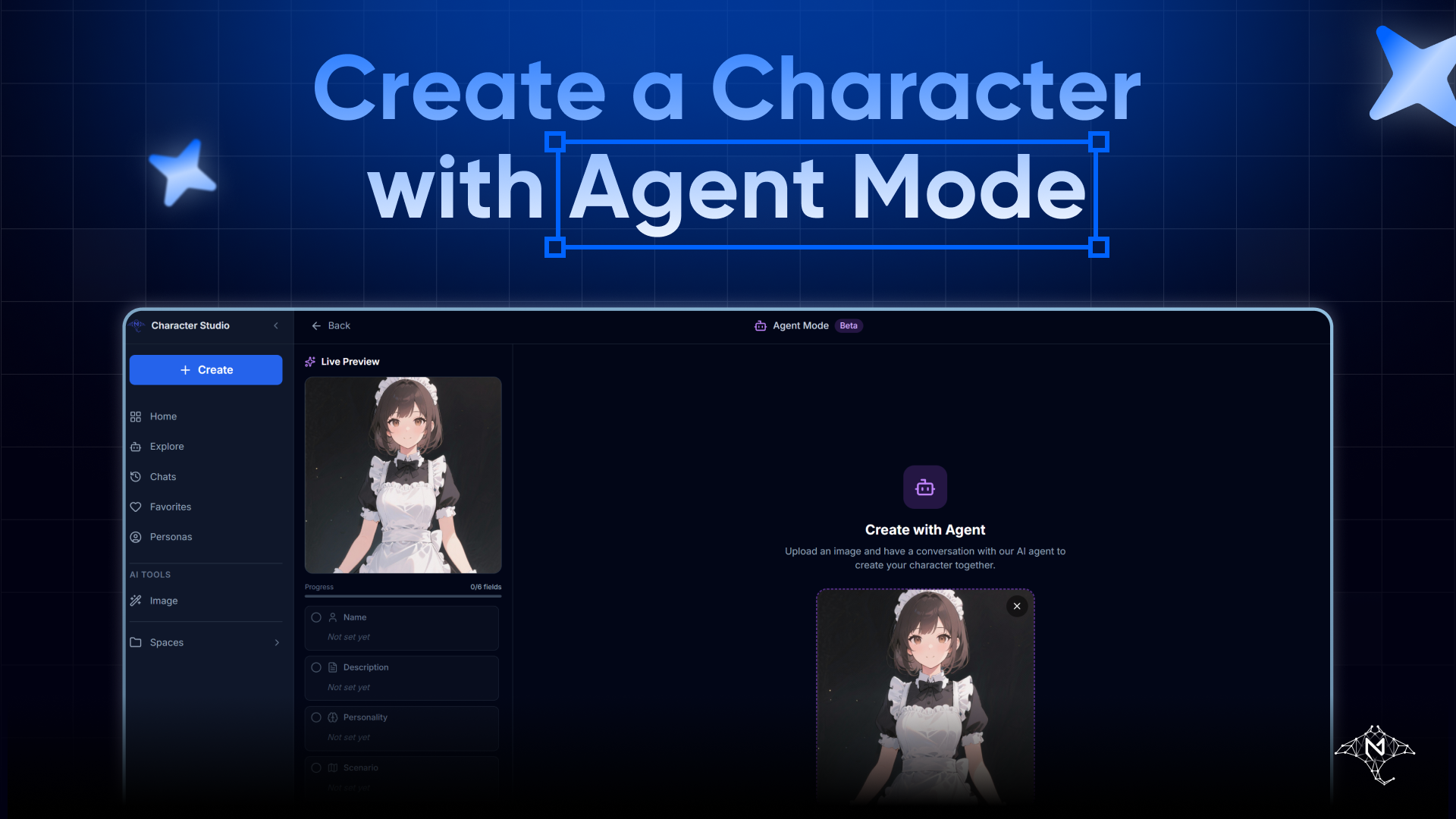
Agent Mode is designed for creators who prefer to think out loud.
Instead of filling out forms or starting with rigid structure, Agent Mode lets you chat with an AI Agent that helps you shape your character step by step — asking questions, refining ideas, and guiding you through the entire creation process.
This guide walks you through how to create a character using Agent Mode in MegaNova Studio, from the first click to exporting your finished character.
What Is Agent Mode?
Agent Mode turns character creation into a conversation.
You describe ideas in natural language, and the AI Agent:
- Asks clarifying questions
- Suggests directions
- Helps fill in character sections progressively
It’s especially useful when you have a general idea, but not a fully formed character yet.
Step 1: Start a New Character
From MegaNova Studio, click Create, then choose Agent Mode.
This opens the Agent Mode flow, where character creation begins with a visual foundation — just like Quick Create.
Step 2: Choose How to Provide an Image
You can start Agent Mode with either an uploaded image or AI Image Generation.
Option A: Upload Your Own Image
If you already have character art, upload it directly.
This image will guide both the AI Agent’s understanding and later character generation.
Option B: Use AI Image Generation
If you don’t have an image yet, you can generate one inside Agent Mode.
When using AI Image Generation:
- Choose an AI image model
- Select a painting style, such as Anime, Realistic, 3D, Chibi, or Cartoon
- Select the character’s gender
- Optionally add painting tags for pose, outfit, or vibe
- Optionally describe the character’s appearance
Each generation session:
- Uses 30 credits
- Produces 4 images per session
Review the four images, select the one you like, then click Apply to continue.
Step 3: Start the Conversation with the AI Agent
Once your image is set, click Start Conversation.
This is where Agent Mode truly begins.
The AI Agent will start a guided conversation, helping you define your character piece by piece. Instead of asking you to fill in every field manually, it will prompt you with questions and suggestions.
You can:
- Answer casually or in detail
- Change your mind mid-conversation
- Ask the agent for alternatives or refinements
There’s no “wrong” answer — the agent adapts as you go.
Step 4: Build the Character Step by Step
As the conversation progresses, the AI Agent helps you complete each core section of the character, such as:
- Personality direction
- Tone and behavior
- Background or role
- Interaction style
You don’t need to worry about structure or formatting at this stage. The agent translates your responses into usable character data behind the scenes.
This makes Agent Mode ideal for creators who:
- Prefer dialogue over configuration
- Want guidance without losing control
- Need help turning vague ideas into concrete characters
Step 5: Continue to the Editor
Once all required sections are completed, click Continue to Editor.
This takes you into the standard character editor, where you can see everything the AI Agent has built for you.
Step 6: Review and Edit (Optional)
In the editor, you’re free to:
- Edit any field manually
- Refine wording or tone
- Add extra details or constraints
Agent Mode doesn’t lock anything. It simply helps you reach a solid first version faster. When you’re satisfied, click Save to finalize the character.
Step 7: Export Your Character
After saving, you can click Export to download your character as a character card.
This allows you to:
- Use the character elsewhere
- Share it with others
- Keep a portable backup of your work
When Should You Use Agent Mode?
Agent Mode is ideal when:
- You have an idea, but not a finished concept
- You enjoy creating through conversation
- You want guidance without automation
- You want the AI to help you think, not just generate
It’s often the best middle ground between speed and control.
Final Thought
Agent Mode isn’t about letting AI take over.
It’s about creating together.
If you want a character that feels intentional — but don’t want to start from a blank page — Agent Mode is one of the most natural and rewarding ways to build in MegaNova Studio.