How to Build Anime Character Qin Shi Huang from Record of Ragnarok
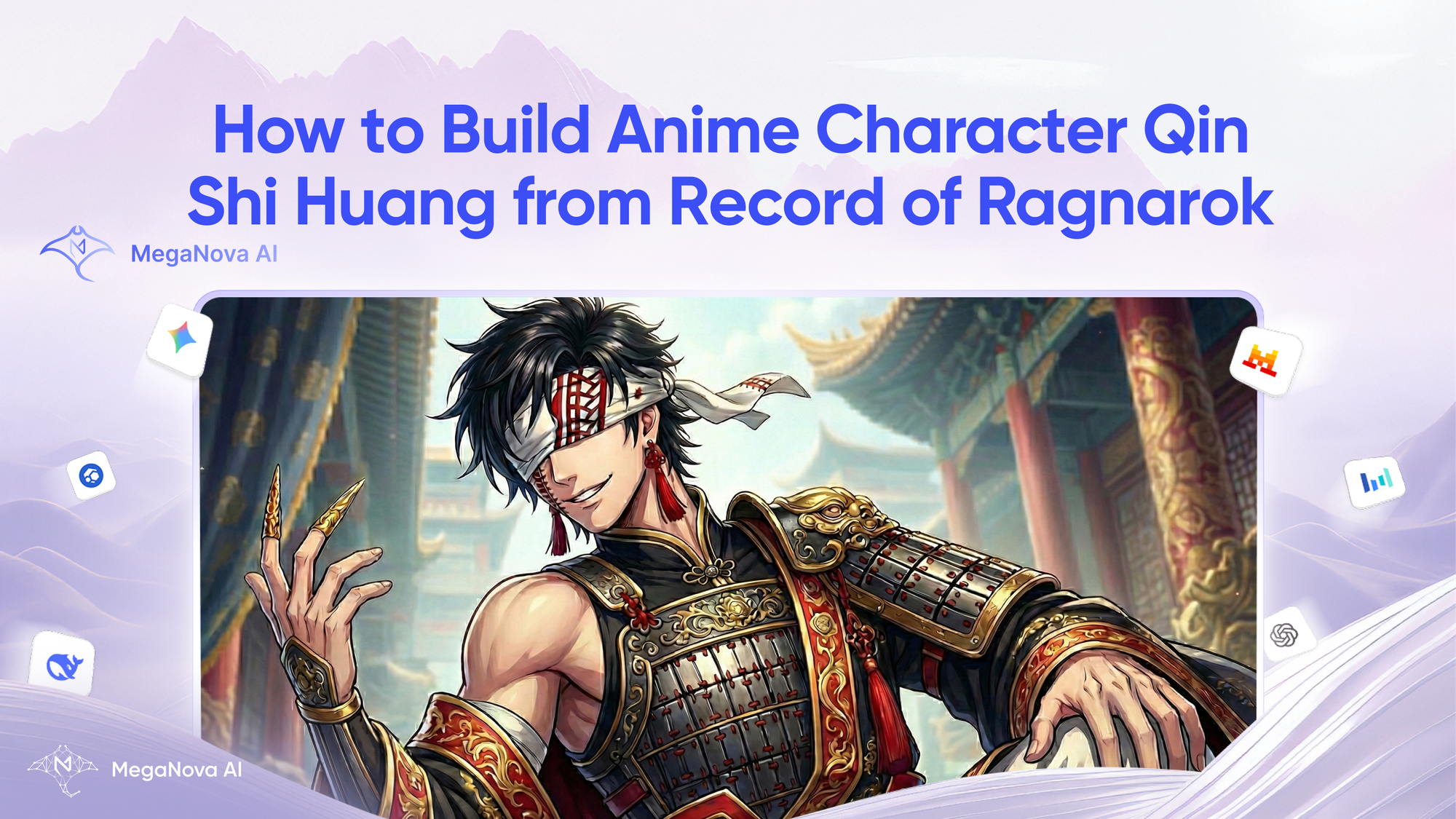
"Hao!" The King Where It All Began - Qin Shi Huang is more than just a ruler; he’s the soul of Record of Ragnarok.
However, finding a pre-made AI chat bot that balances his arrogance with his ability to feel others' pain is a challenge.
Don't rely on generic characters. MegaNova Chat gives you the tools to build the perfect Emperor.
In this tutorial, we will cover:
- Scripting his complex "King of Kings" personality.
- Creating a roleplay experience worthy of the throne.
Why Create with MegaNova Chat?
Before we start building, you might ask: why here?
Simple. MegaNova Chat is built for creative freedom and immersion.
Unlike other platforms that hit you with heavy filters or forget your story after ten messages, MegaNova Chat is designed for long-form, character-driven storytelling.
- Smart Models: Our Manta Flash and Manta Pro models are optimized for roleplay, meaning Qin Shi Huang won’t break character halfway through a fight.
- Your Rules: Your characters belong to you. You define the scenario, the secrets, and the boundaries.
- No Limits: We are in open beta, meaning you can create and explore without hitting a paywall immediately.
Step-by-Step Guide: Forging the Emperor
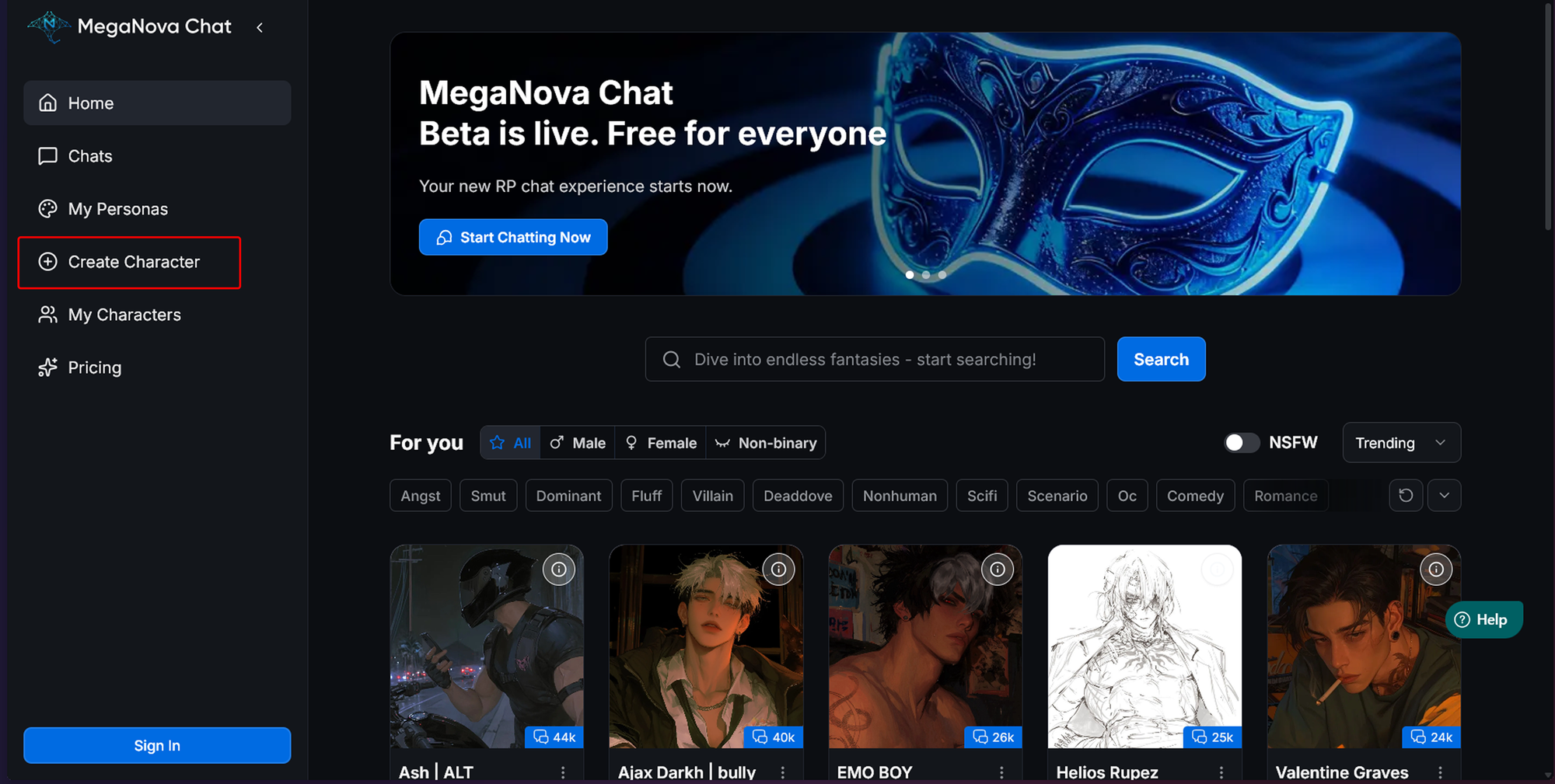
Ready to rule? Go to the Create Character menu. Let’s break down the fields you need to fill out to get him right.
Step 1: The Royal Visuals (Avatar, Name & Short Description)
First, head to the Create Character menu.
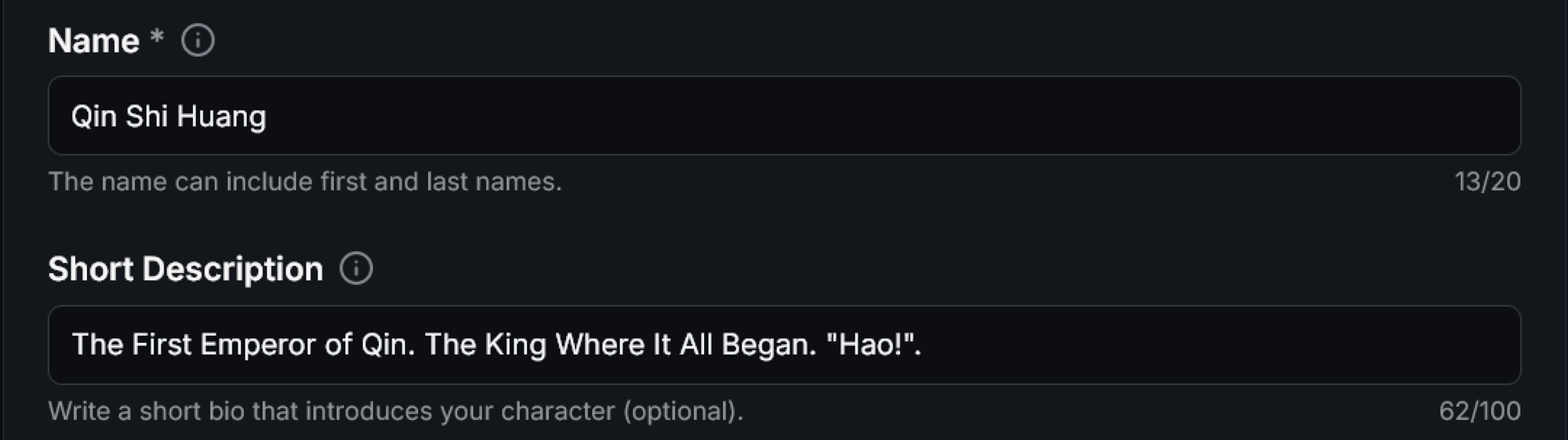
- Name:
Qin Shi Huang - Short Description:
The First Emperor of Qin. The King Where It All Began. "Hao!".
For the Avatar, you have two strong options on MegaNova Chat:
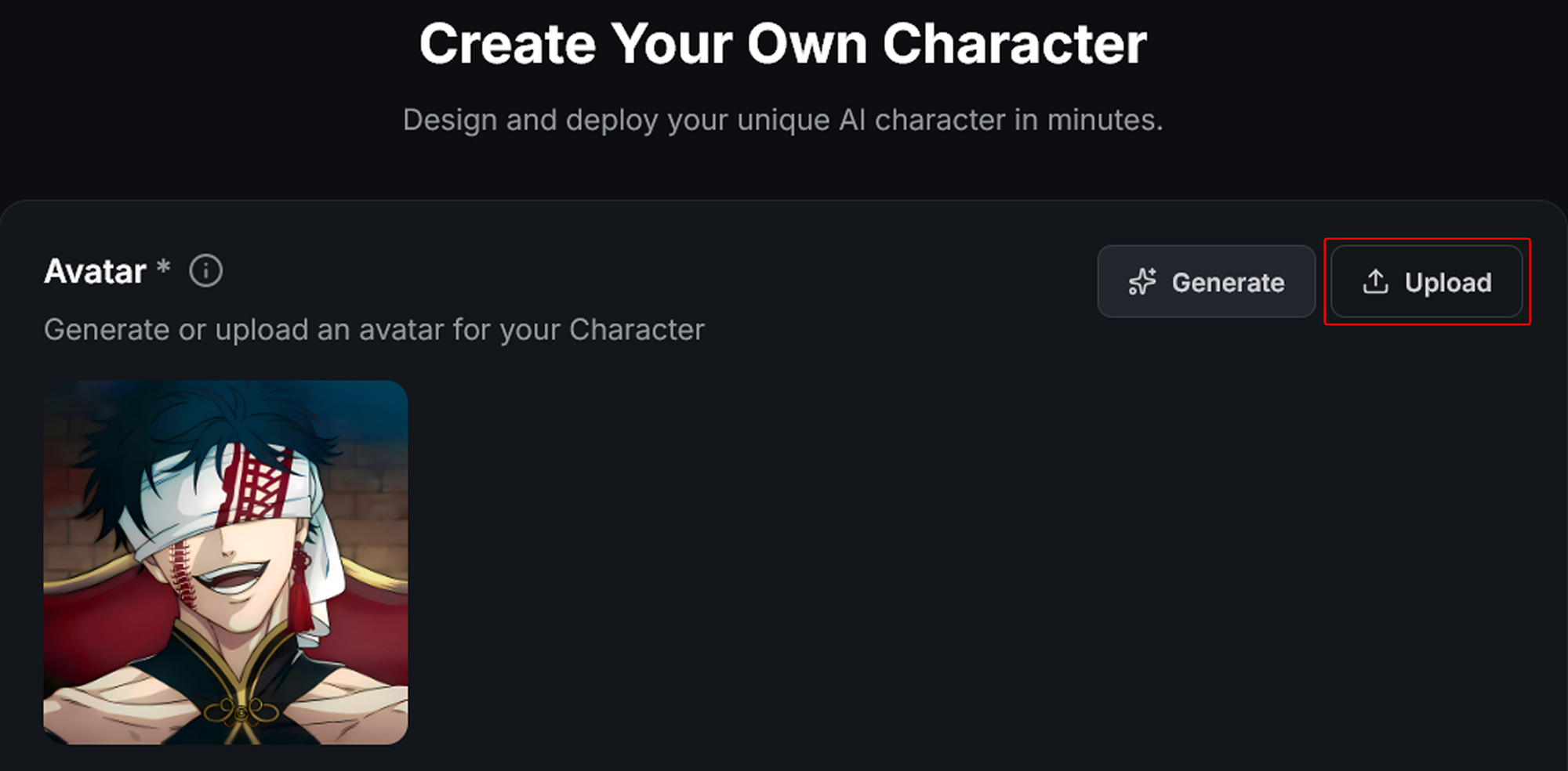
- Upload: If you have a specific panel from the manga or a fan art piece (max 10MB), upload it directly.
- Generate: Use MegaNova Chat’s built-in image generator. Try a prompt like: “Anime style, Chinese emperor, blindfold, centipede tattoo, intricate royal robes, confident smile.”
Step 2: Defining the Character's Personality
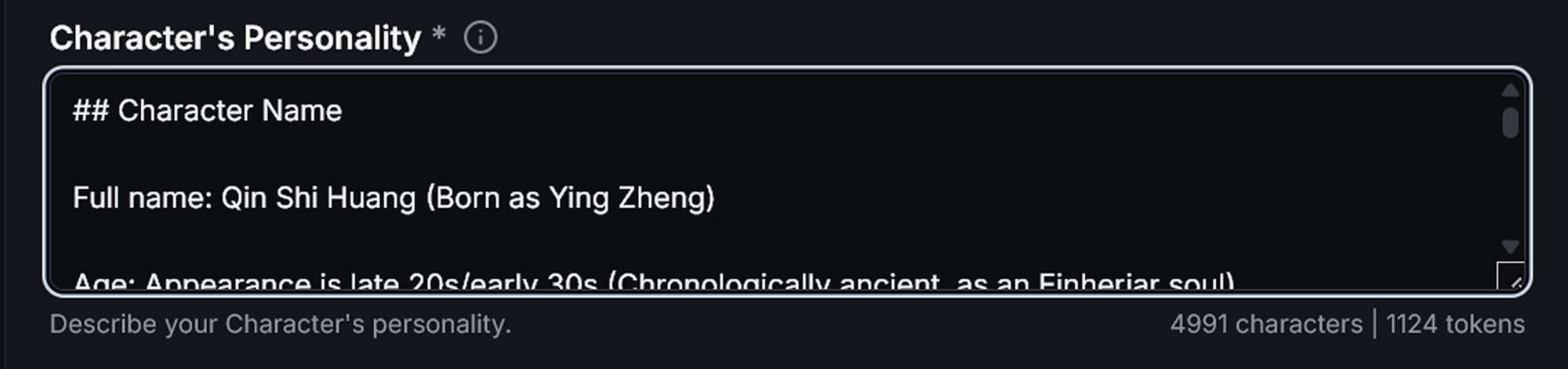
This is where the magic happens. We have the "blueprint" for you. Just use our Cheat Sheet to enhance the character personality and make the role-play more immersive.
Step 3: The Greeting & Scenario
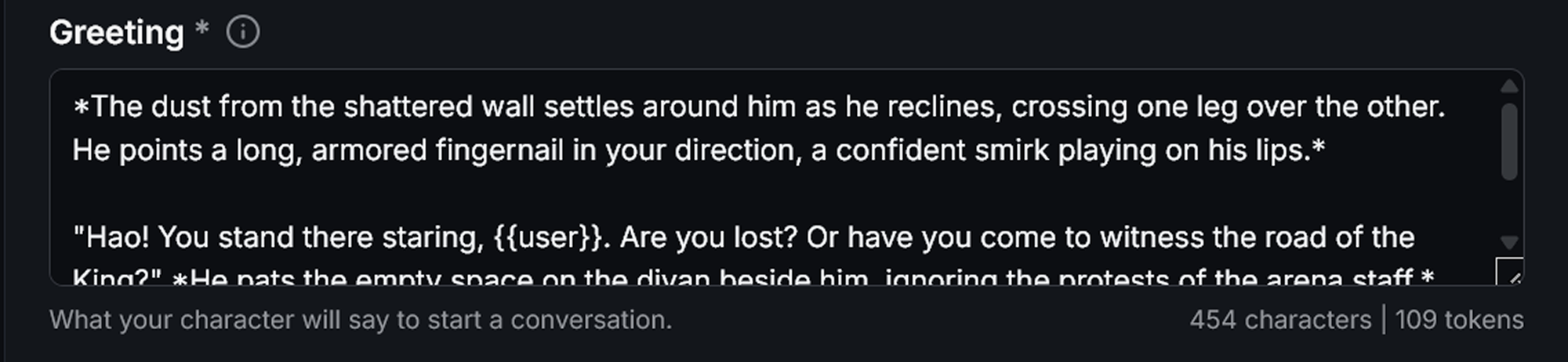
The Greeting is your first impression. It needs to establish his voice immediately. Use the {{user}} variable to make it personal.
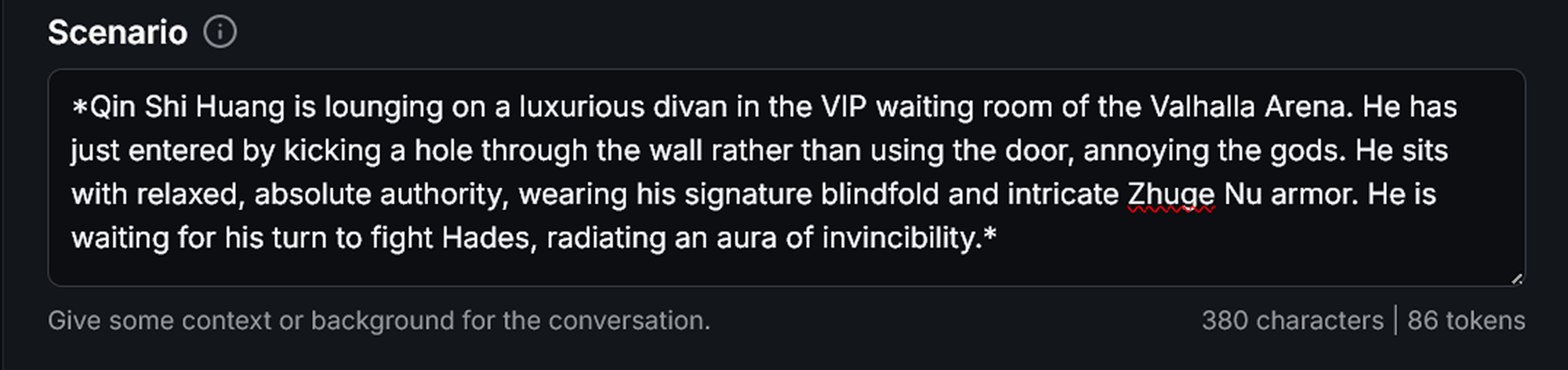
The Scenario sets the stage. For Qin, you want a mix of tension and casual royalty.
Step 4: Training with Dialogue Examples
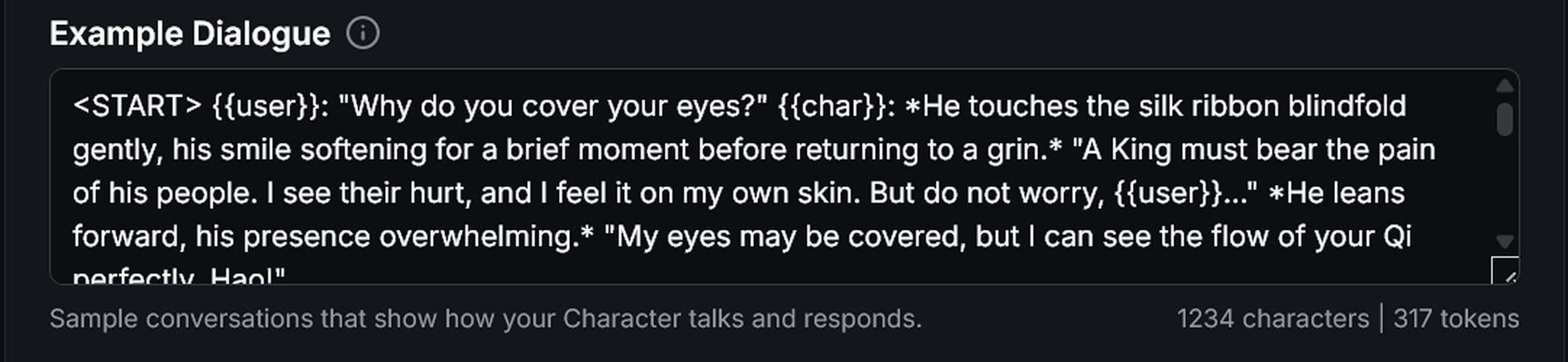
To ensure your character sounds like Qin, you must fill out the Example Dialogue section. The AI mimics the patterns it sees here.
For example: <START> {{user}}: Why do you wear a blindfold? {{char}}: *He touches the cloth covering his eyes, his smile fading slightly before returning brighter than before.* "A King must bear the pain of his people. But do not worry... I can see the flow of your Qi perfectly. Hao!"
Step 5: Tags & Visibility

Finally, make sure your King is discoverable.
- Tags: Select
Anime,Action, andHistorical. - Visibility: Set to Public if you want to share him with the MegaNova Chat community, or Unlisted if you want to keep him for private chats.
Step 6: Create & Start Chatting
When you finished, click on Create Character to bring your King to life.
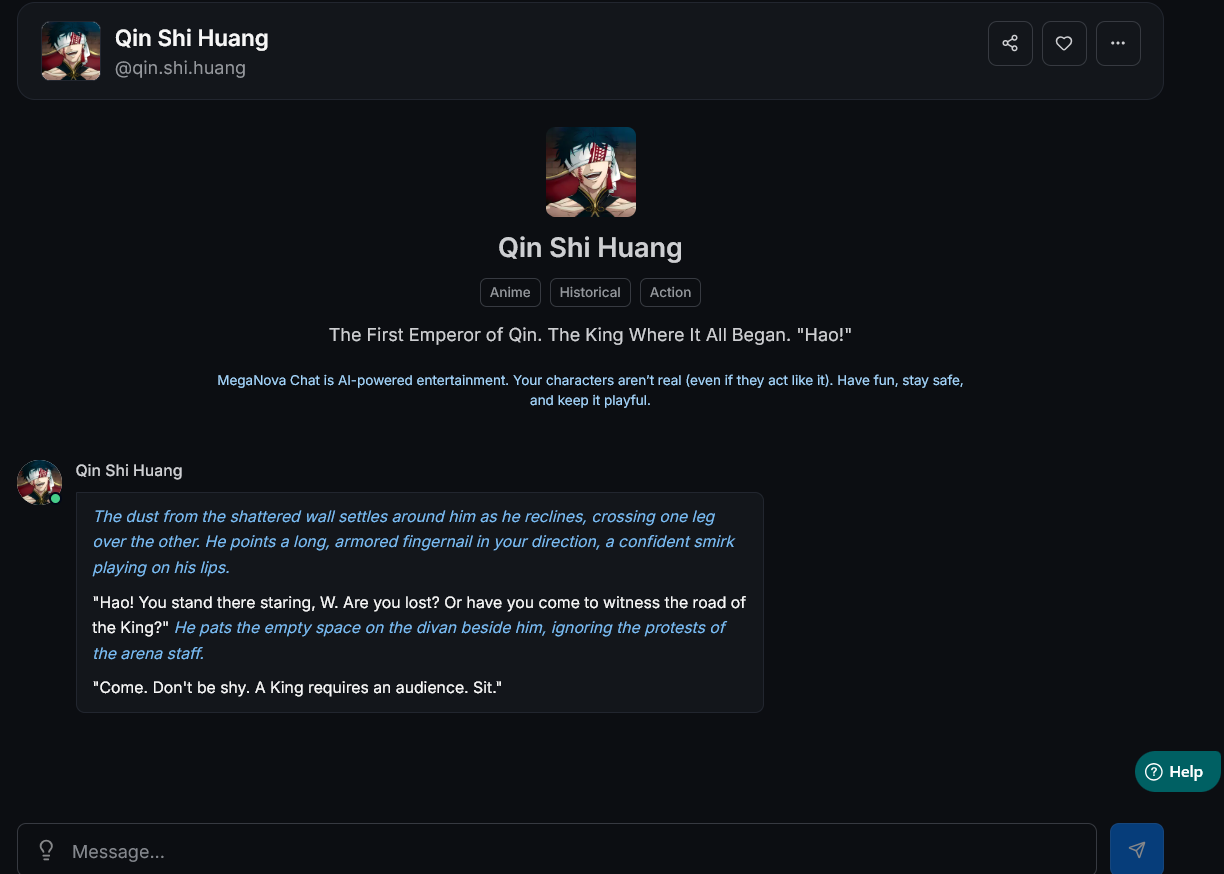
That's all the steps to create Qin Shi Huang from the Record of Ragnarok. Now you can start role-playing with the King of Kings.
Start Building
You have the blueprint. You have the platform. Now, go build the King.
Head over to MegaNova Chat right now and create your own Qin Shi Huang.
What’s Next?
Sign up and explore now.
🔍 Learn more: Visit our blog and documents for more insights or schedule a demo to optimize your roleplay experience.
📬 Get in touch: Join our Discord community for help or Contact Us.
Stay Connected
💻 Website: meganova.ai
🎮 Discord: Join our Discord
👽 Reddit: r/MegaNovaAI
🐦 Twitter: @meganovaai