Gemini 3.6 Flash Proxy for Janitor AI with MegaNova Setup Guide
Have you ever had an incredible roleplay campaign on Janitor AI fall apart because the bot forgot crucial events from just 50 messages ago?
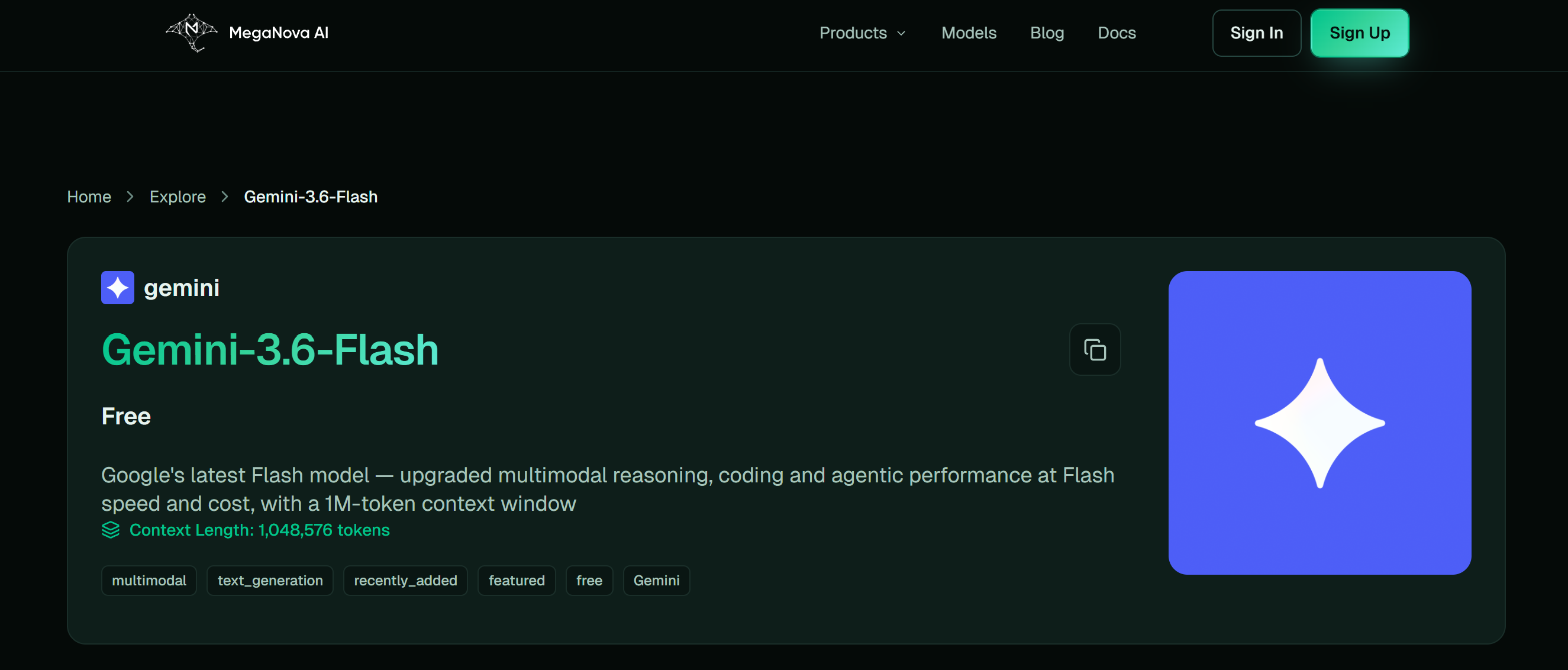
Gemini 3.6 Flash solves this problem.
With its industry-leading context window, Gemini 3.6 Flash is one of the best AI models for long-form roleplay, whether you're creating immersive stories, running tabletop RPG (TTRPG) campaigns, or engaging in character-driven conversations.
It maintains consistency across extended interactions, allowing characters, plotlines, and world-building details to remain coherent from start to finish.
Using MegaNova Proxy, you can bring the full processing power of Gemini 3.6 Flash directly into Janitor AI's chat interface.
Key Advantages of Gemini 3.6 Flash for Roleplay
- Massive Context Memory: Maintains total narrative continuity over thousands of messages without hallucinating past events.
- Multi-Character Mastery: Seamlessly handles multi-bot scenarios, keeping track of who is speaking, where they are, and what they hold.
- Fast & Reliable Processing: Excellent speed-to-output ratio, keeping chat momentum active.
- Strong Worldbuilding Logic: Excels at maintaining sci-fi mechanics, magic systems, and complex lore rules.
Prerequisites: MegaNova Account Setup
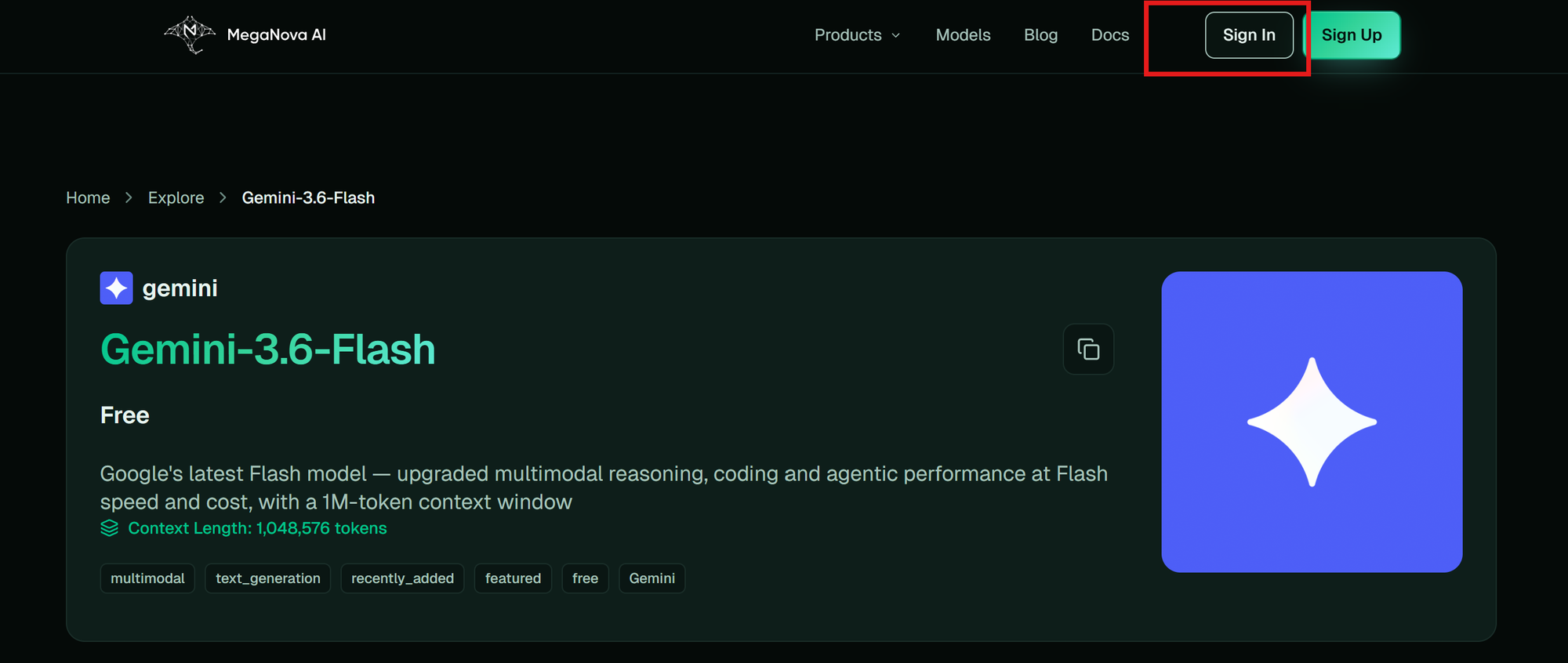
- Head over to the MegaNova Console and log in.
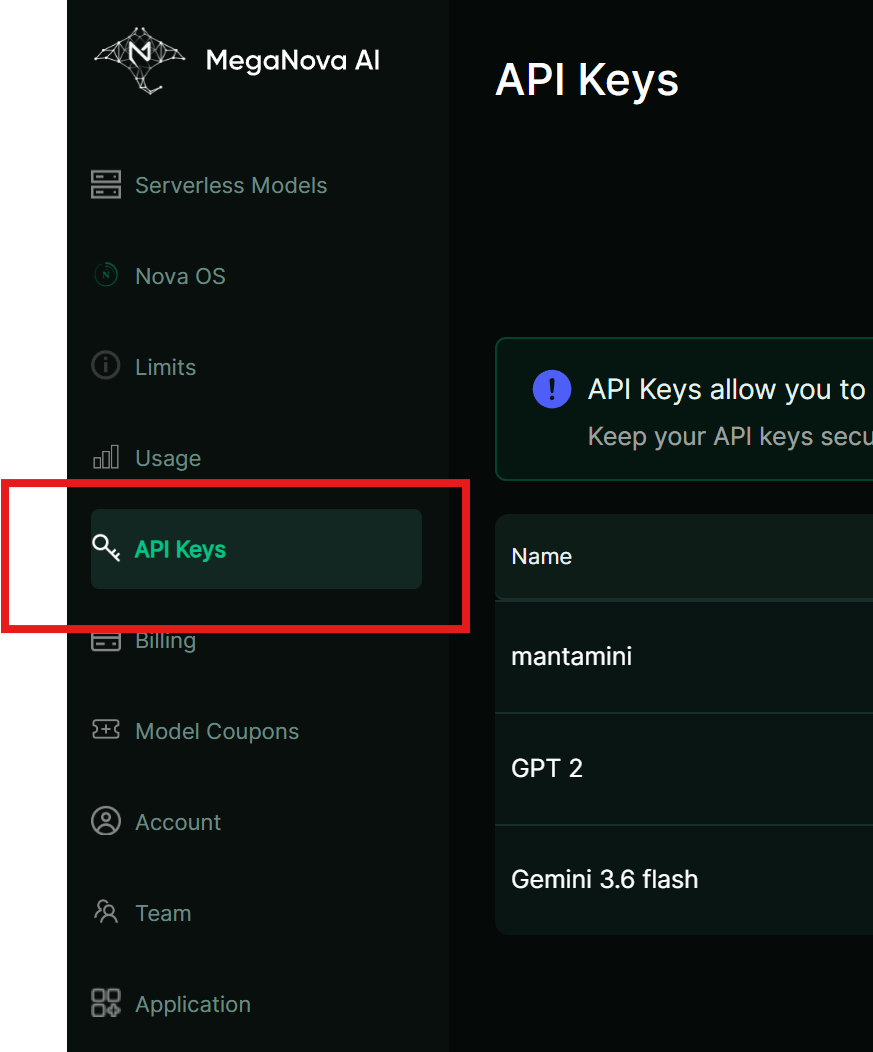
- Go to API Keys on the sidebar.
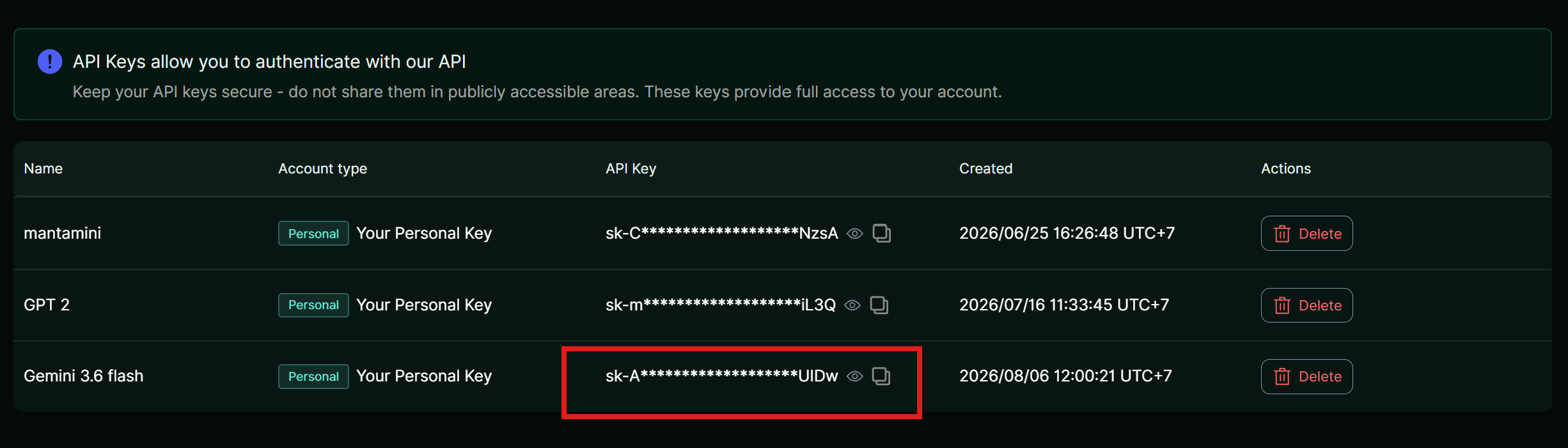
3.Generate a new key specifically for Janitor AI (e.g., Janitor-Gemini36).
- Copy the key (sk-...) to your clipboard.
Step-by-Step Setup Guide
- Open Janitor AI Proxy Settings: Access the API menu.
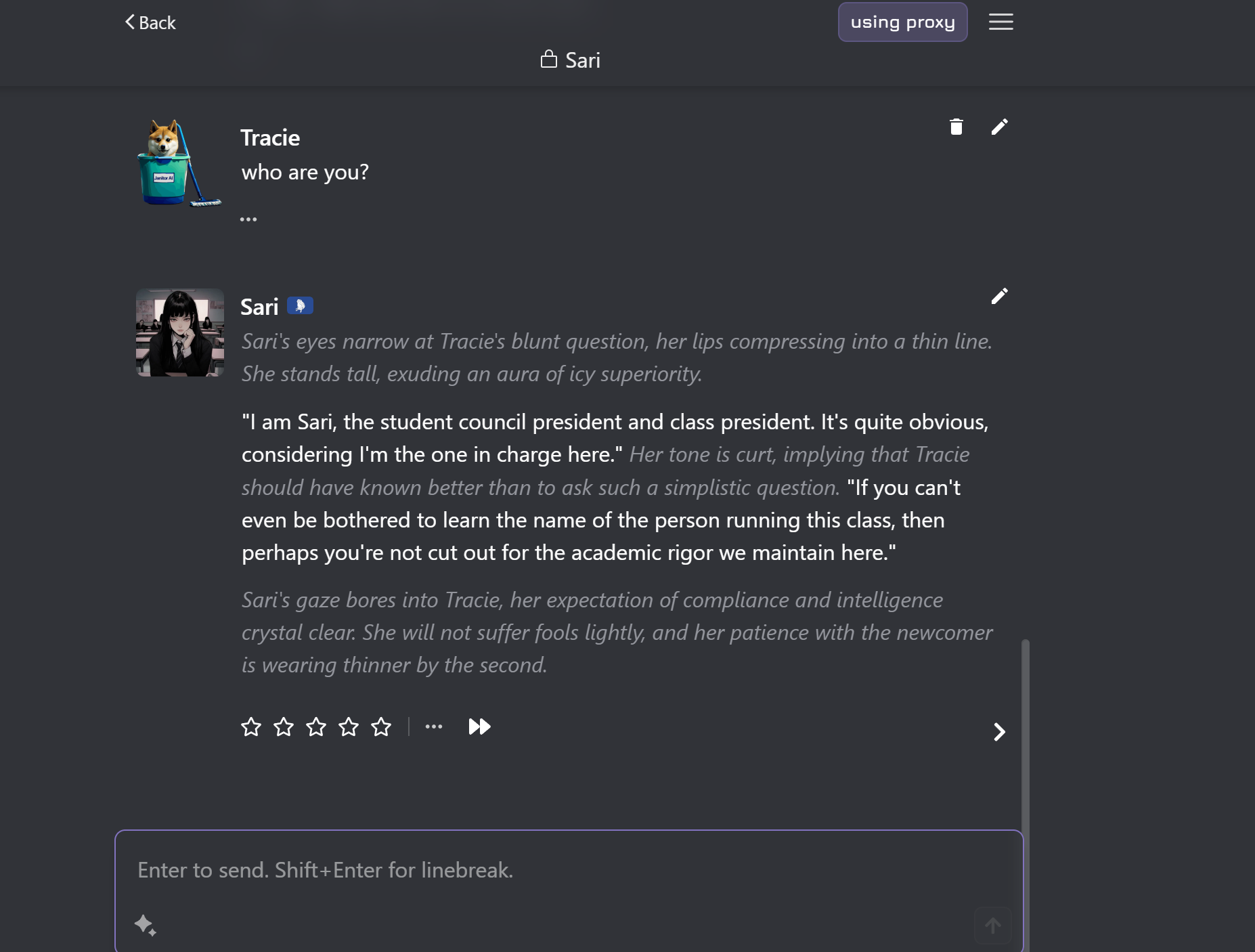
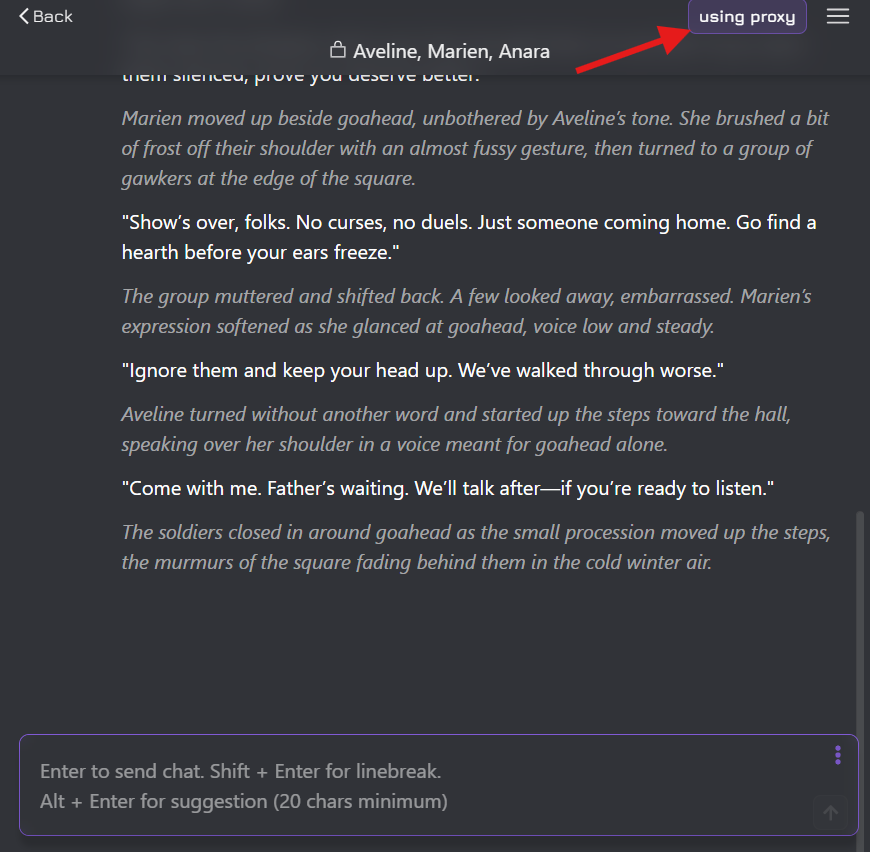
Go to Janitor AI, open any chat, click the top-right menu icon (☰), and select API Settings.
- Add Proxy Configuration: Create a fresh proxy profile.
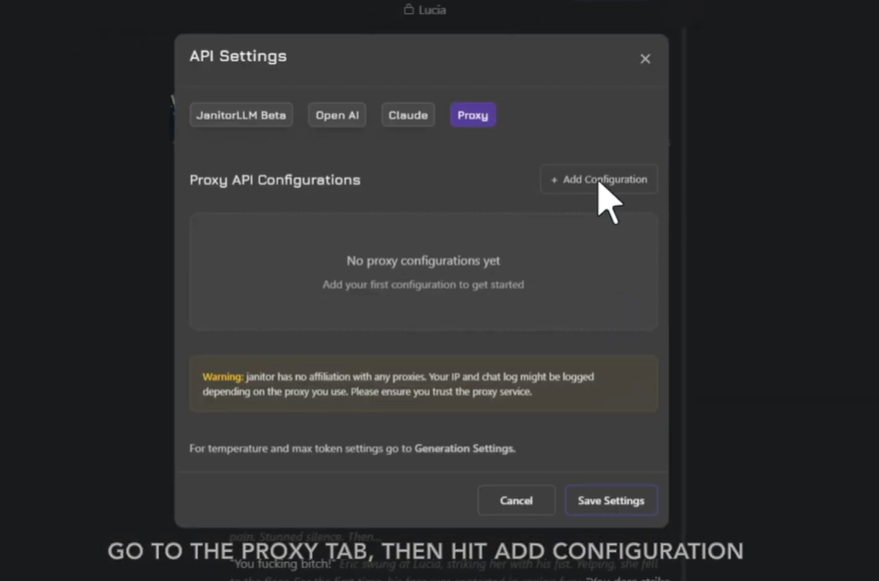
- Select the Proxy tab at the top and click + Add Configuration.
- Enter Gemini 3.6 Flash Credentials: Copy parameters precisely.
- Fill out the configuration fields with these parameters:
- Configuration Name: MegaNova - Gemini 3.6 flash
- Proxy URL: [https://inference.meganova.ai/v1/chat/completions](https://inference.meganova.ai/v1/chat/completions)
- Model Name: meganova-ai/gemini-3.6-flash
- API Key: Paste your MegaNova API key (sk-...)
- Test, Save & Reload: Activate the model.
- Click Test Configuration to confirm connectivity.
- Press Save Settings, then reload your page (F5) to initialize the new engine.
Recommended Generation Parameters
Pro Tips for Gemini 3.6 Flash Roleplay
- Use Detailed Character Cards: Gemini 3.6 Flash reads long character bios and world logs thoroughly without cutting corners.
- Re-summarize Milestones: Even with huge context, dropping brief state updates in your messages (e.g., [Location: Tavern | Time: Night] ) helps maintain 100% world accuracy.
Video Tutorial Reference for API Configuration on Janitor AI:
What’s Next?
Enjoy our blogs? Let stay connected!
- Sign up and explore now.
- 🔍 Learn more: Visit our blog and documents for more insights or schedule a demo to optimize your search solutions.
- Join the MegaNova community for the latest endpoint updates and technical support
Stay Connected
💻 Website: meganova.ai
🎮 Discord: Join our Discord
👽 Reddit: r/MegaNovaAI
🐦 Twitter: @meganovaai