Claude Sonnet 5 Proxy for Janitor AI with MegaNova Setup Guide
If you are looking for the absolute sweet spot between elite literary prose, emotional intelligence, and swift generation speed, Claude Sonnet 5 is the top choice for Janitor AI roleplayers. While older models often fall into repetitive dialogue patterns or stiff prose, Claude Sonnet 5 excels at dynamic character interaction, atmospheric description, and maintaining distinct personality voices over long sessions.
By routing Claude Sonnet 5 through MegaNova Proxy, you get seamless OpenAI-compatible API connectivity, high uptime, and full formatting compatibility with Janitor AI.
Why Choose Claude Sonnet 5 for Janitor AI?
- Unrivaled Literary Prose: Generates vivid, sensory-rich descriptions without feeling overly verbose or purple.
- Natural Dialogue Flow: Captures subtext, witty banter, and emotional nuances effortlessly.
- Smart Memory Tracking: Remembers character traits, plot points, and inventory items far better than standard open-weight models.
- High Output Speed: Delivers near-Opus level quality at a fraction of the response latency.
Prerequisites: Getting Your MegaNova API Key
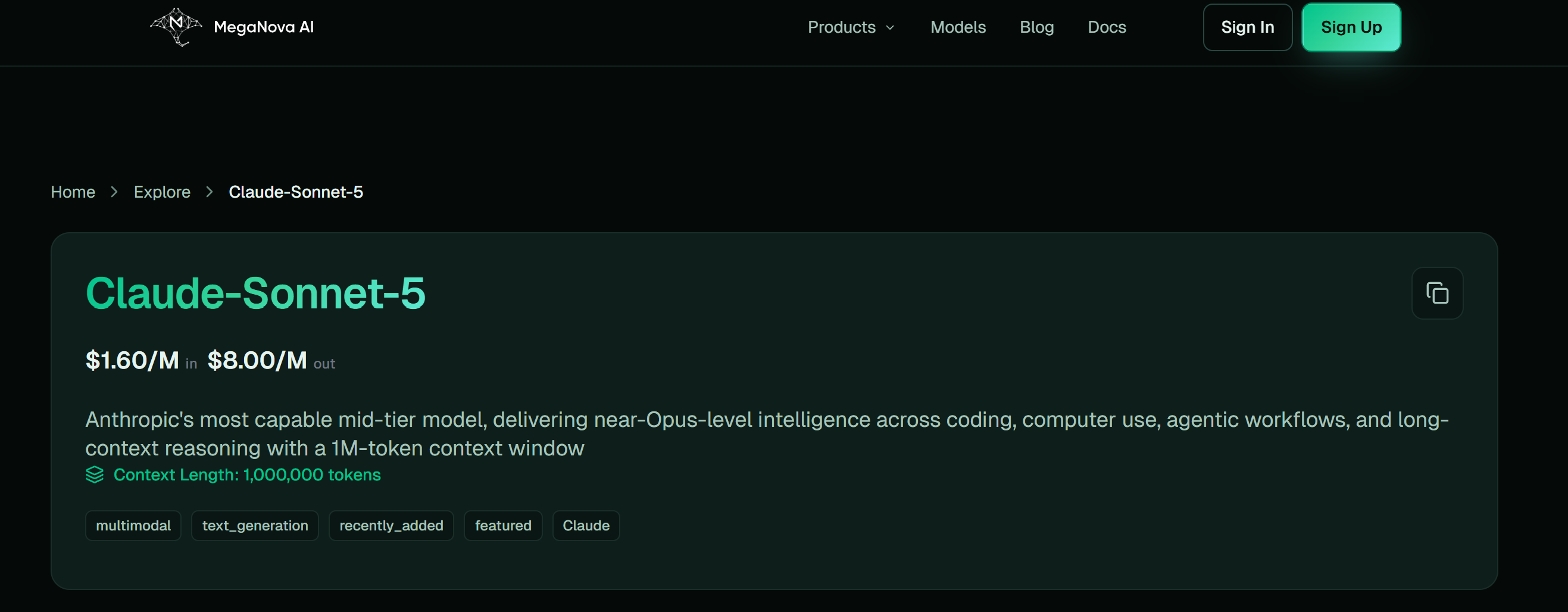
- Log in to the MegaNova Console (or sign up for an account if you haven't already).
2.Navigate to API Keys on the left dashboard menu.
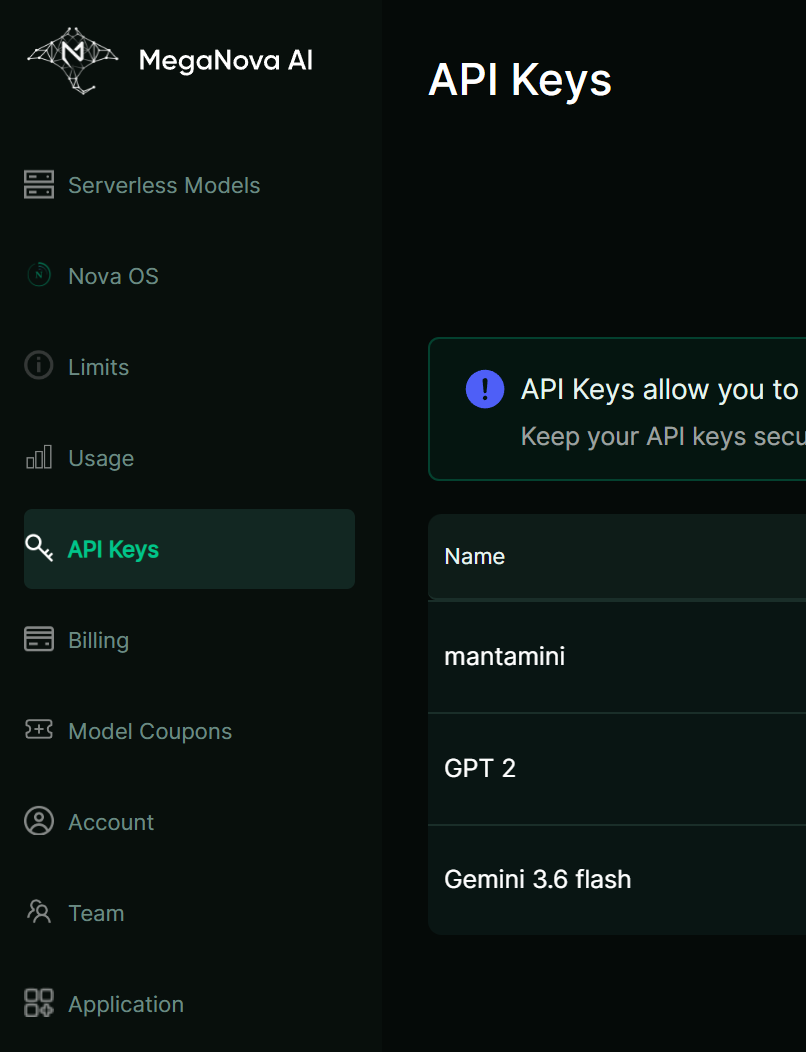
3.Click Create New Key, label it JanitorAI-Sonnet5, and copy the secret string starting with sk-.
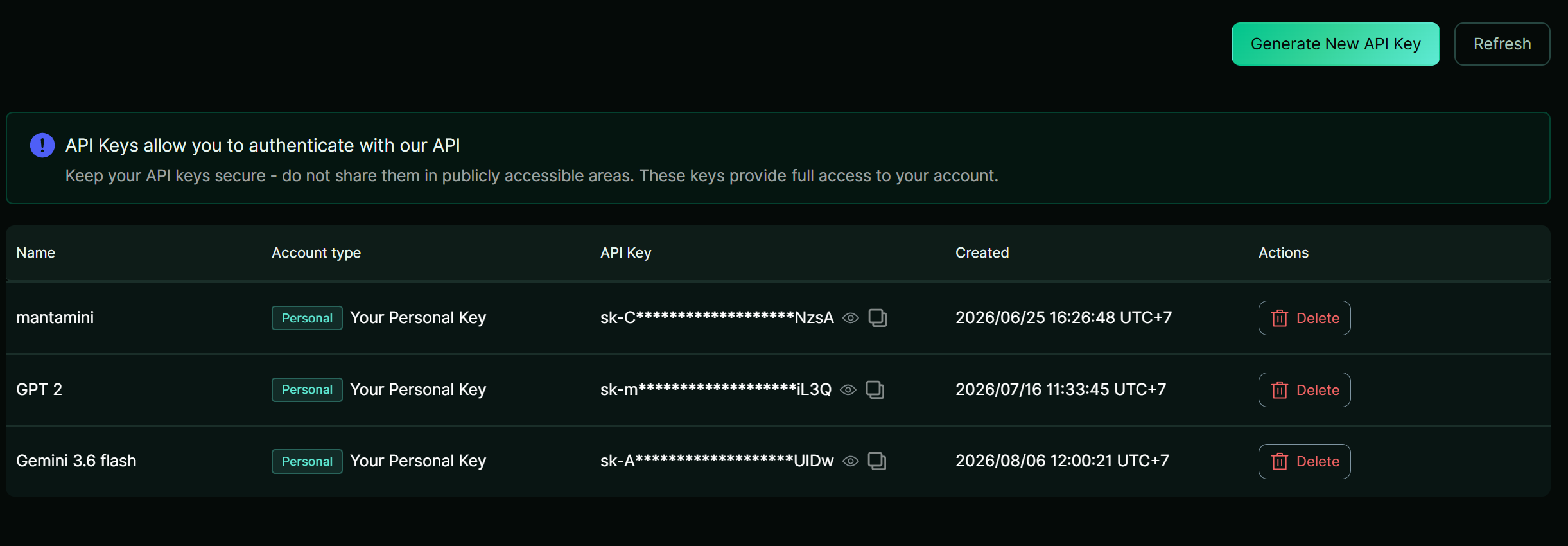
- Store your key safely.

Step-by-Step Setup Guide
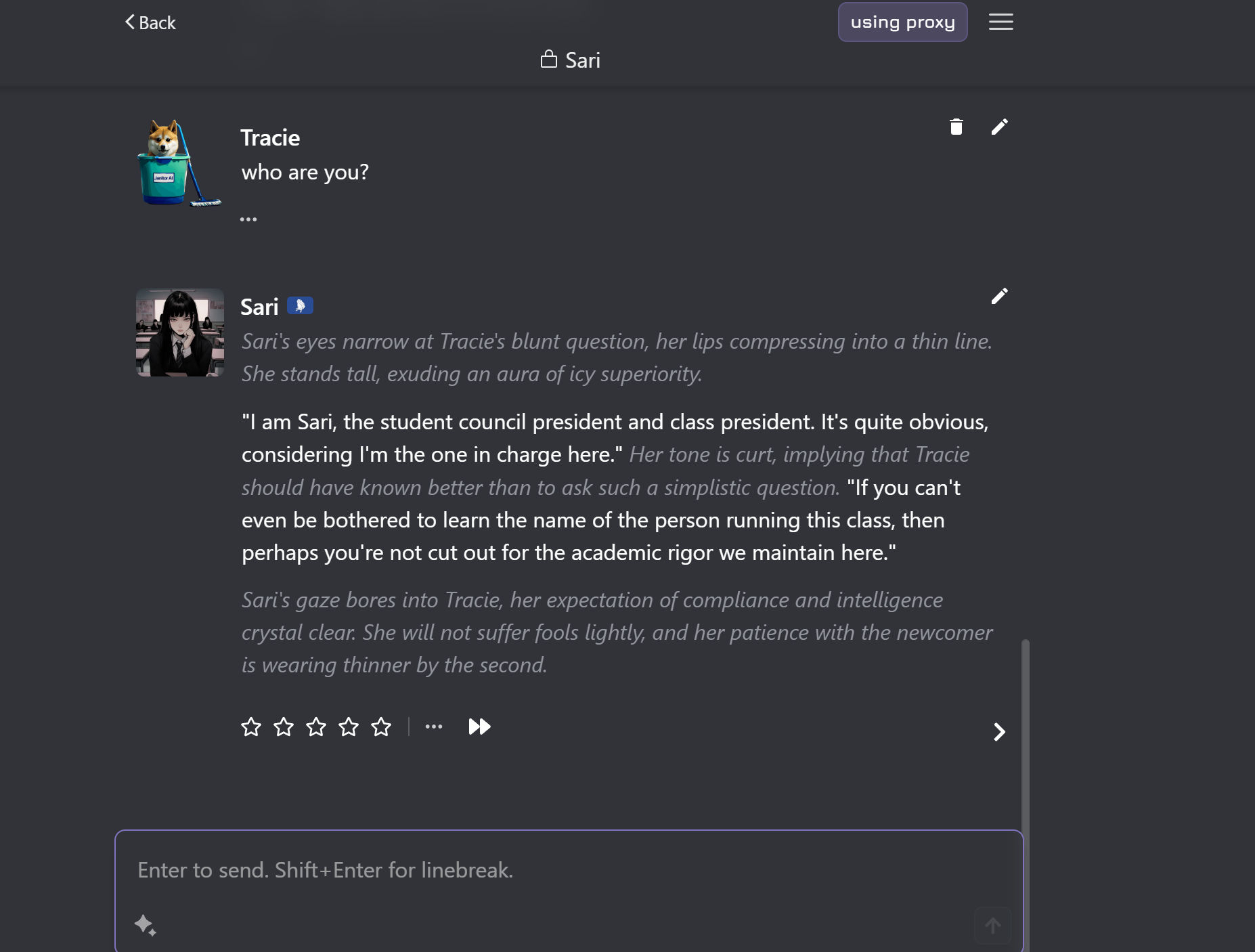
- Navigate to Janitor AI Settings:Open your active chat session.
Launch Janitor AI, open a chat with any character bot, and click the three-line hamburger menu (☰) in the top-right corner. Select API Settings.
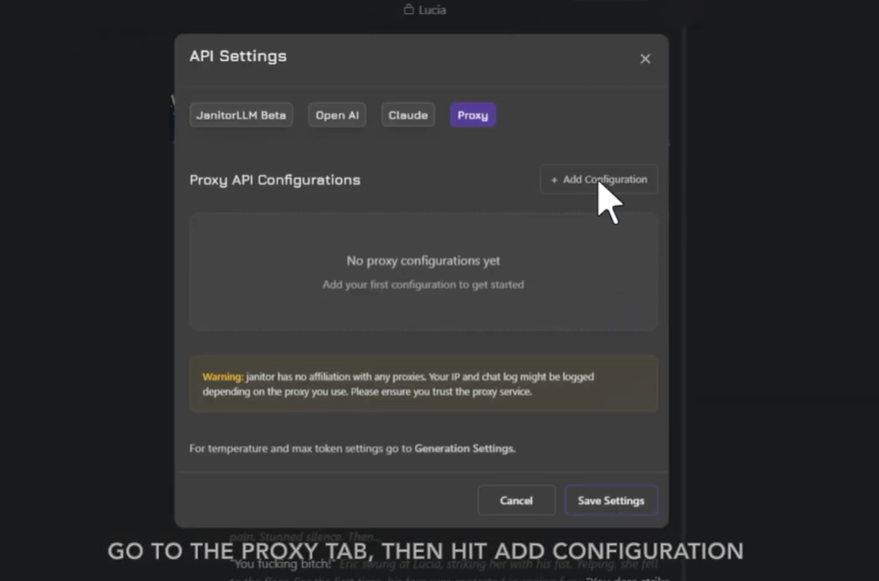
- Add a New Proxy Configuration: Configure the custom endpoint.
Switch to the Proxy tab and click + Add Configuration.
- Fill in the Proxy Credentials: Exact string matching required.
Enter the following details into the setup fields:
- Configuration Name: MegaNova - Claude Sonnet 5
- Proxy URL: [https://inference.meganova.ai/v1/chat/completions](https://inference.meganova.ai/v1/chat/completions)
- Model Name: meganova-ai/claude-sonnet-5
- API Key: Paste your MegaNova key (sk-...)
- Test & Verify Connection:Save and refresh the chat.
Click Test Configuration. Once you receive a green success notification, click Save Settings and press F5 to refresh your browser page.
Recommended Generation Parameters
Troubleshooting Common Issues
- Error 401 (Unauthorized): Verify there are no accidental spaces in your API key field.
- Empty Responses: Double-check that your model string is typed exactly as meganova-ai/claude-sonnet-5.
- Stale Session: Always refresh the Janitor AI browser tab after hitting Save Settings.
Explore Claude Sonnet 5 via MegaNova today!
What’s Next?
Sign up and explore now.
🔍 Learn more: Visit our blog and documents for more insights or schedule a demo to optimize your roleplay experience.
📬 Get in touch: Join our Discord community for help or Contact Us.
Stay Connected
💻 Website: meganova.ai
🎮 Discord: Join our Discord
👽 Reddit: r/MegaNovaAI
🐦 Twitter: @meganovaai