Agentic Mode vs Standard Mode in Workflows: When to Use Each

When you build a workflow in MegaNova Studio, you choose how it thinks.
Not consciously, at first. You place nodes, draw connections, and the workflow runs. But underneath, two fundamentally different execution engines exist — and which one your workflow uses changes everything about how it behaves, what it can do, and where it will break.
Understanding the difference is not a technical detail.
It is the most important design decision you make.
The Core Difference
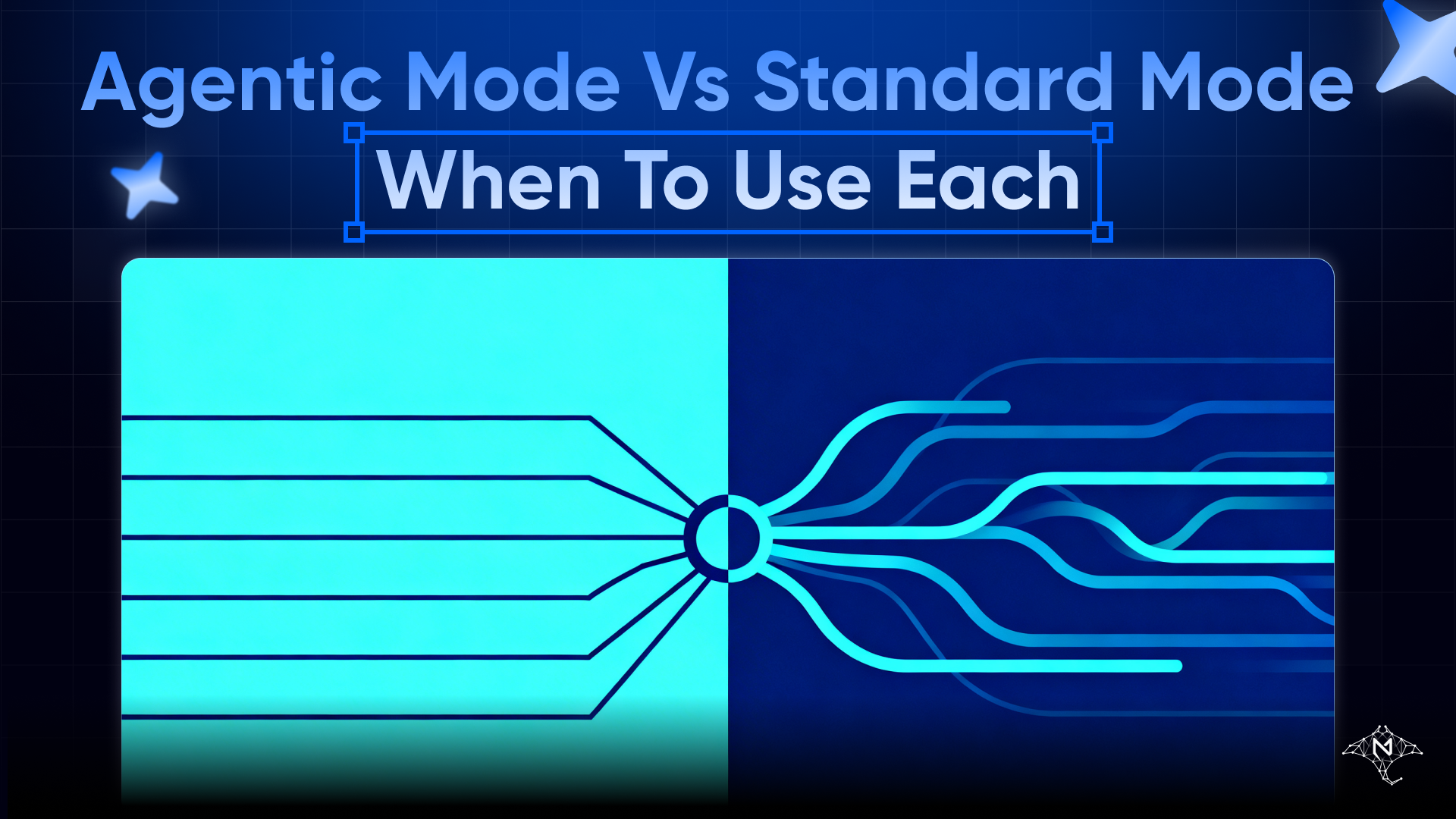
Standard Mode executes a fixed graph.
The workflow engine reads your node layout, traverses the graph from terminal nodes back through their dependencies, and executes each step in order. Character node feeds context into an LLM call. Lorebook injects knowledge. Output formats the result. Done.
Every run follows the same path. The same input produces the same sequence of steps.
Agentic Mode executes a reasoning loop.
Instead of following a fixed path, the Agent node receives a task, decides what tools to call, evaluates the result, decides what to do next, and continues until it has enough information to respond. It runs up to ten turns by default — each turn a separate LLM call with tool use — before delivering a final answer. The maximum is twenty-five turns.
The path is not fixed. It depends on what the agent encounters along the way.
Same canvas. Completely different execution logic.
How Standard Mode Works
In Standard Mode, the workflow engine builds a dependency graph from your node layout and executes it using depth-first traversal.
Terminal nodes — Output, Chat, Image Gen, Voice, Widget, and the integration nodes like Slack, Teams, Email, and Freshdesk — define where execution ends. The engine works backward from those terminals, collecting outputs from every upstream dependency, then runs the terminal action with the accumulated context.
A Character node runs once. It produces a persona and a system prompt. A Lorebook node runs once. It injects its entries. A Skill node runs once. It modifies the system prompt. An LLM call executes once with all of that context. The result goes to the Output node.
Start to finish, one pass.
The workflow is a pipeline. Data enters one end, flows through each step, and exits the other.
How Agentic Mode Works
In Agentic Mode, execution does not follow the graph topology the same way.
The Agent node receives its input context — assembled from connected Character, Lorebook, Memory, and Skill nodes upstream — and then hands control to the agent loop. What happens next is not determined by the canvas. It is determined by the agent's reasoning.
Turn one: the agent receives the task. It evaluates what information it needs and calls a tool. search_knowledge_base. read_document. invoke_agent. The tool runs and returns a result.
Turn two: the agent reads the result and decides what to do next. Call another tool. Ask a follow-up question internally. Or if it has enough information, respond.
This continues for up to ten turns, with each turn tracked individually for timing and token usage. A stall detection mechanism activates if any single turn exceeds 120 seconds without progress — and the turn is terminated. If the agent reaches the turn limit without completing its task, execution stops with a max_turns status.
The canvas defines the starting conditions. The agent decides everything after that.
When to Use Standard Mode
Standard Mode is the right choice when you know exactly what the workflow needs to do on every run.
The task is defined. The steps do not change based on what the input contains. A document always gets summarized the same way. An image always gets processed with the same model. A message always gets routed to the same channel.
The output needs to be consistent. When downstream systems depend on a predictable format — a structured JSON response, a formatted email, a fixed template — Standard Mode delivers it reliably. Agentic Mode can produce consistent outputs too, but it requires more careful prompt engineering to guarantee them.
Speed matters. Standard Mode completes in a single LLM call per step. Agentic Mode may take ten. If latency is a constraint, Standard Mode is faster.
Cost needs to be predictable. Standard Mode runs a fixed number of LLM calls per execution. You can estimate the credit cost before the workflow runs. Agentic Mode's cost depends on how many turns the agent loop takes — which varies by task.
Use Standard Mode for pipelines. Use it for content generation, formatting, notification delivery, and any workflow where the logic is clear and unchanging.
When to Use Agentic Mode
Agentic Mode is the right choice when the workflow needs to figure something out rather than just execute something.
The task has variable complexity. Some inputs require one step to answer. Others require five. A fixed pipeline cannot adapt — it always runs the same steps regardless of what the input actually needs. The agent evaluates complexity on each run and uses as many turns as the task requires.
The task requires tool use. When the workflow needs to search a knowledge base (search_knowledge_base), read a document (read_document), analyze an image (analyze_image), or delegate to another agent (invoke_agent) based on what it finds — and the sequence of those tool calls cannot be predetermined — Agentic Mode handles this naturally. Standard Mode does not support dynamic tool calling.
The task involves decision-making. If the correct next step depends on what a previous step returned, Agentic Mode reasons through that dependency automatically. Standard Mode routes data along fixed edges. It cannot react to what the data contains.
The task needs multi-agent coordination. When the workflow delegates to specialized sub-agents — some in parallel via invoke_agents_parallel, some sequentially via invoke_agent depending on dependencies — Agentic Mode manages the orchestration. Supervisor mode and Coordinator mode inject structured prompts for complex delegation patterns.
Use Agentic Mode for research, analysis, triage, and any workflow where the right sequence of steps is not known in advance.
The Confirmation Gate
Agentic Mode includes one safety mechanism that Standard Mode does not need: the confirmation gate.
When the agent loop reaches a write operation — sending an email, posting to Slack, sending to Teams, creating a Freshdesk ticket, or invoking another agent — it can pause and request explicit approval before proceeding.
This is not enabled by default. But for workflows that take external actions on behalf of users, it is worth enabling.
A misconfigured Standard Mode workflow sends a wrong message once. A misconfigured Agentic Mode workflow, if given write access and a runaway reasoning loop, could send many.
The confirmation gate prevents that. Enable it for any agentic workflow that touches external systems.
A Practical Test
If you are unsure which mode to use, answer two questions.
Could you draw the exact steps on a whiteboard before the workflow runs?
If yes — Standard Mode. You already know the path. Build it as a fixed pipeline.
Does the right answer depend on what the workflow discovers along the way?
If yes — Agentic Mode. The path cannot be drawn in advance because it depends on information that does not exist yet.
Most workflows that feel complex are actually just pipelines with conditional branching. A Condition node and a Router node handle those cases without any agentic overhead.
Reserve Agentic Mode for the tasks where reasoning — not just routing — is genuinely required.
Using Both in the Same Workflow
Standard Mode and Agentic Mode are not mutually exclusive.
A single workflow can use both. A Standard Mode branch handles formatted output. An Agentic Mode branch handles research and analysis. The Router node directs incoming tasks to the appropriate path based on what kind of task arrived.
This hybrid approach captures the predictability of Standard Mode for routine tasks and the flexibility of Agentic Mode for complex ones — without making the entire workflow pay the cost of multi-turn reasoning when it is not needed.
Design the Standard Mode branch first. Add Agentic Mode only where it is genuinely necessary.
Final Thought
Both modes are powerful.
But power used in the wrong place creates problems — slow responses where speed was expected, unpredictable outputs where consistency was required, unnecessary cost where a single LLM call would have sufficed.
Standard Mode is a pipeline. It does exactly what you designed.
Agentic Mode is a reasoner. It figures out what needs to be done.
Know which one your workflow actually needs.
Then build accordingly.
Open the Workflow Editor in MegaNova Studio →
Stay Connected
💻 Website: Meganova Studio
🎮 Discord: Join our Discord
👽 Reddit: r/MegaNovaAI
🐦 Twitter: @meganovaai