A Deep Dive into Create Character of MegaNova Chat
Unlock your creativity with MegaNova Chat’s Create Character tool. Design your unique AI personas for immersive roleplay in our free Beta Launch today!
What is MegaNova Chat?
Think of MegaNova Chat as your new go-to place for AI role-play. We created it so you can freely explore, create, and chat with characters without feeling boxed in.
With powerful AI under the hood, it’s your space for long chats, character-driven stories, and immersive roleplay.
Your chats stay private, your characters are truly yours, and the whole experience is built to be fast, easy to use, and actually fun.
Why Create Character Matters?
What can be even more interesting than creating your own character? That's where the magic happens.
Our Create Character tool is the best way to take your AI role play experience to the next level. It’s not just chatting with an AI—you’re shaping a persona that matches your vibe, your universe, and your creativity.
Guide to Create Character in MegaNova Chat
Ready? Let us take you to a deep dive into the cornerstone feature of MegaNova Chat - Create Character.
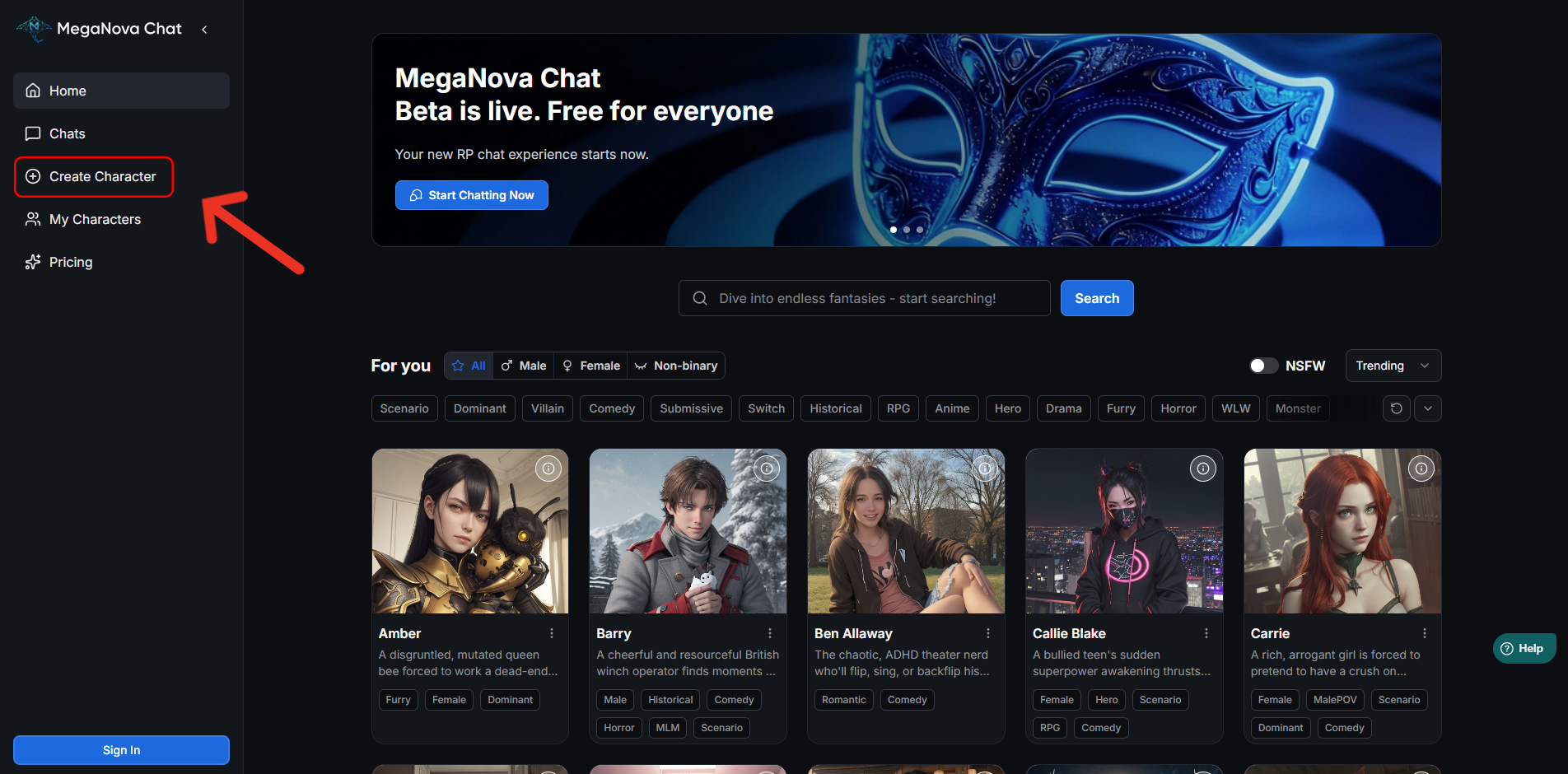
Jump into our MegaNova Chat website and choose Create Character to start personalizing your AI roleplay experience.
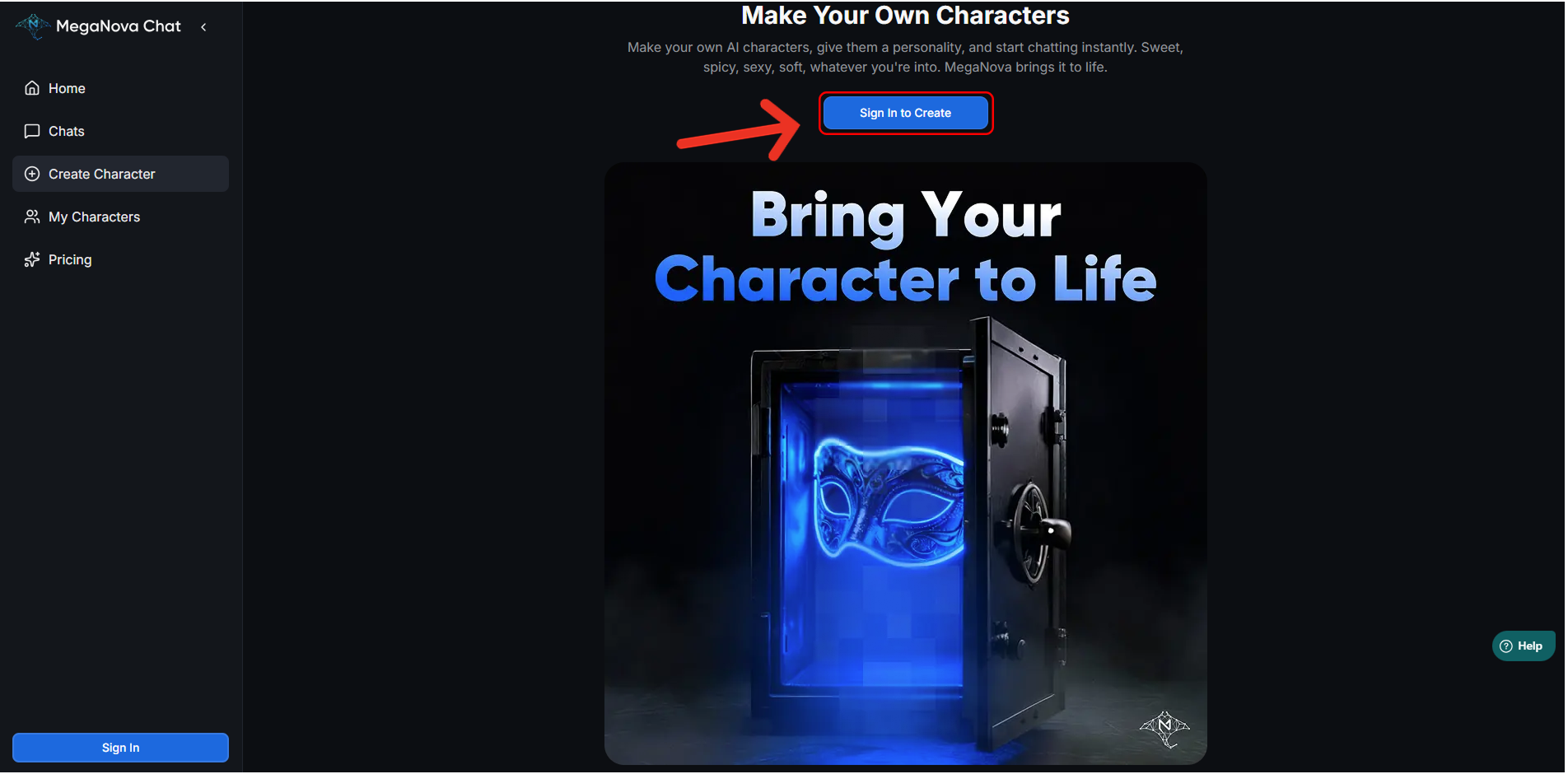
Didn't have an account yet? Don't worry, it's not that hard. Just click Sign In to Create and ready to build your characters.
Here's a first few things to get you started:
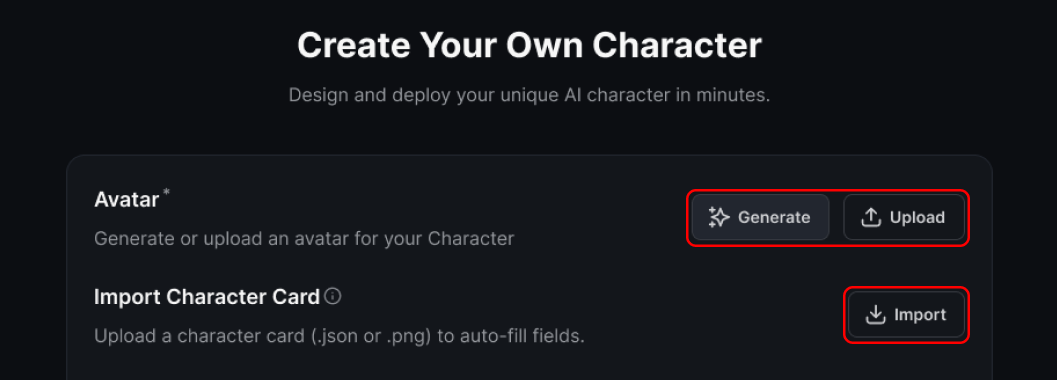
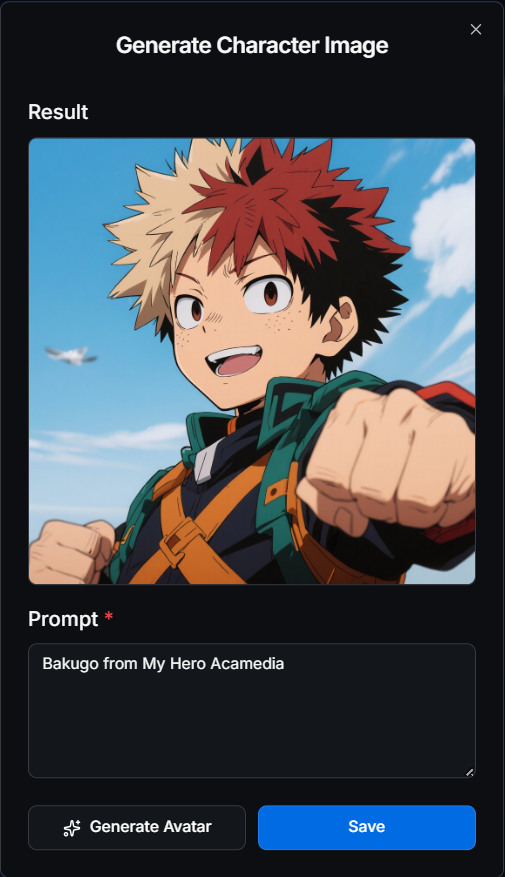
- Upload: If you have art ready, you can upload images (up to 10MB) in formats like PNG or JPG.
- Generate: No art? No problem. We have an integrated image generation tool. You can choose styles like "Anime V2" or "Semi Realistic," and even use "Negative Prompts" (like "blurry" or "incorrect anatomy") to ensure your character looks crisp.
- Import: If you’ve found a character you enjoy elsewhere, you’re welcome to bring them into MegaNova Chat, your conversations can continue without starting from scratch.
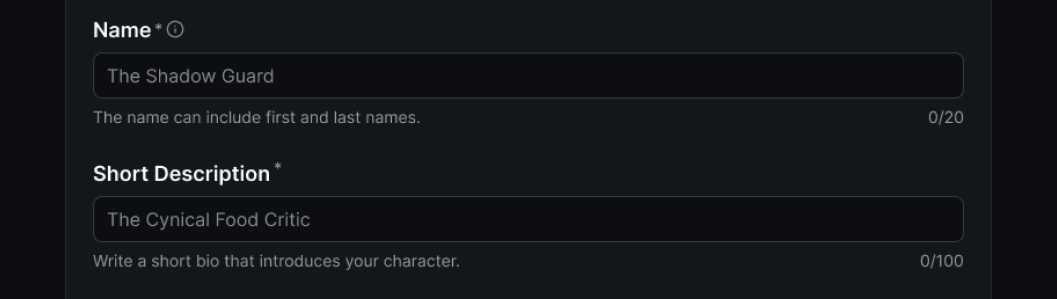
- Name: Choosing a name isn't just a label; it influences behavior.
- Short Description: Think of this as your character's tagline. It appears in search results and helps users understand your character’s vibe at a glance—like "The Cynical Food Critic" or "Runaway Android Seeking Freedom".
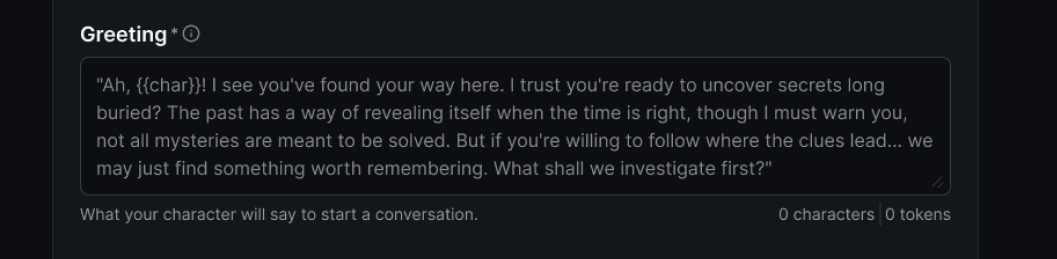
- Greeting: This is your character's opening line. It sets the scene and hooks the you immediately. To make it dynamic, use our special variables:
{{user}}inserts the user's display name.{{char}}inserts your character's name.
Pro Tip: A greeting like "Ah, {{user}}... You're just in time," will immediately pulls the you into the action.
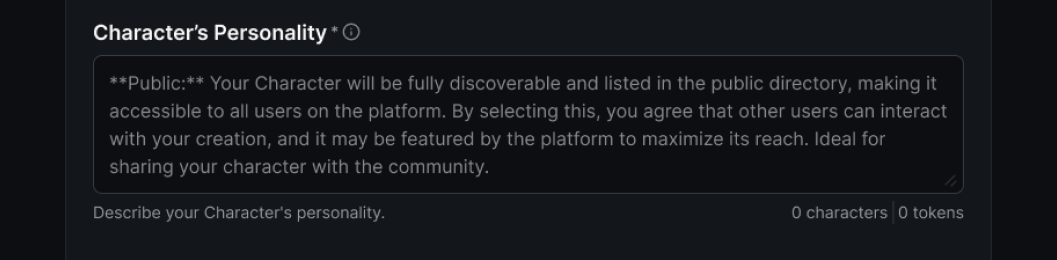
- Character's Personality: This is the most critical part. The Personality field is the "mind and soul" of your character. You have 5,000 characters to define their history, emotional tendencies, and values.
MegaNova Chat supports flexible formatting to match your style:
- Boost Style: Great for quick traits (e.g.,
"confident" + "sarcastic"). - W++ Style: A structured format ideal for complex builds (e.g.,
[personality] analytical, observant). - Natural Language: Simply writing a story description, which is often the most flexible method.
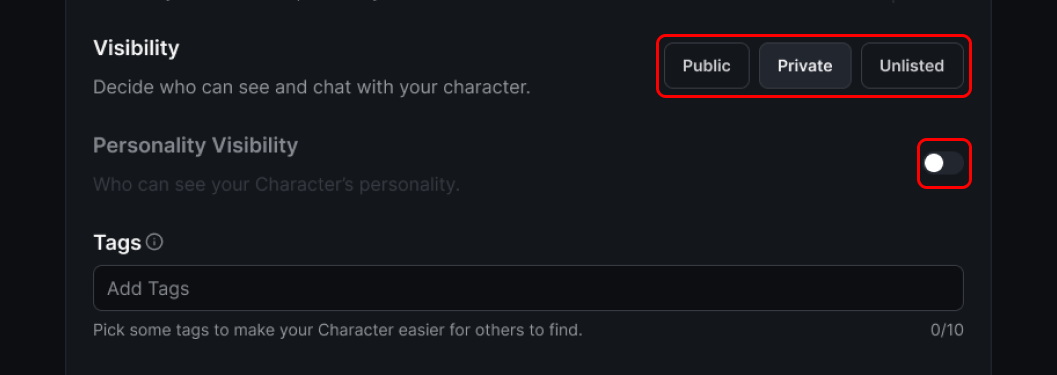
- Visibility: Done creating your Character? You can get to decide who get to see it, MegaNova Chat offers robust settings:
- Public: Your character appears in search results and is open for everyone to chat with.
- Private: Visible only to you. Use this for personal characters you aren't ready to share.
- Unlisted: The character is hidden from search but can be shared via a direct link.
- Personality Visibility: Want to let people know more about your creation? Turn on Personality Visibility and let them start explore your character.
- Tags: They are short labels that describe your character’s personality, themes, and roleplay style. You can help other people easily find your Character by adding upto 10 tags.
Remember, regardless of visibility, your chats are private. We built this experience to be creator-friendly, ensuring you can explore and roleplay without barriers
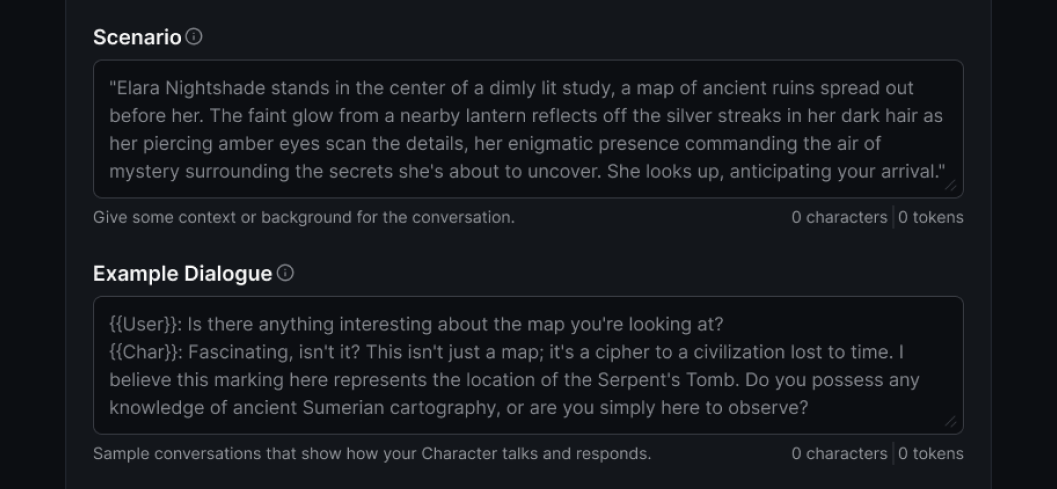
Scenario: To truly refine your character, use the Scenario field to define the context—where are they? What is happening?.
Example Dialogue: This helps the model understand tone, pacing, and how to handle conflict or affection. Using the <START> tag allows you to provide multiple mini-conversation examples.

- Create Character: Bring your creativity into lives by clicking on Create Character, and start enjoying long-form conversations, character-driven storytelling and immersive roleplay with MegaNova Chat.
- Save Draft: Or you need more inspiration? Choose Save Draft to keep your progress and come back later.
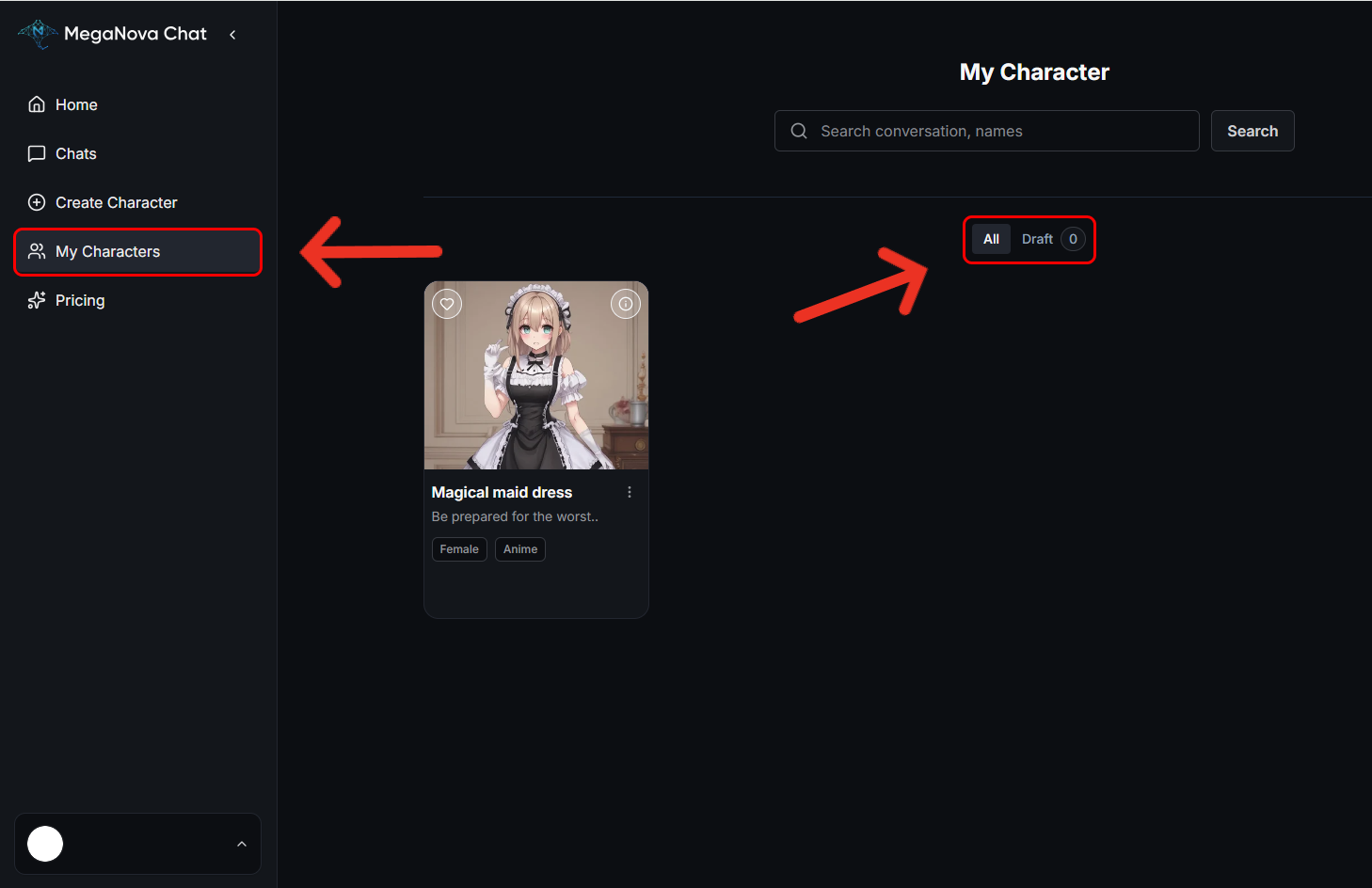
- My Characters: Next time visiting, you just need to click on My Characters to see what you have created and choose Draft to continue to create what you left off.
Conclusion
MegaNova Chat is more than just a chat window; it is a canvas. By using the Create Character function, you can create worlds that are engaging, emotional, and uniquely yours.
We are currently in Beta, and we are excited to see what you build. The future of AI roleplay is community-driven, so dive in, start creating, and let your imagination run free.
Start your AI Role-Play Journey with MegaNova Chat Today!
🔗Join now to get first access to MegaNova Chat’s free launch — including free DeepSeek models — and secure your limited-time welcome reward.
What’s Next?
Sign up and explore now.
🔍 Learn more: Visit our blog and documents for more insights or schedule a demo to optimize your roleplay experience.
📬 Get in touch: Join our Discord community for help or Contact Us.
Stay Connected
💻 Website: meganova.ai
🎮 Discord: Join our Discord
👽 Reddit: r/MegaNovaAI
🐦 Twitter: @meganovaai